Introduction
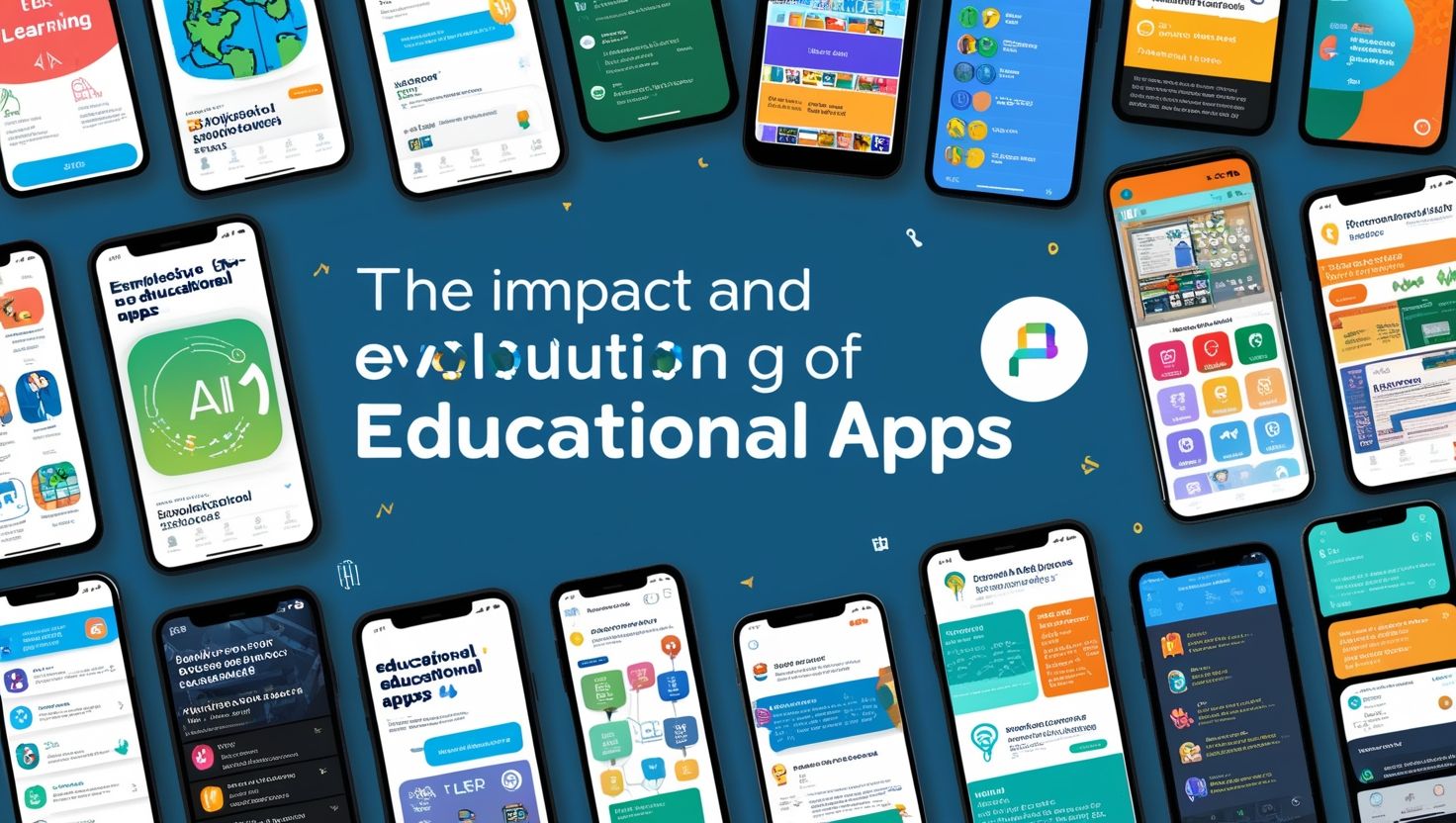
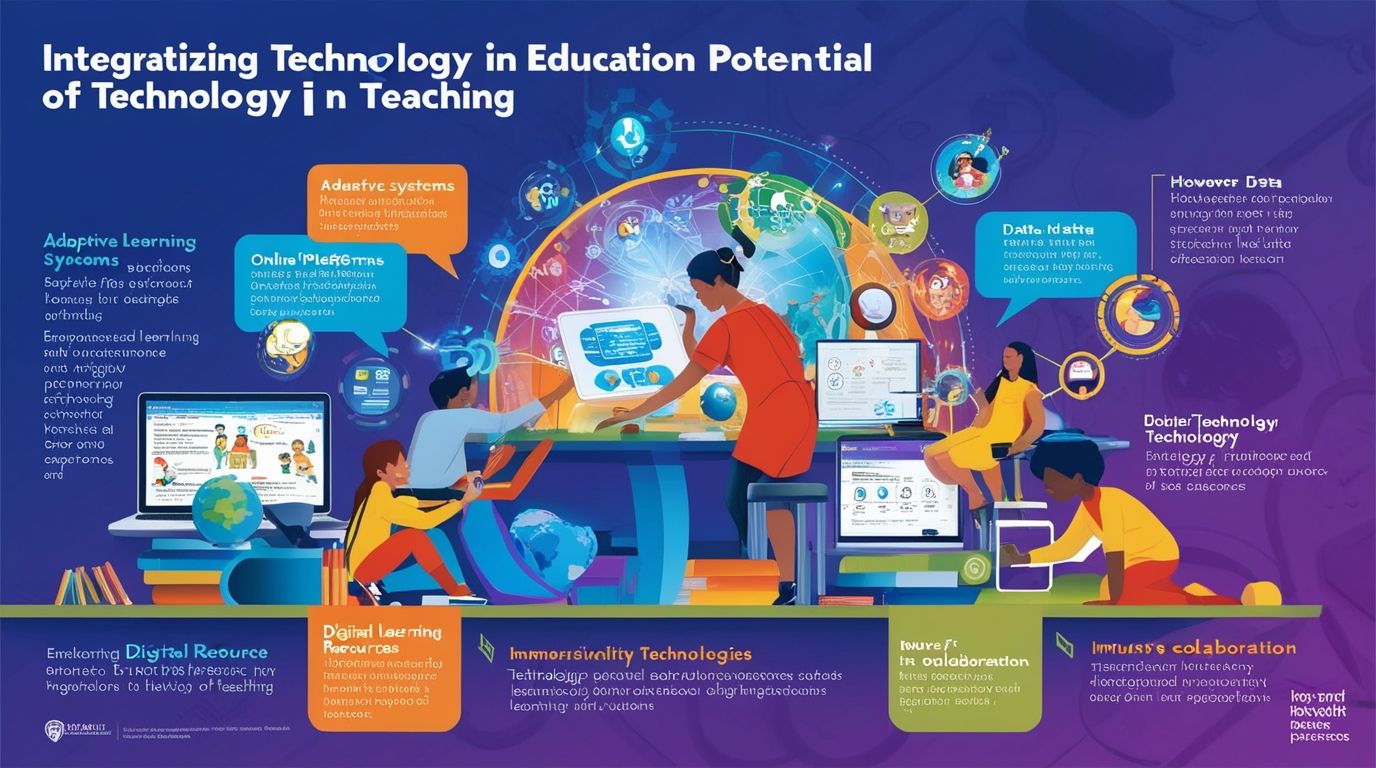
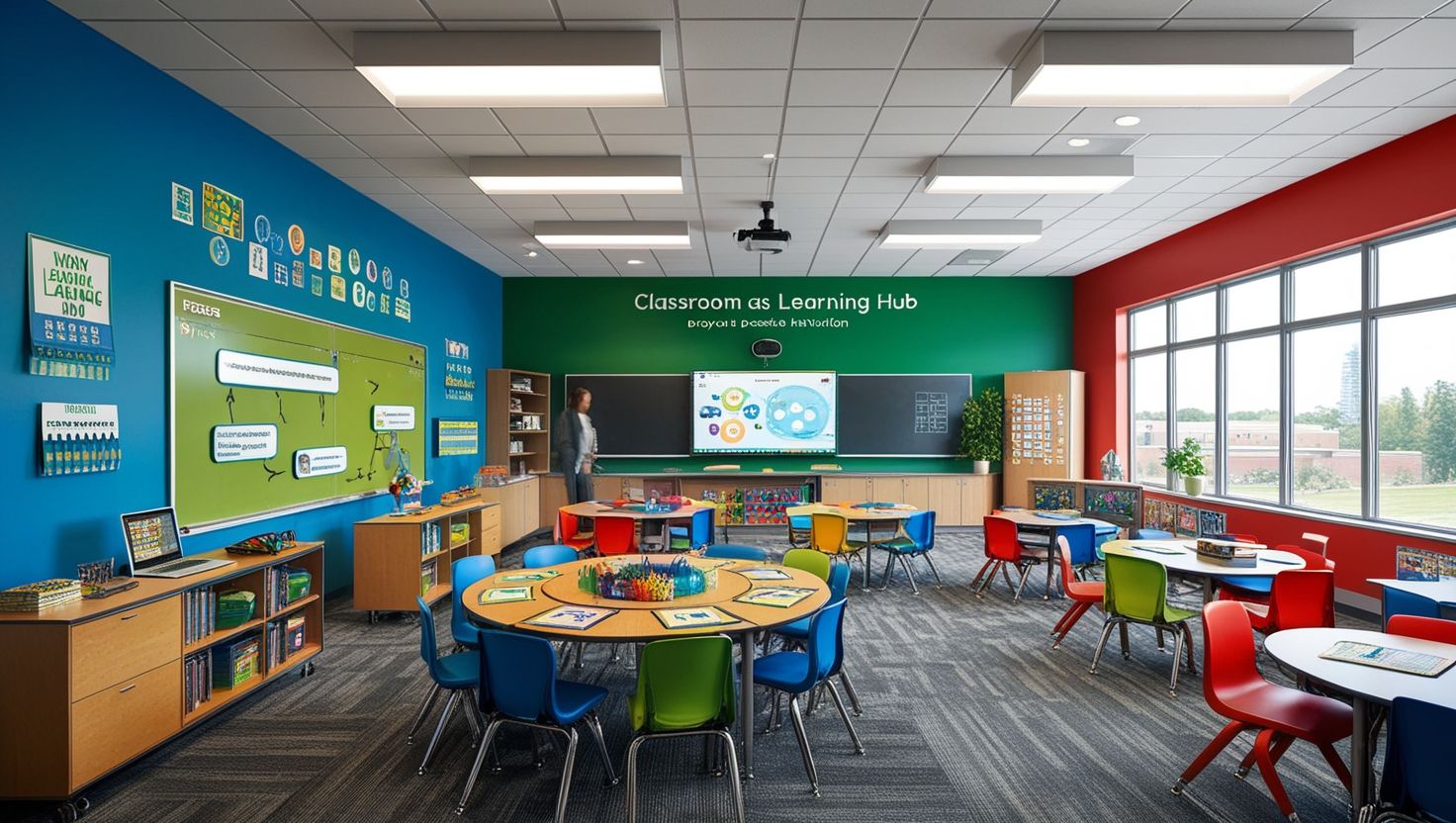
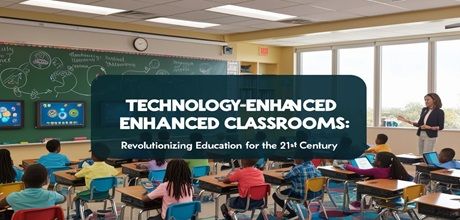
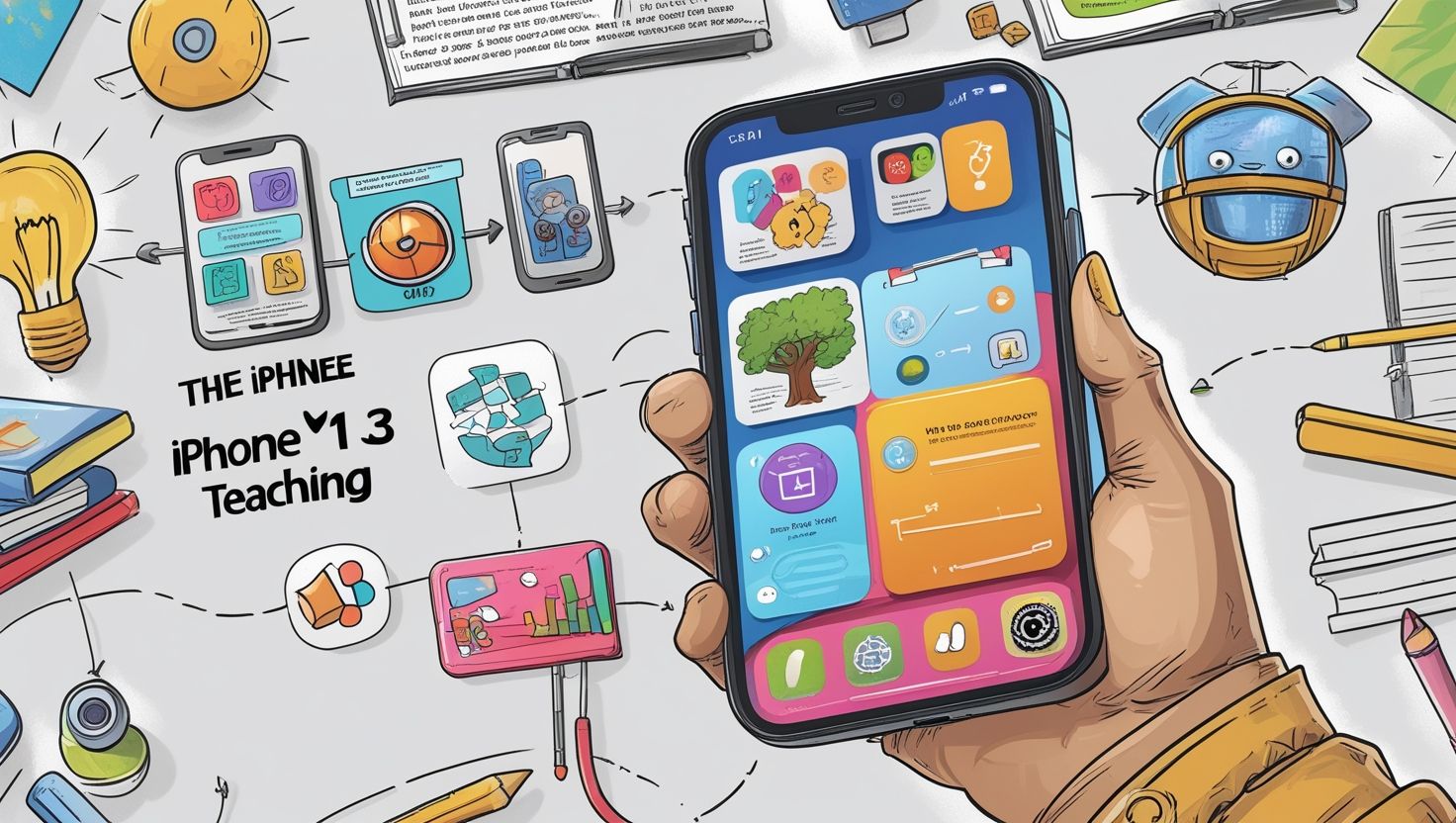
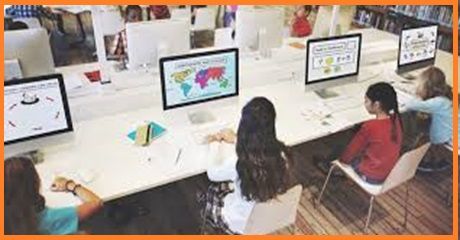
Best Mobile Apps for Teaching in Classroom, The rapid advancement of digital technology has transformed traditional classrooms into dynamic, interactive learning environments. Among the most influential tools in this transformation are mobile applications designed specifically for education. These apps enable teachers to enhance instructional delivery, improve student engagement, and streamline classroom management. In modern pedagogy, mobile apps are no longer supplementary tools; they are essential components of effective teaching strategies.
Educational apps integrate multimedia content, real-time feedback systems, collaborative tools, and personalized learning pathways. They allow teachers to move beyond textbook-based instruction and adopt student-centered approaches. According to recent educational technology research, mobile apps provide interactive content and personalized experiences that significantly improve learning outcomes . This article explores the best mobile apps for classroom teaching, their features, benefits, and their role in shaping future education.
Importance of Mobile Apps in Classroom Teaching
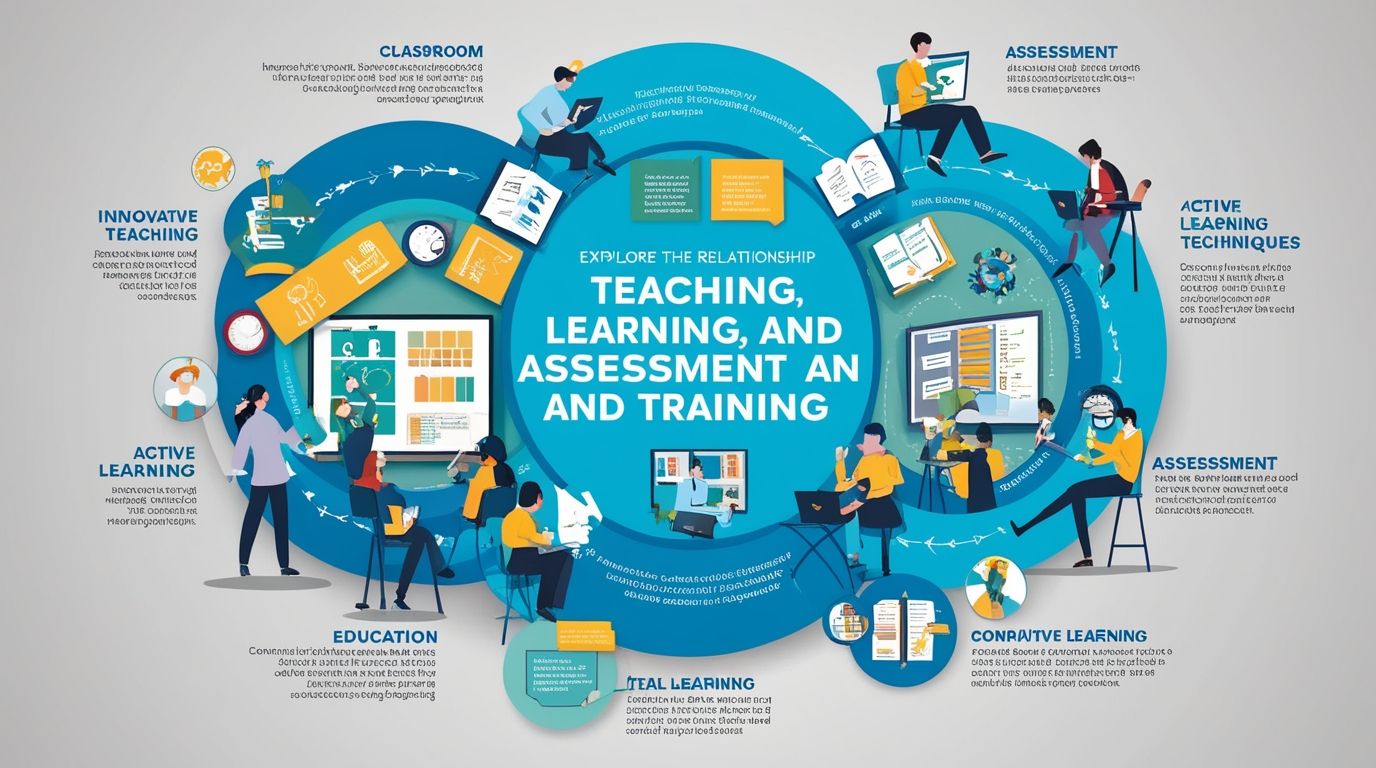
Mobile apps support various dimensions of teaching and learning. First, they promote active learning by engaging students through quizzes, games, and multimedia. Second, they facilitate communication between teachers, students, and parents. Third, they enable real-time assessment and feedback, allowing educators to monitor student progress effectively.
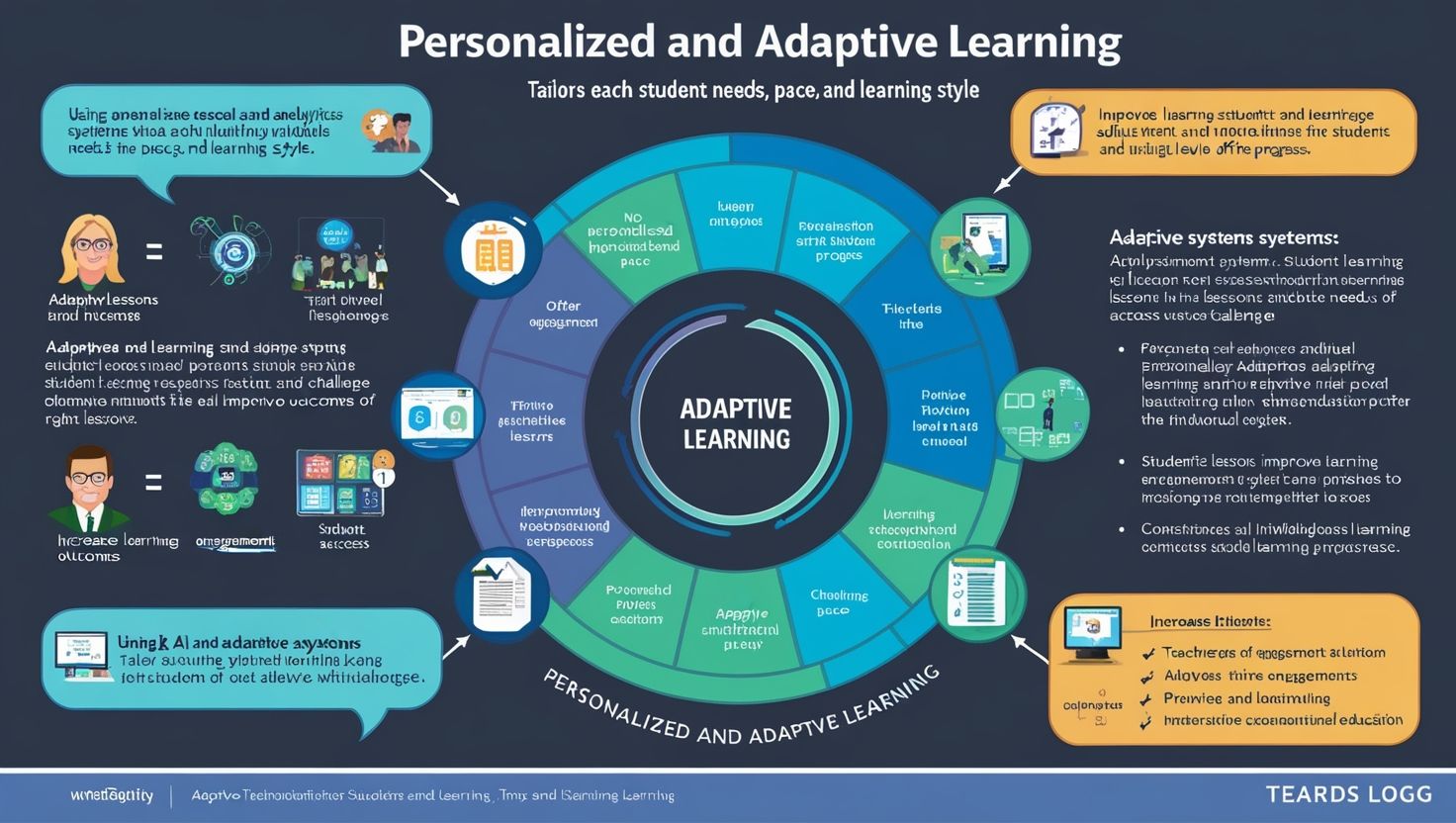
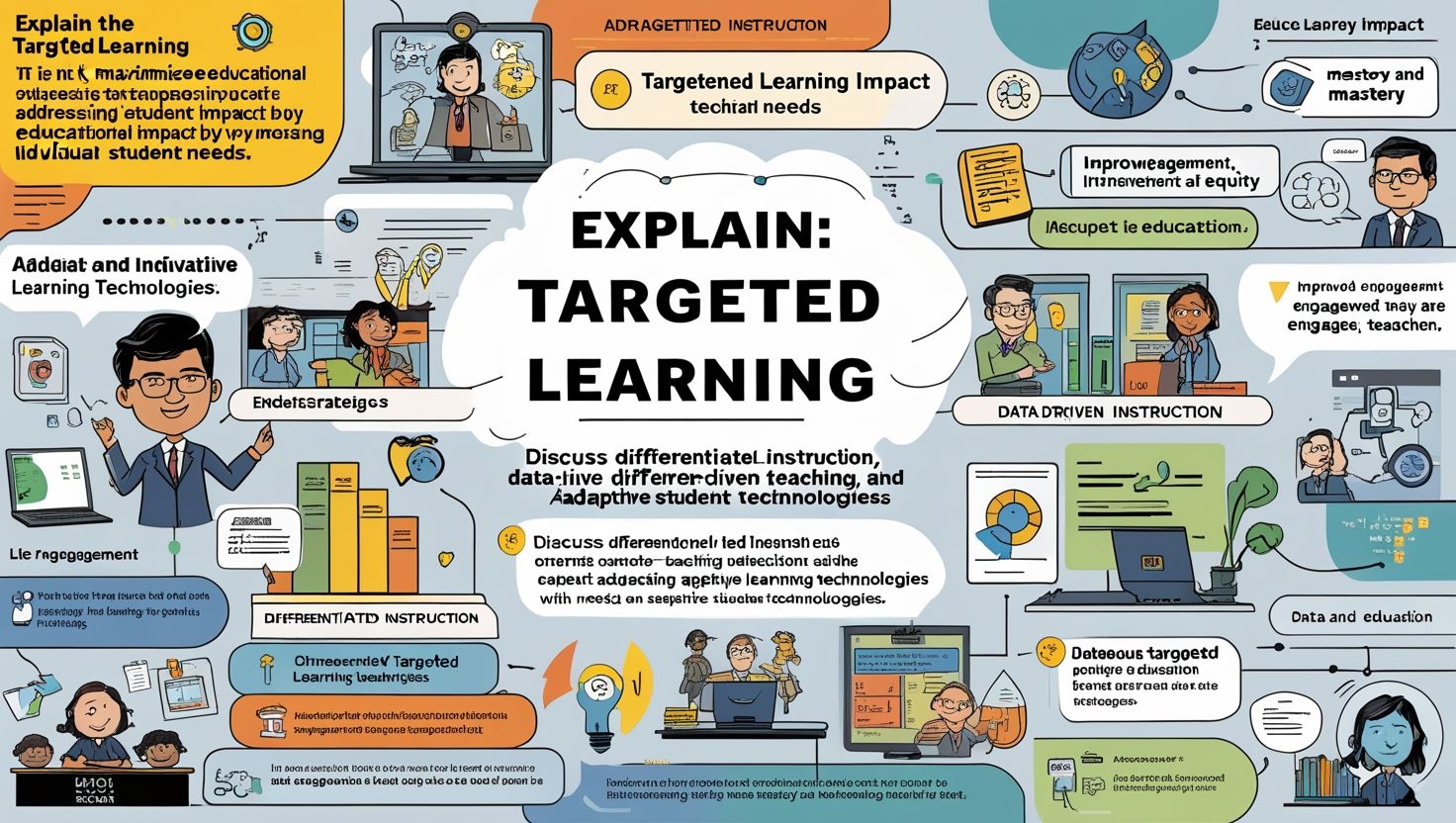
In addition, mobile apps support differentiated instruction. Teachers can tailor lessons according to individual student needs, learning speeds, and interests. This adaptability is crucial in diverse classrooms where learners have varying abilities.
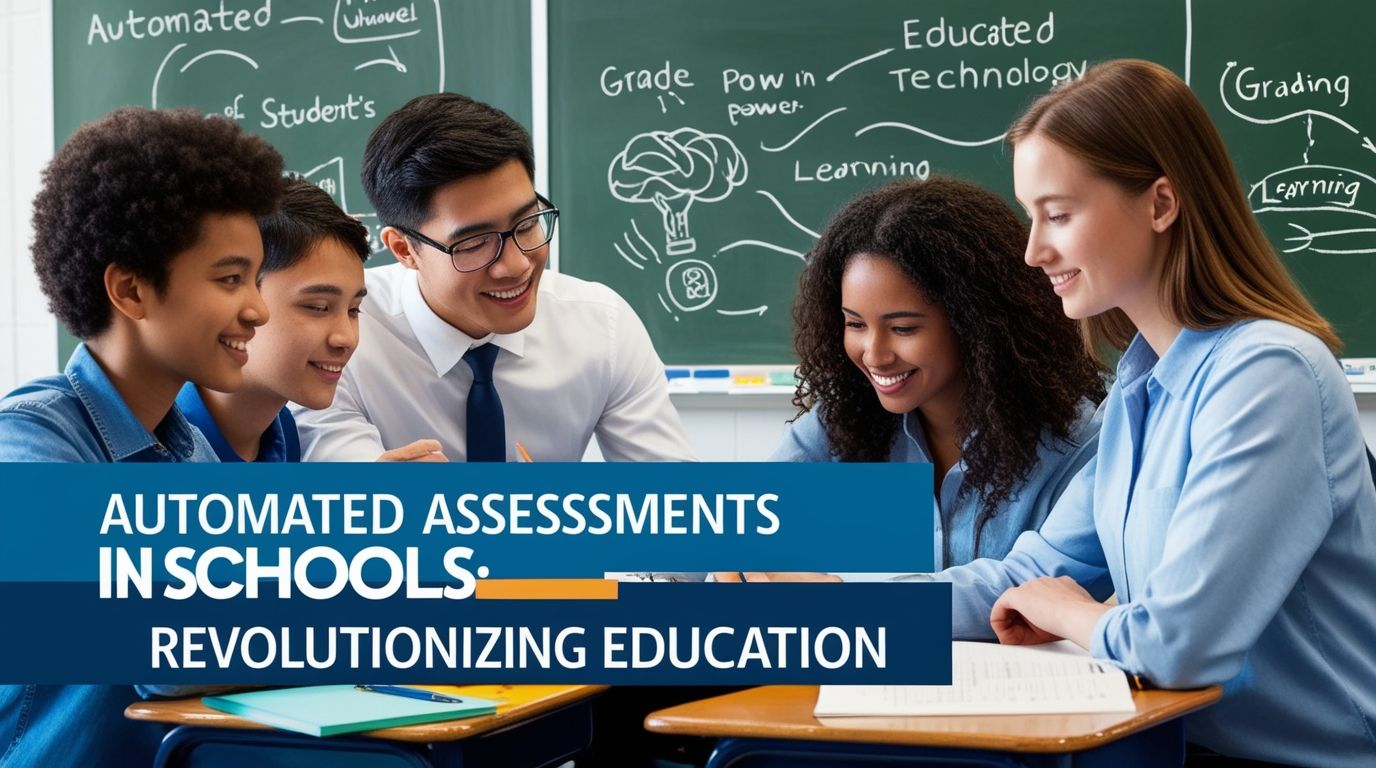
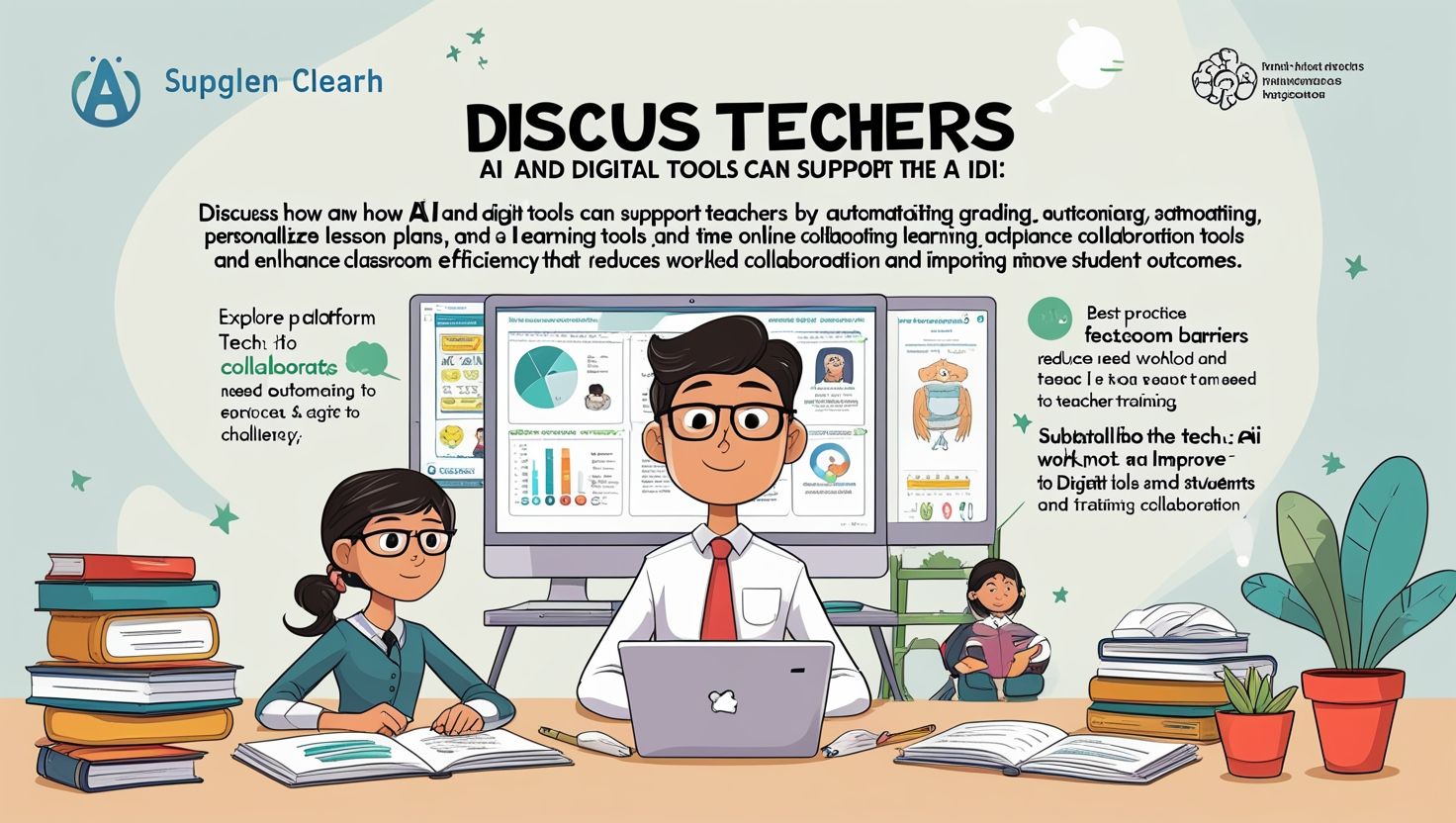
Moreover, mobile applications reduce administrative workload. Tasks such as grading, attendance tracking, and assignment distribution can be automated, allowing teachers to focus more on instruction. Many apps also support hybrid and remote learning, making education accessible beyond physical classrooms.
Criteria for Selecting the Best Teaching Apps
Before adopting any mobile application, educators must evaluate it based on specific criteria:
1. Ease of Use
The app should have a user-friendly interface for both teachers and students.
2. Pedagogical Value
It must align with curriculum objectives and support meaningful learning.
3. Engagement Features
Interactive tools such as quizzes, polls, and multimedia enhance student participation.
4. Assessment Capabilities
The app should provide tools for formative and summative assessment.
5. Integration
Compatibility with existing platforms like learning management systems is essential.
6. Accessibility
Apps should be available across multiple devices and support inclusive education.
Best Mobile Apps for Teaching in Classroom
1. Google Classroom
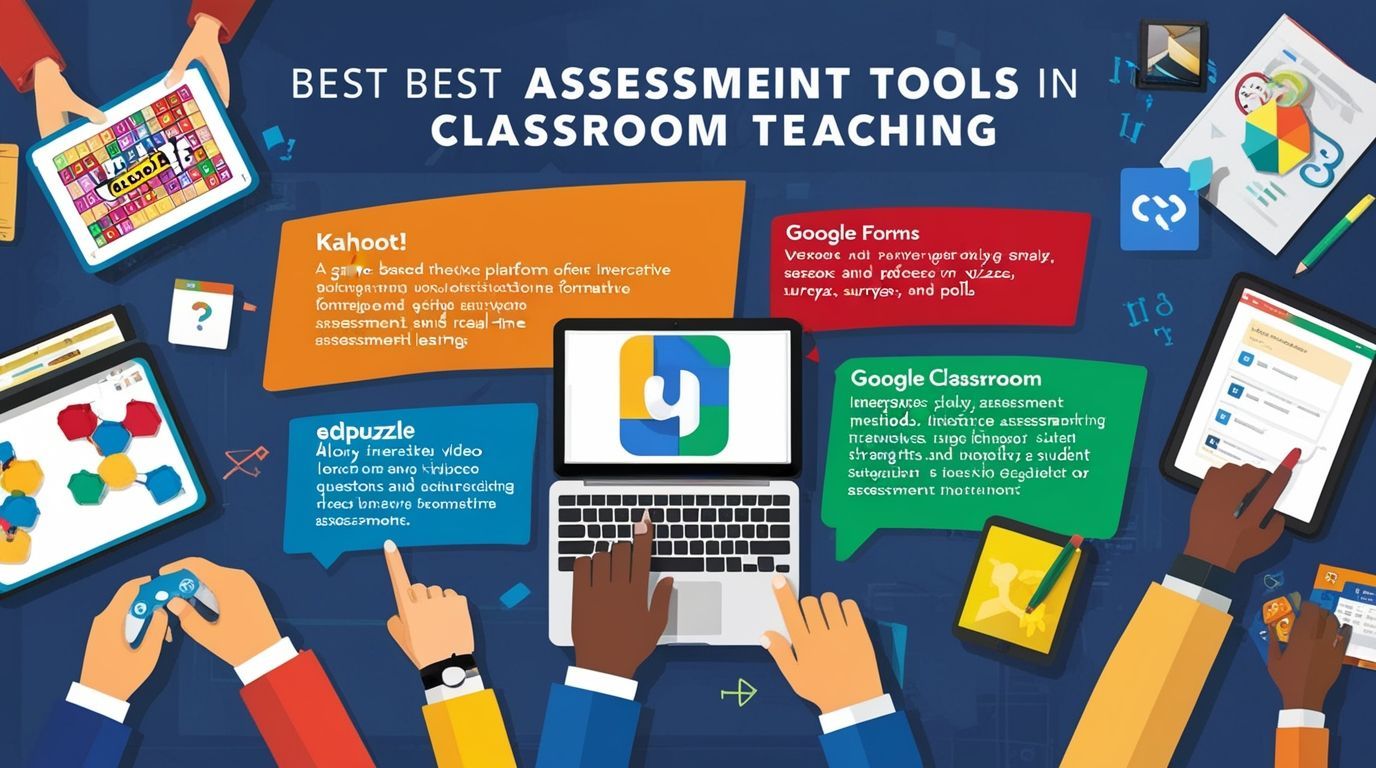
Google Classroom is one of the most widely used educational apps globally. It acts as a digital classroom where teachers can create assignments, distribute materials, and evaluate student work efficiently. Its integration with tools like Google Docs, Drive, and Gmail makes it highly functional and convenient.
The app simplifies workflow by organizing tasks in one place. Teachers can provide instant feedback, track student progress, and maintain communication seamlessly. Its simplicity and accessibility make it ideal for both beginners and experienced educators .
2. Nearpod
Nearpod transforms traditional lessons into interactive experiences. Teachers can create presentations that include quizzes, polls, videos, and even virtual reality (VR) content. This app is particularly effective in maintaining student engagement during lectures.
With real-time monitoring, teachers can assess student understanding instantly and adjust instruction accordingly. Nearpod supports both in-person and remote teaching, making it a versatile tool for modern classrooms .
3. ClassDojo
ClassDojo focuses on classroom management and student motivation. It allows teachers to award points for positive behavior and communicate with parents. The app encourages a positive classroom culture by reinforcing good habits and collaboration.
Additionally, ClassDojo enables students to create digital portfolios, showcasing their work and progress. This feature promotes reflective learning and accountability.
4. Kahoot!
Kahoot! is a game-based learning platform that turns assessments into fun activities. Teachers can create quizzes that students answer in real time using their devices. The competitive element motivates students and increases participation.
This app is particularly effective for revision sessions, formative assessments, and ice-breaking activities. Its interactive nature makes learning enjoyable and memorable.
5. Quizlet
Quizlet is widely used for memorization and revision. It provides flashcards, quizzes, and games that help students retain information effectively. The app incorporates spaced repetition, which is scientifically proven to improve long-term memory retention .
Teachers can create customized study sets or use existing ones, making it a flexible tool for various subjects.
6. Seesaw
Seesaw is a student-driven digital portfolio app. It allows students to document their learning through photos, videos, drawings, and text. Teachers can provide feedback, and parents can stay informed about their child’s progress.
This app is especially useful in primary education, where visual and creative expression plays a significant role in learning .
7. Microsoft Teams for Education
Microsoft Teams is a comprehensive platform that combines communication, collaboration, and content sharing. Teachers can conduct virtual classes, share resources, and assign tasks within a single interface.
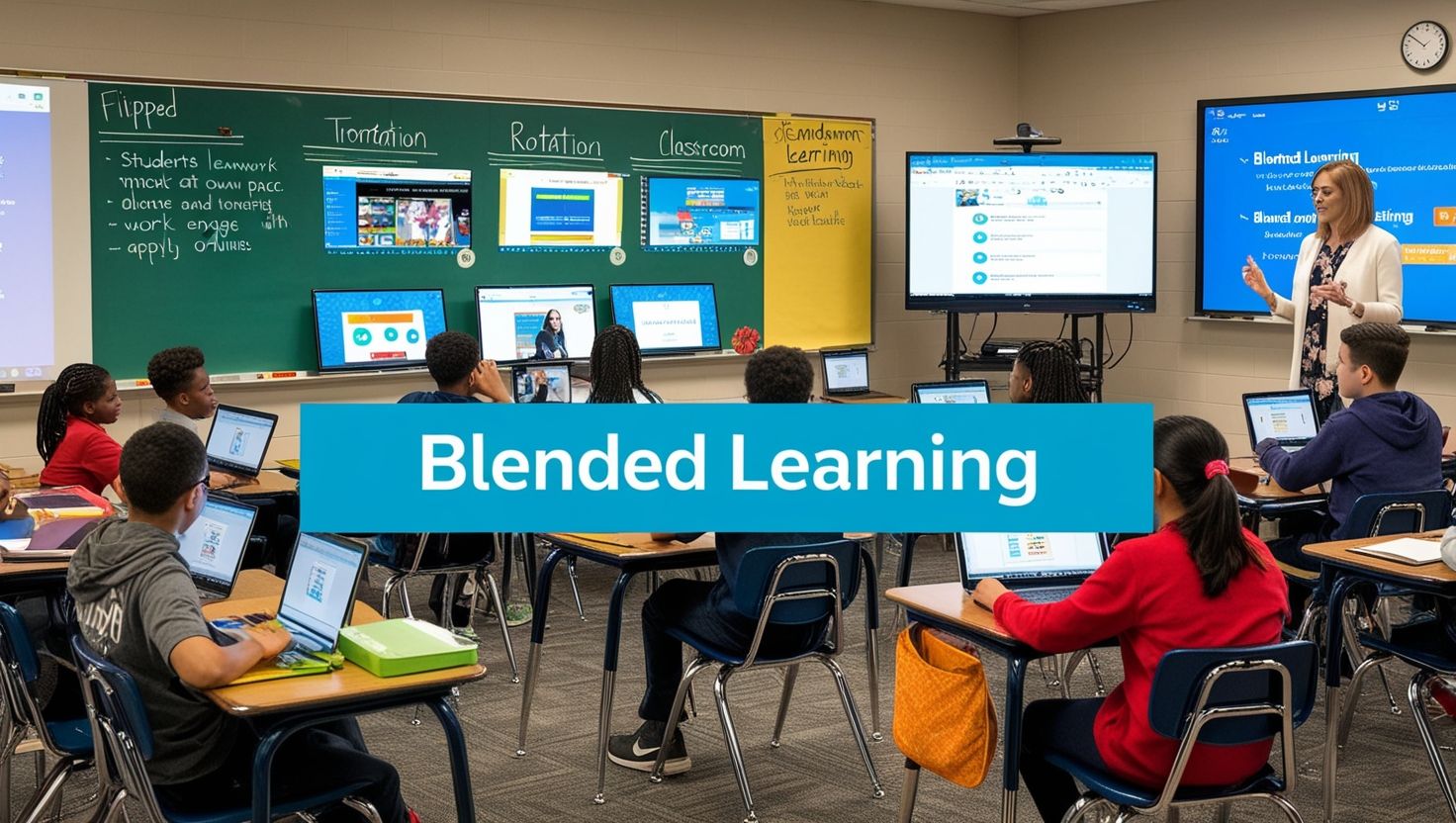
Its integration with Microsoft Office tools enhances productivity and supports collaborative learning. It is particularly useful for institutions implementing blended or online learning models .
8. Notion for Education
Notion is a versatile productivity tool that helps teachers organize lesson plans, track student progress, and manage resources. Its customizable interface allows educators to create personalized dashboards for classroom management.
Teachers can collaborate with colleagues and share materials easily, making it an effective tool for professional development and teamwork .
9. ClassPoint
ClassPoint enhances PowerPoint presentations by adding interactive features such as quizzes, polls, and annotations. It allows teachers to engage students without requiring additional devices.
The app also includes AI-powered tools for generating questions, making lesson preparation more efficient. Its integration with PowerPoint makes it accessible for teachers already familiar with the software .
10. Duolingo
Duolingo is a language-learning app that uses gamification to teach languages effectively. It provides interactive exercises, quizzes, and real-time feedback, making language learning engaging and accessible.
The app is suitable for both classroom use and independent learning, offering flexibility for teachers and students .
Benefits of Using Mobile Apps in Teaching
1. Enhanced Student Engagement
Interactive features such as games, videos, and quizzes make learning more engaging and enjoyable.
2. Personalized Learning
Apps allow students to learn at their own pace, addressing individual needs and learning styles.
3. Improved Assessment
Real-time feedback helps teachers identify learning gaps and adjust instruction accordingly.
4. Collaboration and Communication
Students can collaborate on projects and communicate effectively with teachers and peers.
5. Accessibility
Learning materials are accessible anytime and anywhere, promoting continuous learning.
6. Skill Development
Students develop digital literacy, critical thinking, and problem-solving skills.
Challenges of Using Mobile Apps
Despite their benefits, mobile apps also present certain challenges:
1. Digital Divide
Not all students have access to devices or reliable internet connectivity.
2. Distractions
Mobile devices can lead to distractions if not managed properly.
3. Training Requirements
Teachers need proper training to use apps effectively.
4. Data Privacy Concerns
Ensuring student data security is a critical issue.
5. Overdependence on Technology
Excessive reliance on apps may reduce traditional teaching effectiveness.
Strategies for Effective Implementation
To maximize the benefits of mobile apps, educators should adopt strategic approaches:
- Integrate apps with lesson objectives rather than using them as add-ons.
- Provide training for teachers and students to ensure effective use.
- Set clear guidelines for device usage to minimize distractions.
- Use a combination of apps to address different learning needs.
- Monitor student progress regularly using app analytics.
Future of Mobile Apps in Education
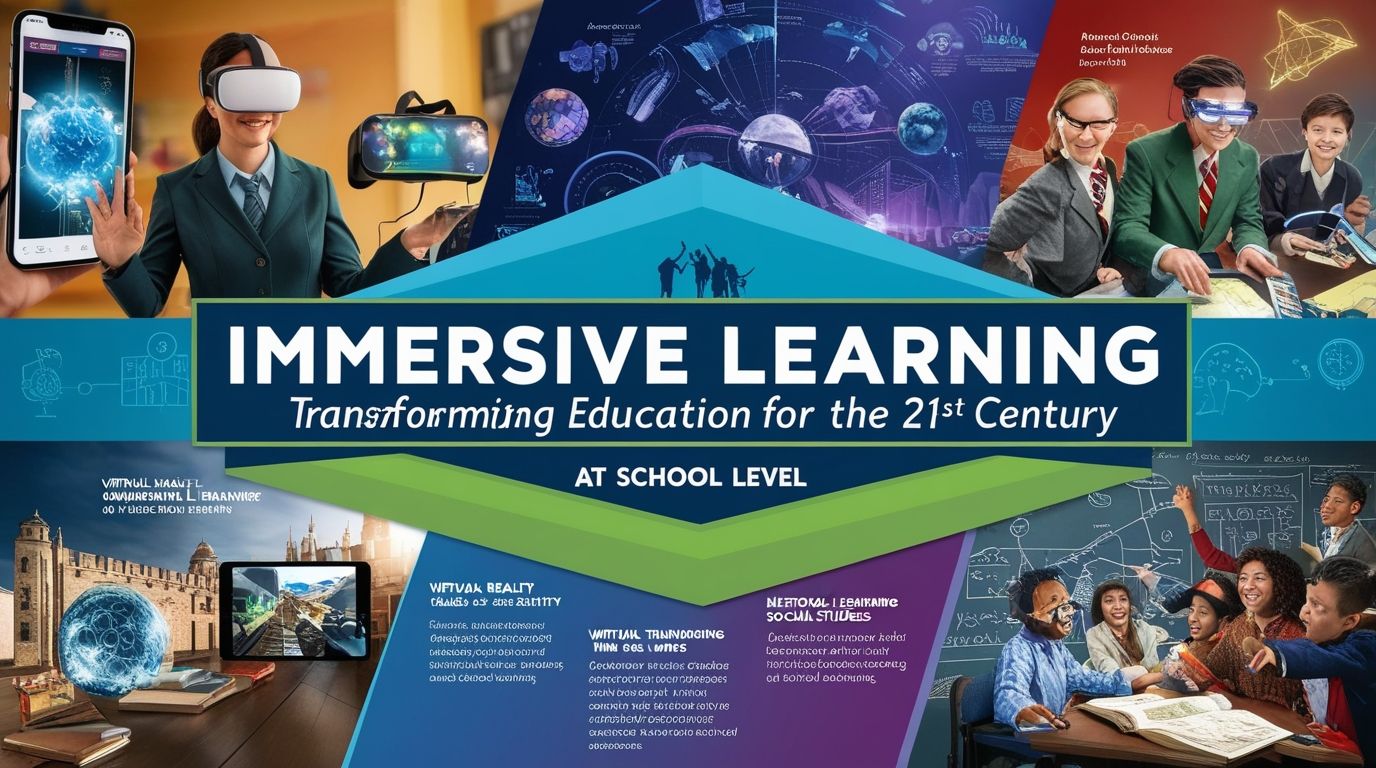
The future of educational apps is closely linked with emerging technologies such as artificial intelligence (AI), augmented reality (AR), and virtual reality (VR). AI-powered apps can provide personalized learning experiences by analyzing student performance and adapting content accordingly.
Innovations like AI tools integrated into classroom platforms are already enabling automated content creation, personalized quizzes, and advanced analytics for teachers . Similarly, AR and VR technologies are making learning more immersive by allowing students to explore virtual environments.
In the coming years, mobile apps will play an even greater role in education by supporting lifelong learning, global collaboration, and skill-based education.
Conclusion
Mobile applications have revolutionized classroom teaching by making learning more interactive, personalized, and efficient. Apps such as Google Classroom, Nearpod, ClassDojo, and Quizlet provide powerful tools for educators to enhance teaching and improve student outcomes. While challenges exist, strategic implementation can maximize their benefits and minimize drawbacks.
For educators, especially those in leadership roles, adopting mobile apps is not just about technology integration but about transforming pedagogy. By leveraging these tools effectively, teachers can create engaging, inclusive, and future-ready learning environments.
Ultimately, the best mobile app for teaching depends on the specific needs of the classroom, subject area, and teaching style. However, one thing is clear: mobile apps are indispensable in modern education and will continue to shape the future of teaching and learning.