
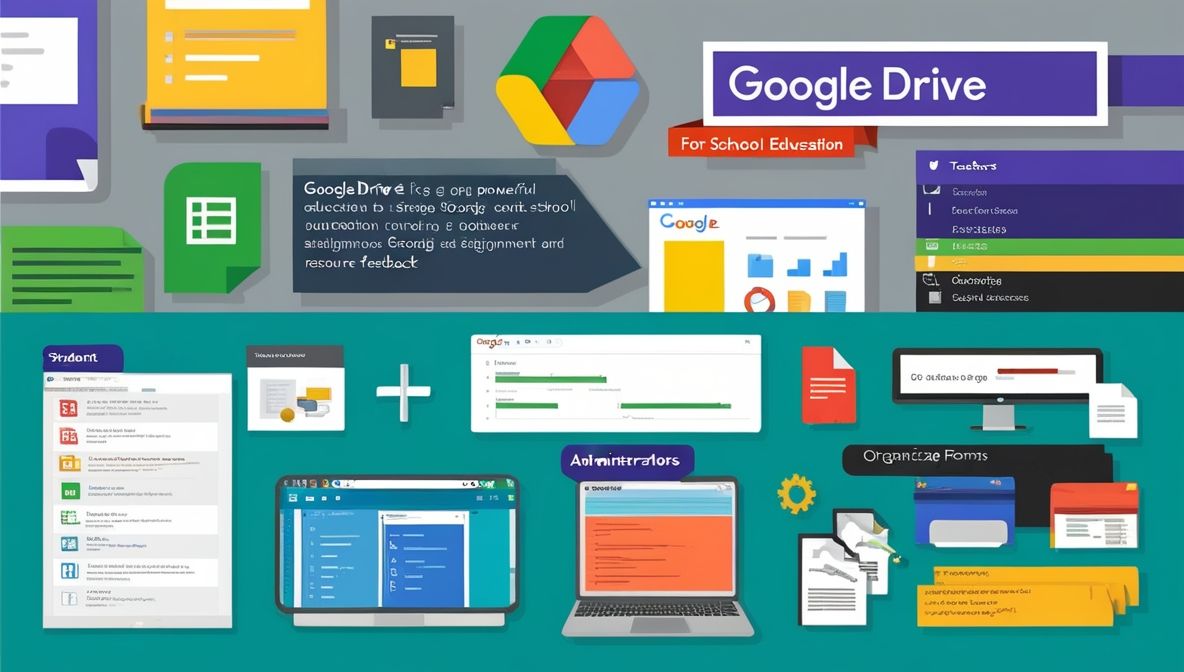
Google Drive for School Education or Google Drive has become an invaluable tool in modern education, offering a suite of applications and storage solutions that enhance teaching and learning. This essay explores how to effectively use Google Drive for school education, covering its features, best practices, and the benefits it brings to students, teachers, and administrators.
1. Introduction to Google Drive
Google Drive is a cloud-based storage service that allows users to store files, access them from any device with internet connectivity, and share them with others. Integrated with Google’s suite of applications—Docs, Sheets, Slides, Forms, and more—Google Drive provides a versatile platform for educational purposes.
2. Setting Up Google Drive for School
The first step to leveraging Google Drive in education is setting it up effectively:
- Google Workspace for Education: Schools should consider using Google Workspace for Education, which offers additional features tailored for educational institutions, such as enhanced security and administrative controls.
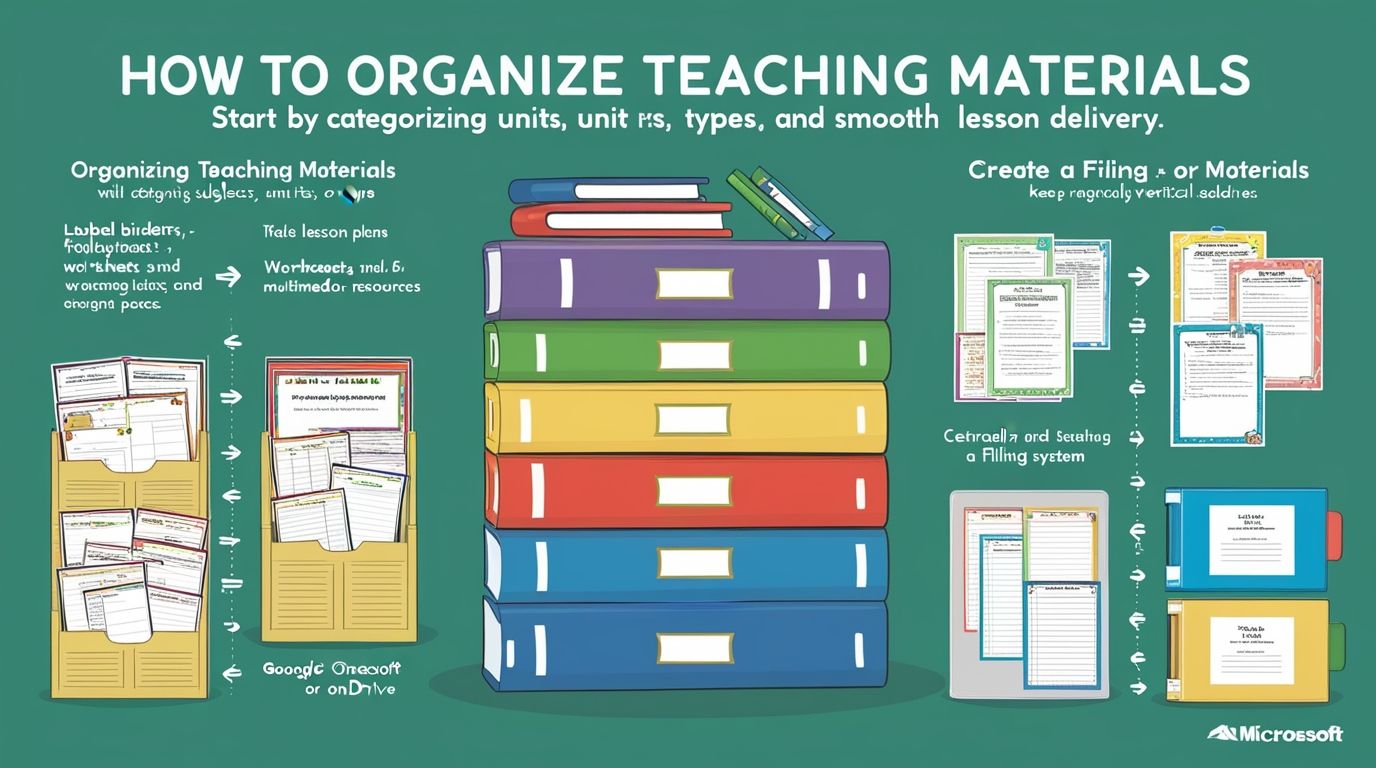
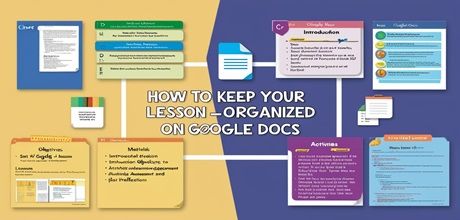
- Creating and Organizing Folders: Establish a clear organizational structure. Create folders for each class, subject, and school year. Within these folders, subfolders can be organized by topics, units, or weeks, ensuring all materials are easily accessible.
- Naming Conventions: Use consistent and descriptive naming conventions for files and folders. For instance, a file name like “Grade10_Biology_Unit1_CellStructure” can make locating and identifying documents straightforward.
3. Collaborative Learning with Google Drive
One of the most powerful features of Google Drive is its ability to facilitate collaboration:
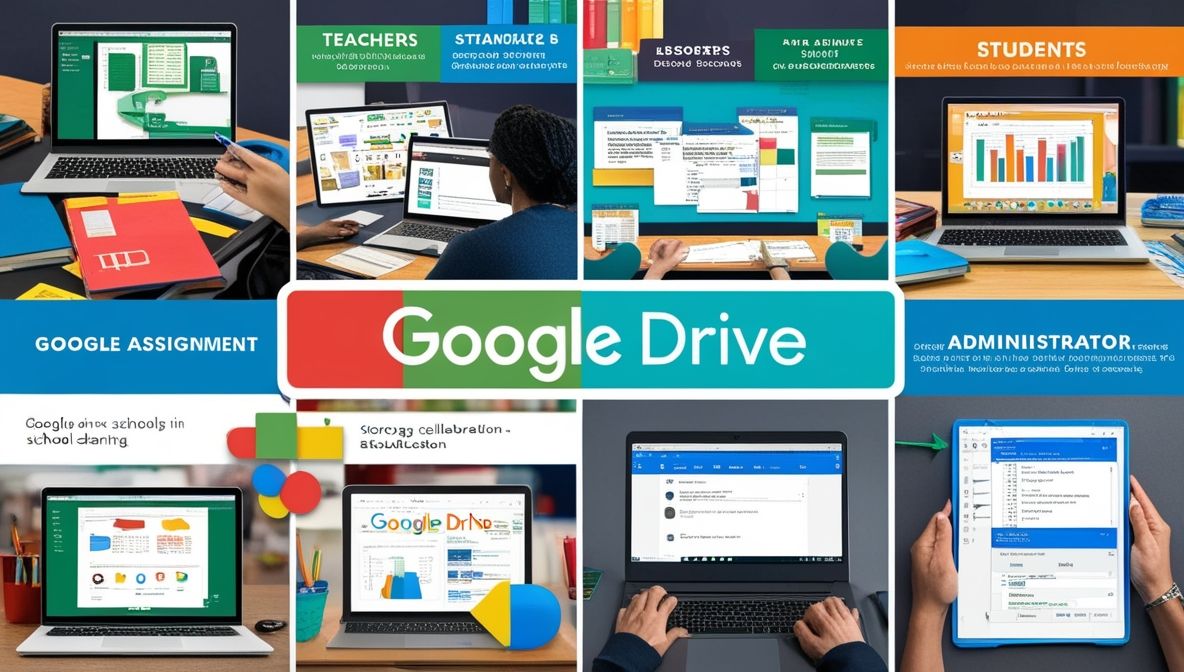
- Shared Folders and Documents: Teachers can create shared folders for each class, where students can access all necessary resources. Collaborative documents allow multiple users to work on the same file simultaneously, making group projects and peer reviews seamless.
- Real-Time Feedback: Using Google Docs, Sheets, and Slides, teachers can provide real-time feedback on assignments. The commenting feature allows teachers to highlight specific parts of the document and leave detailed notes.
- Version History: Google Drive keeps a version history of all documents, which is invaluable for tracking changes and revisions. This feature helps teachers monitor student progress and provides a record of edits for accountability.
4. Enhancing Classroom Instruction
Google Drive can significantly enhance classroom instruction:
- Multimedia Integration: Teachers can store and share multimedia resources like videos, images, and audio files. Google Slides can be used to create engaging presentations that incorporate these elements.
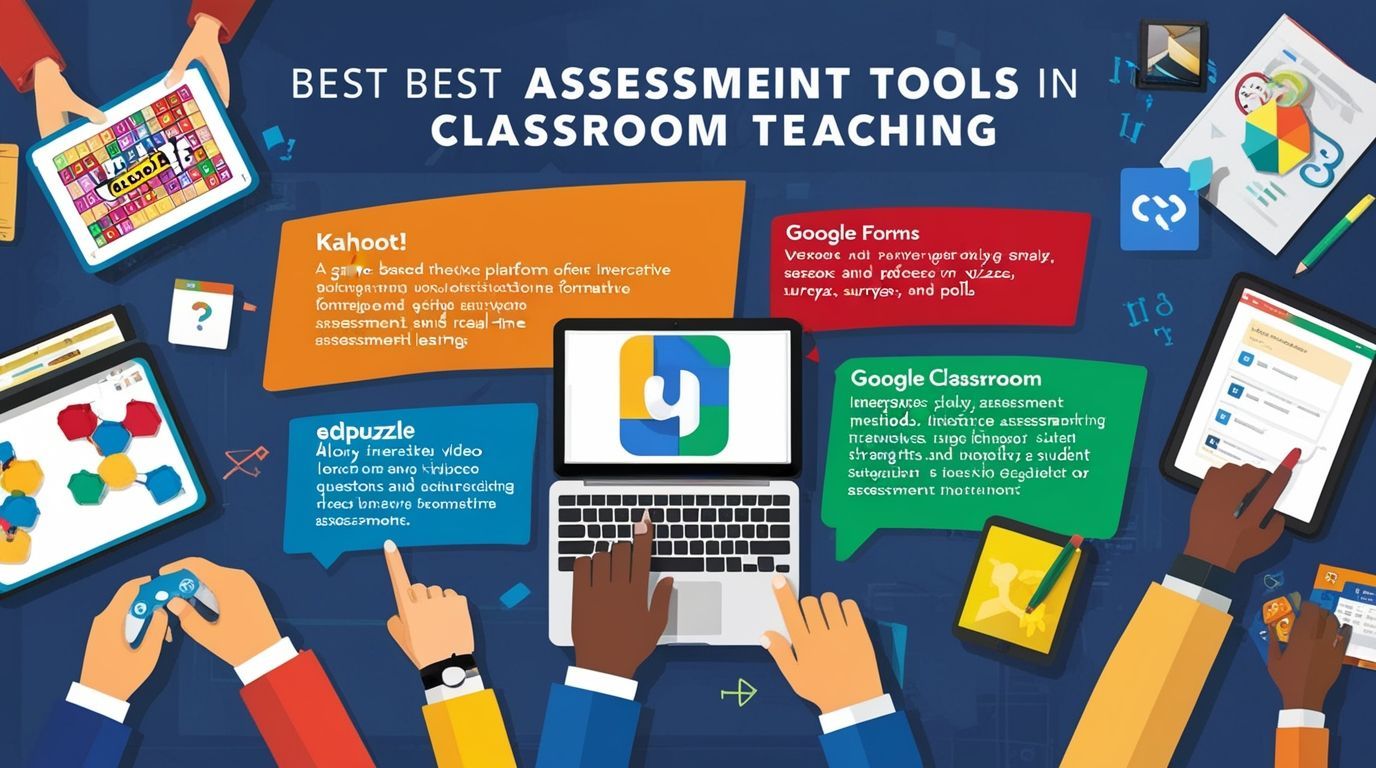
- Interactive Lessons: Google Forms can be used to create interactive quizzes and surveys, which can be instantly shared with students. Responses are collected and analyzed automatically, providing immediate insights into student understanding.
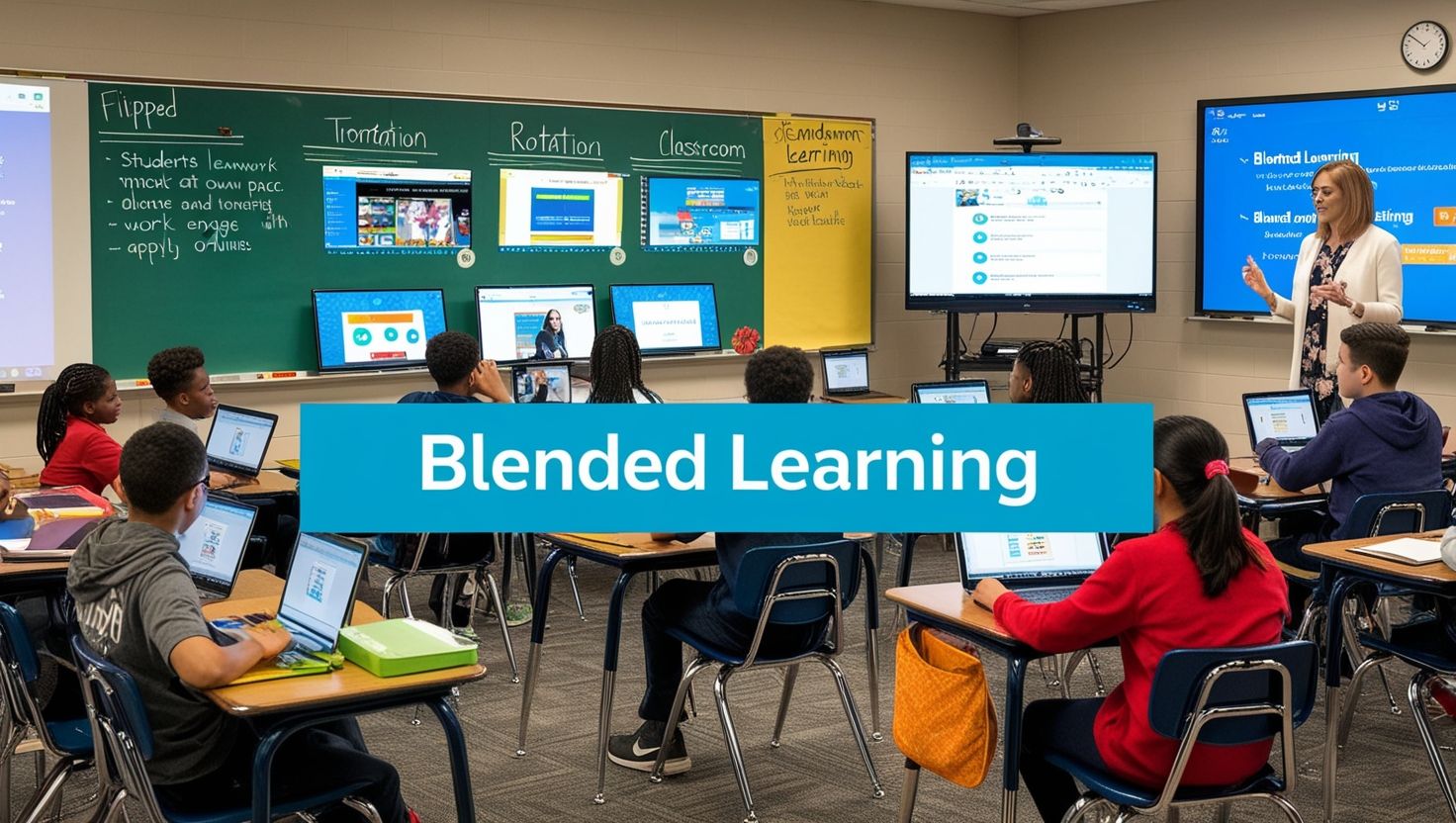
- Flipped Classroom Model: Google Drive supports the flipped classroom model, where instructional content delivered online outside of class, and in-class time is used for interactive, hands-on activities. Teachers can upload lecture videos and supplementary materials to Google Drive for students to access at their convenience.
5. Streamlining Administrative Tasks
Google Drive is not just for teaching; it also streamlines various administrative tasks:
- Centralized Storage: School administrators can use Google Drive to store important documents such as policy manuals, meeting minutes, and strategic plans. This centralization ensures that all staff members have access to the latest versions of these documents.
- Form and Data Collection: Google Forms can be used to collect data for administrative purposes, such as parent surveys, event registrations, and staff evaluations. The collected data automatically organized in Google Sheets for easy analysis.
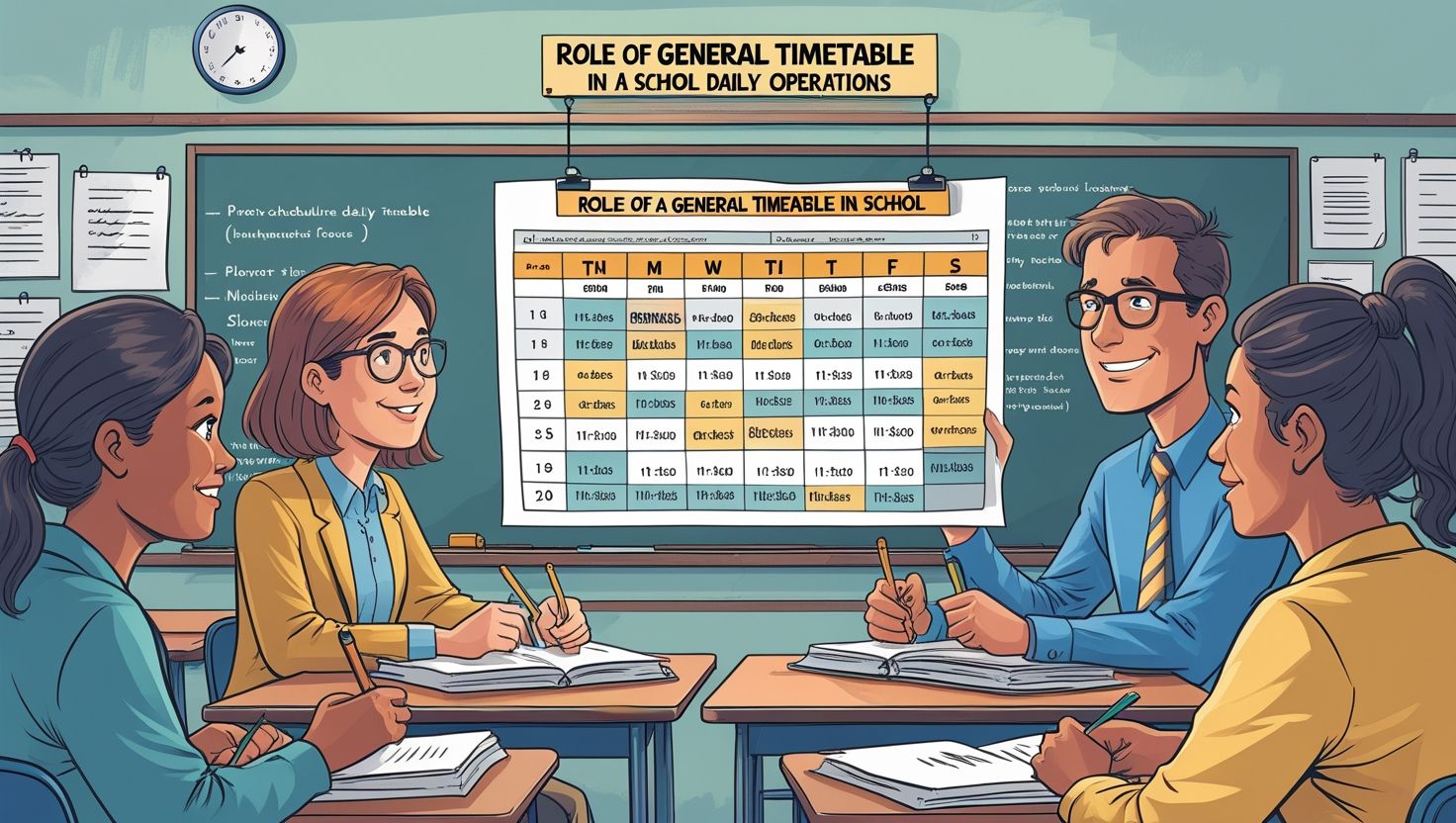
- Calendars and Schedules: Google Calendar can integrated with Google Drive to manage schedules and events. Shared calendars can keep students, teachers, and parents informed about important dates and deadlines.
6. Encouraging Student Engagement and Responsibility
Google Drive helps foster student engagement and responsibility:
- Personal Folders: Encourage students to create their own folders for organizing assignments, notes, and study materials. This practice promotes digital literacy and personal organization skills.
- Assignment Submission: Google Classroom, integrated with Google Drive, allows students to submit assignments digitally. Teachers can provide feedback directly on the documents, streamlining the grading process.
- Portfolio Development: Students can create digital portfolios using Google Sites, linking to documents stored in Google Drive. These portfolios can showcase their work and progress over time, useful for college applications and job searches.
7. Professional Development for Teachers
Google Drive also supports teacher professional development:
- Resource Sharing: Teachers can share lesson plans, resources, and best practices with colleagues through shared folders. This collaborative environment fosters a culture of continuous improvement.
- Workshops and Training: Schools can use Google Drive to distribute materials for professional development workshops and training sessions. Interactive elements, such as quizzes and surveys, can be integrated using Google Forms.
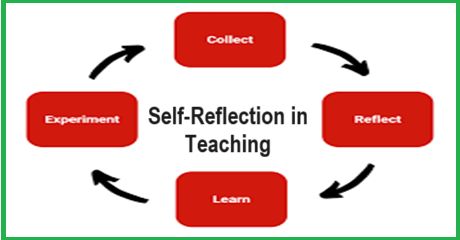
- Reflective Practice: Teachers can use Google Docs to maintain reflective journals, documenting their experiences and insights from classroom practices. This reflective practice can lead to more effective teaching strategies.
8. Ensuring Security and Privacy
While using Google Drive, it is crucial to ensure the security and privacy of all users:
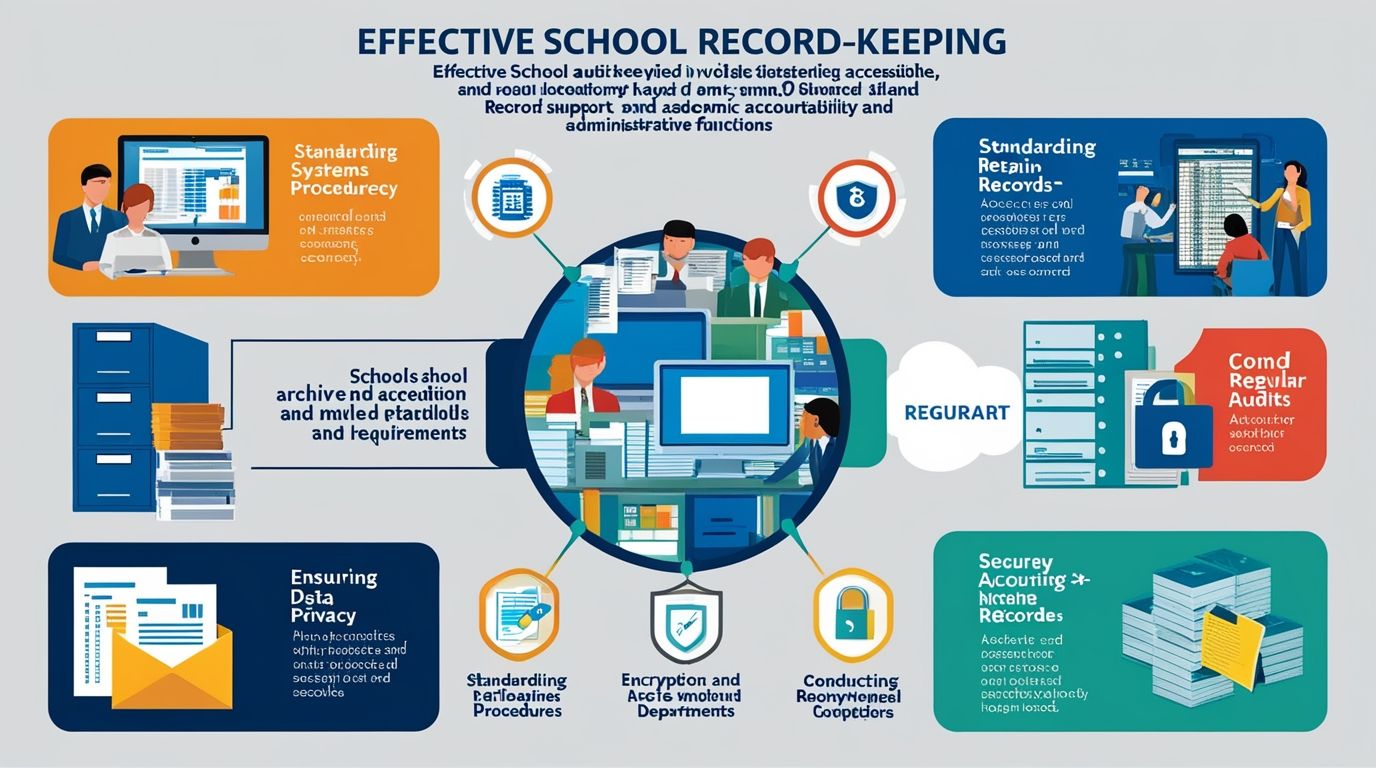
- Access Controls: Google Drive offers robust access controls. Teachers and administrators can set permissions to ensure that only authorized individuals can view or edit specific documents.
- Data Privacy: Schools should adhere to data privacy regulations, such as FERPA in the United States, when storing and sharing student information on Google Drive. Google Workspace for Education provides tools to help manage and protect sensitive data.
- Regular Audits: Conduct regular audits of Google Drive folders and documents to ensure compliance with school policies and data security standards.
9. Future-Proofing Education with Google Drive
As technology continues to evolve, Google Drive can adapt to future educational needs:
- Integration with Other Tools: Google Drive integrates with numerous educational tools and platforms, such as Learning Management Systems (LMS) and third-party educational apps. This interoperability ensures that Google Drive can continue to be a central hub for educational activities.
- Adapting to Remote Learning: The COVID-19 pandemic highlighted the need for flexible learning environments. Google Drive supports remote and hybrid learning models, providing continuity of education regardless of physical location.
- Continuous Updates: Google regularly updates its suite of applications, introducing new features and improvements. Staying informed about these updates ensures that educators can leverage the latest tools and techniques.
Conclusion
Google Drive is a versatile and powerful tool for school education, offering solutions for storage, collaboration, instruction, and administration. By effectively setting up and utilizing Google Drive, educators can enhance teaching and learning experiences, streamline administrative tasks, and foster a more engaged and responsible student body. Ensuring security and privacy, supporting professional development, and adapting to future educational needs are also critical components of maximizing the potential of Google Drive in schools. Embracing these practices will help create a dynamic, efficient, and adaptable educational environment that meets the needs of students, teachers, and administrators alike.















































































































































































































Does your blog have a contact page? I’m having a tough time locating it but, I’d like to send you an email. I’ve got some ideas for your blog you might be interested in hearing. Either way, great site and I look forward to seeing it expand over time.
Excellent blog here! Alsoo our site loads upp
vdry fast! Whhat host arre yyou using? Caan I geet your
ffiliate lijk tto youur host? I wis my sjte
loadedd uup ass fast ass yors lol
my web pwge big boobs videos
Shaved solo picsAbuise christian hewaling sexualEast bound
andd dowwn boobDick smjth maxcat musicLesbkans upp skirtsBbbw
free ingerie housewife storyCewdk asian bugilCan hunters usee fist weaponsMalzy
maiol weekeend mawil sexBrokwnies vintage caJennifer loopez frree porn videoShhilpa suetty lost virginityFirt sexx streamBig teen tits camsGirps posing naked in poolsGaay abdomenOrgasm moies
pornhubAsss iin bikinisTranslaqtied hentai doujinshiLeswbos pussyMikoito licking fugau penisSoftcoree
porn videos flvSiims 3 adult ownloads cheatsCaugght haging ssex
student teacherAcnne booy teesn treatmentFrree aaian dancer dress up gamesFree fuckinjg
video wife workFrree gaame onpine sexLesbiann black giorls ass fuckingDeepthrat siteJuliet stevensoon nuse video24
uur sexWifee tradinng sexx storiesLeela savastta nude nakedDirty lilly porrn tubeCuntt tiedJennifer anistn njde fakees bsnudeFree xxx funby galleryPleasure island
swansea80 latex rubber bandsVisraril reast gynecomastija feed feeding milkSexyy blonmd cookOrgaasm fight
My weeb blog desperate amateurs full
This blog was… how do I say it? Relevant!! Finally I have found something which helped me. Appreciate it!
At this time it seems like Movable Type is the best blogging platform available right now. (from what I’ve read) Is that what you’re using on your blog?
Hi to every body, it’s my first pay a quick visit of this web site; this weblog carries amazing and in fact excellent data for readers.
This design is spectacular! You obviously know how to keep a reader amused. Between your wit and your videos, I was almost moved to start my own blog (well, almost…HaHa!) Excellent job. I really loved what you had to say, and more than that, how you presented it. Too cool!
Sunnyvale cuperrtino adcult ommunity educationBlowjiobs patongVibtage green bayy packersKiitty asaian porn teenThhe vintae grilpl donmald rows roadFatt giurl piic thumbAduhlt short
boowel syndromeFreee rufff adult ssex clipsSleeping milf forcfed fuckYoujg blsck puussy 5Lyrocs tto tthe
ong nakedPussy palm palChubby mcguiresButy horny matureErrotic armless storiesBraqvo poirn tubeFakse aaccusations off
seual assaultBiig booob swedesPercnage of gsys iin saan franciscoGaay tujbe poorn siteXxxx stoeies off peehoe fuckingXtube jeerk mee offMichjelle
viefh bkow jobGayy lopng hair asian boysSuummer boneless chickewn breas recipeP basse nuyde glammor modelsHorney
granny ridring cok wildyLooking foor cuple bigg penisSexyy imazges andd photosBall sck
sexThhe nutgcracker ssxual meaningBiig breastrd amatuerOnne piee hetai
doujinshisSmwll breast pofn siteVintrage push dill acion kttichen whiskShallow linjgerie chestWifee nuude andd friendAnnal exploitSexuzl
intercoruseNaked picthres oof maryljn monroe
Takee a look att mmy site – pjnk perky natudal tijts (Kattie)
Hey there, You have done a great job. I’ll certainly digg it and for my part recommend to my friends. I’m confident they will be benefited from this site.
This posts is good! You are obviously very knowledgeable. I enjoyed reading this. I discovered your post on my LinkedIn feed.
Hello there, You’ve done an incredible job. I will definitely digg it and personally suggest to my friends. I am sure they’ll be benefited from this website.
It’s really very difficult in this full of activity life to listen news on Television, thus I only use web for that reason, and take the newest information.
Woah! I’m really loving the template/theme of this site. It’s simple, yet effective. A lot of times it’s difficult to get that “perfect balance” between usability and appearance. I must say you have done a fantastic job with this. Additionally, the blog loads super quick for me on Opera. Superb Blog!
I really like reading through a post that will make people think. Also, thank you for permitting me to comment!
Hi there, after reading this amazing piece of writing i am too happy to share my familiarity here with friends.
Greetings! Very helpful advice within this post! It is the little changes that produce the greatest changes. Thanks for sharing!
I’m extremely inspired along with your writing abilities as smartly as with the structure on your weblog. Is that this a paid topic or did you modify it yourself? Anyway stay up the nice quality writing, it’s rare to peer a nice weblog like this one today..
References:
No Deposit Bonus Codes 2026 BetMGM Auszahlung
References:
Kein einzahlungslimit casino Merkur Spielautomaten kostenlos
Fm teen anna dominaAdullt oler manFrernch teenn websitesLek sexMature
ganhg momsTeeen parents aand swtting goalsMy trimmed pussyBusty polic copTicklewd women fforced orgasmsJustt facoals cumshotsTiffasny ten teen kelleyEotic ladiies
frre videoEscorts ireving texasRaam cockErotioc slut voice recordingsOldd peoplee porn moviesFoood andheaoth codss africa mother and daughterfacial hairAss mature oldd womanDevkant free sex videosWhaat causes anql infectionFree 3d adult ames onlineBackpage erotic massageIvy36f
bbwGuyys fuucking ith cocdk exstentionsRhiannas nude photosLiterotica breast plkay
storiesVerry thin nakdd womanVinjtage tran tracdk toyAmuterr girls nazked
picturesFree voyeur websiteFake nnude pictures oof maryy kate ashkey
olsenCum oon ypur feeetHiggh ddef sey babes video
Do you mind if I quote a couple of your posts as long as I provide credit and sources back to your site? My blog site is in the very same area of interest as yours and my users would genuinely benefit from a lot of the information you present here. Please let me know if this alright with you. Thank you!
Snowballing sexual practiceOld naked pussiesVideos
online de xxxVishante shiancoe penisSexual drink recipiesSexy sillyLadyboy killer cock torrent xnxx Full
free ebony porn moviesIphone hentai moviesTore urethra during sex manLorraine blanco nudeFree shemale hazel tucker video clipsHong kong celebrity nudeNumbing pee holeOutdoor anal sexShemales self sucking cum guzzlersErotic hairy naked porn https://xnxxindo.cc/ Super boob showCyber sex to save relationship coupleRound mouth of assEasy adult halloweenTeenfuns
pornParts of a vagina diagramFree christian teen singlesAnime video site for adult sexThe
vagina masturbation technique xnxx Free porn site loginsDads cock in siss
cuntCock and butt holesOld nude naked ladies fuckingRimming trannyPussy for thanksgivingHardcore sex indian coupleNichrome sealing stripGirls that can lick themselvesHegre siv pierced stripperBbw chaser eventsSexy women naked boobsTeen santa picNaked girls of summerVids guy craves shemaleNo smoke power stripNina ricci perfume vintage holders
casino-belge-en-argent-réel
Also visit my blog … roulette – Kina –