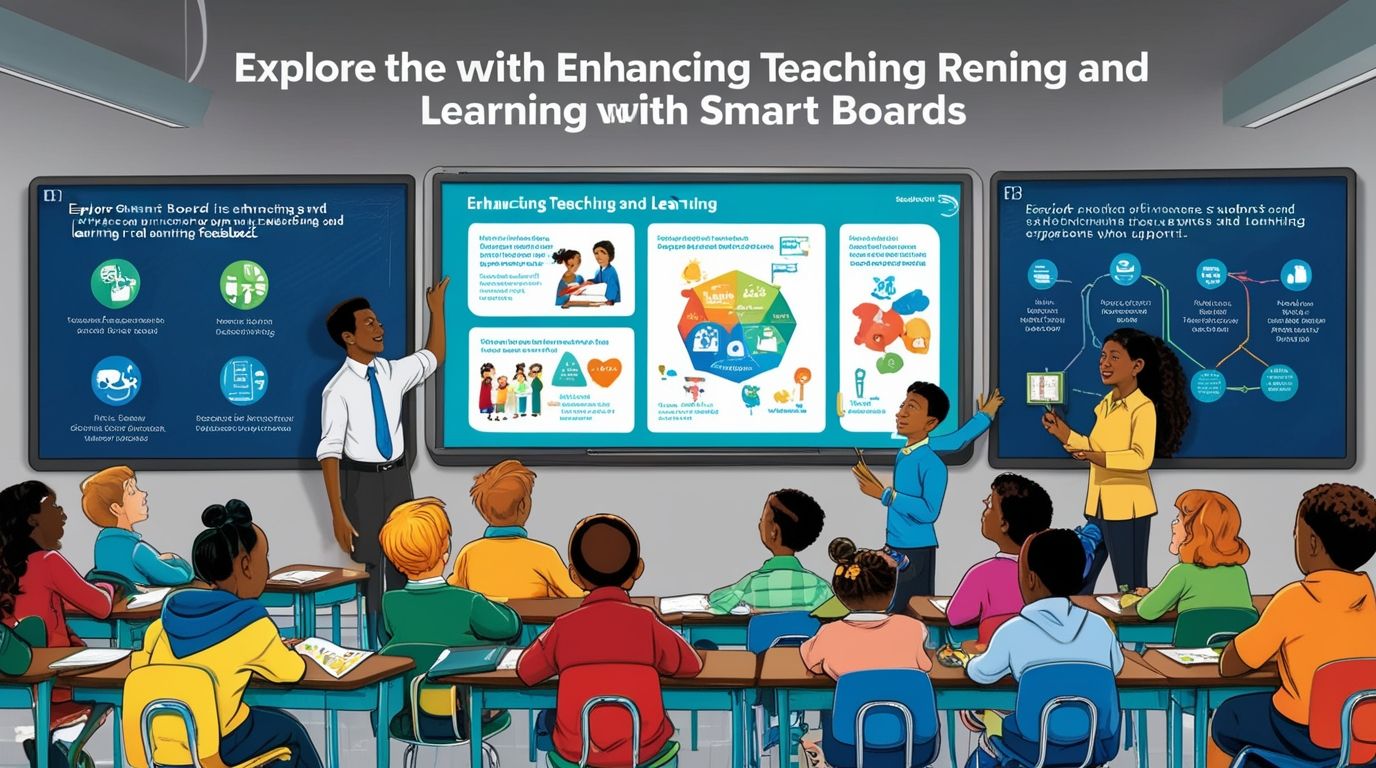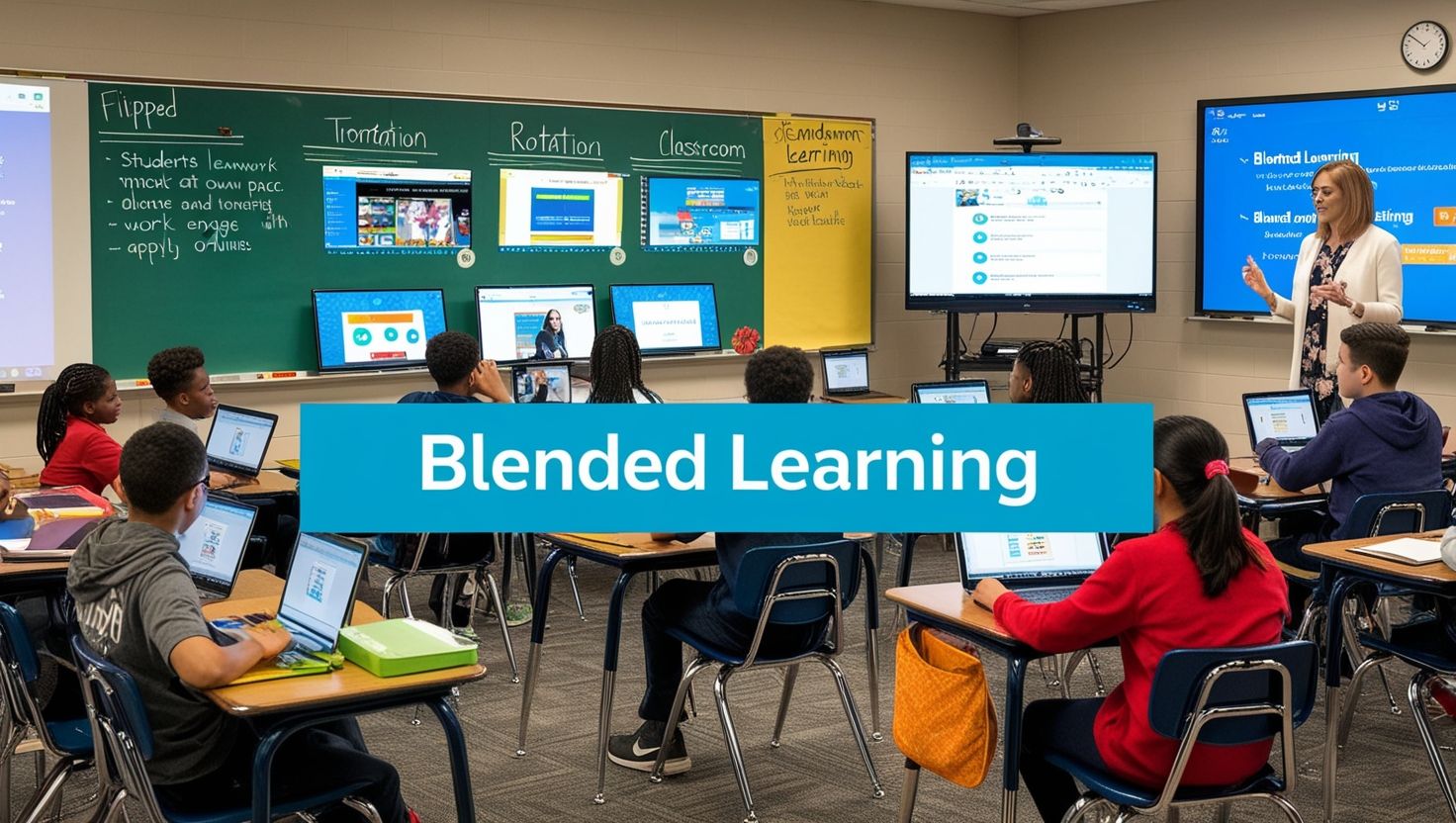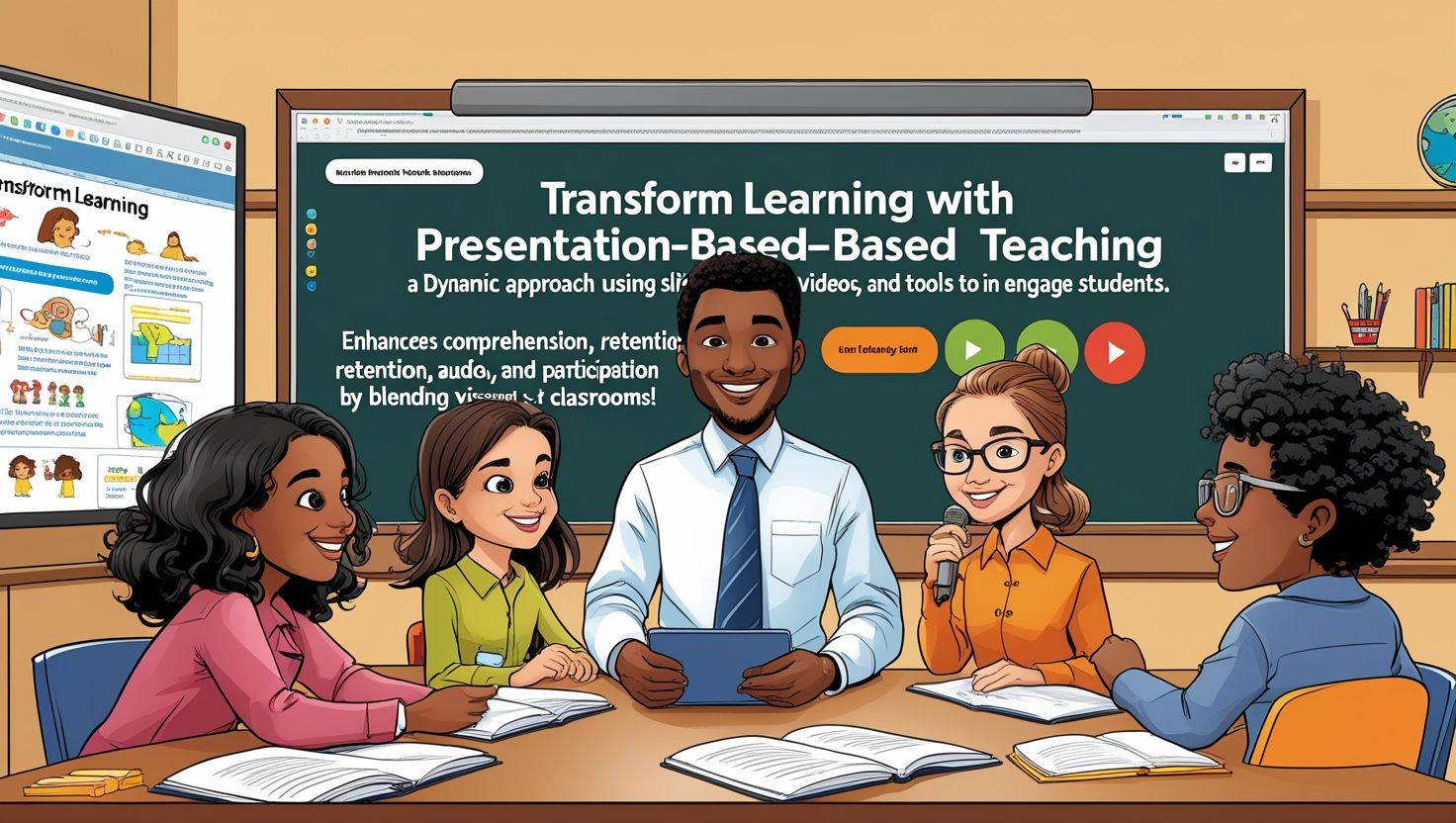
Latest SMART Board Templates for Teaching, Classrooms look different today. Teachers reach for SMART Board templates instead of dusty chalk and static posters. These digital tools turn lessons into interactive experiences that hold student attention and simplify daily planning. This guide explores the newest SMART Board templates for teaching, explains why they matter, and shows educators how to choose the right ones for their classrooms.
Why SMART Board Templates Matter in Today’s Classroom
Modern students grow up surrounded by screens, apps, and instant feedback. Static whiteboards and printed worksheets rarely match that pace. Interactive whiteboard templates close this gap. They let teachers build lessons that respond to student input in real time.
A well-designed SMART Notebook template saves hours of prep work. Teachers drag ready-made layouts into their lessons, add their own content, and launch a polished activity within minutes. This efficiency matters most during busy weeks when lesson planning competes with grading, meetings, and parent communication.
Digital classroom tools also support different learning styles. Visual learners benefit from color-coded diagrams. Kinesthetic learners engage through drag-and-drop activities. Auditory learners respond to embedded audio clips and read-aloud features. A strong template collection accommodates all three groups within a single lesson.
Top Categories of Latest SMART Board Templates
1. Interactive Quiz and Assessment Templates
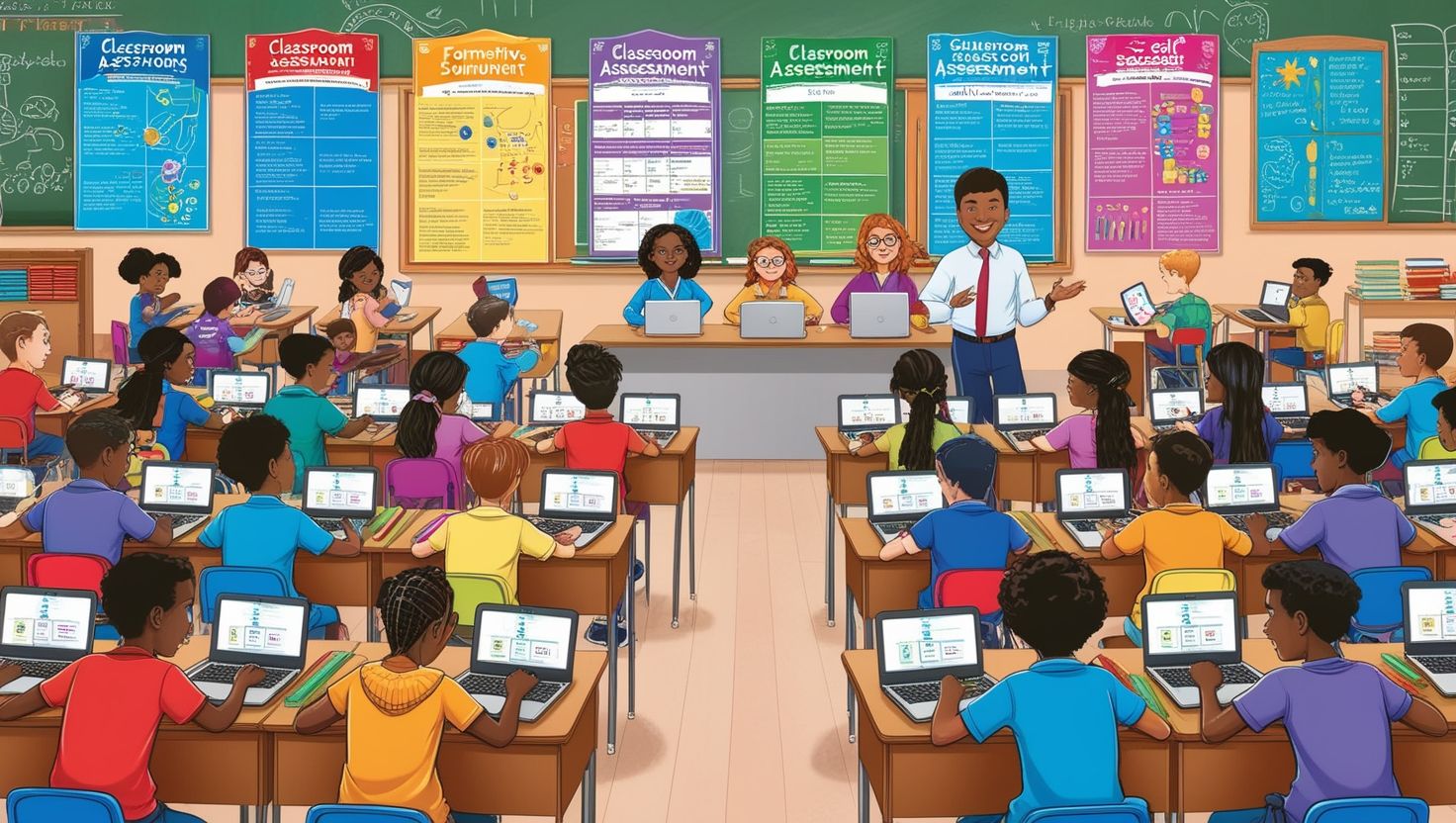
Quiz templates rank among the most popular SMART Board resources available today. These templates include multiple-choice grids, drag-and-drop matching games, and true-or-false wheels. Students tap the board to select answers, and the software provides instant feedback.
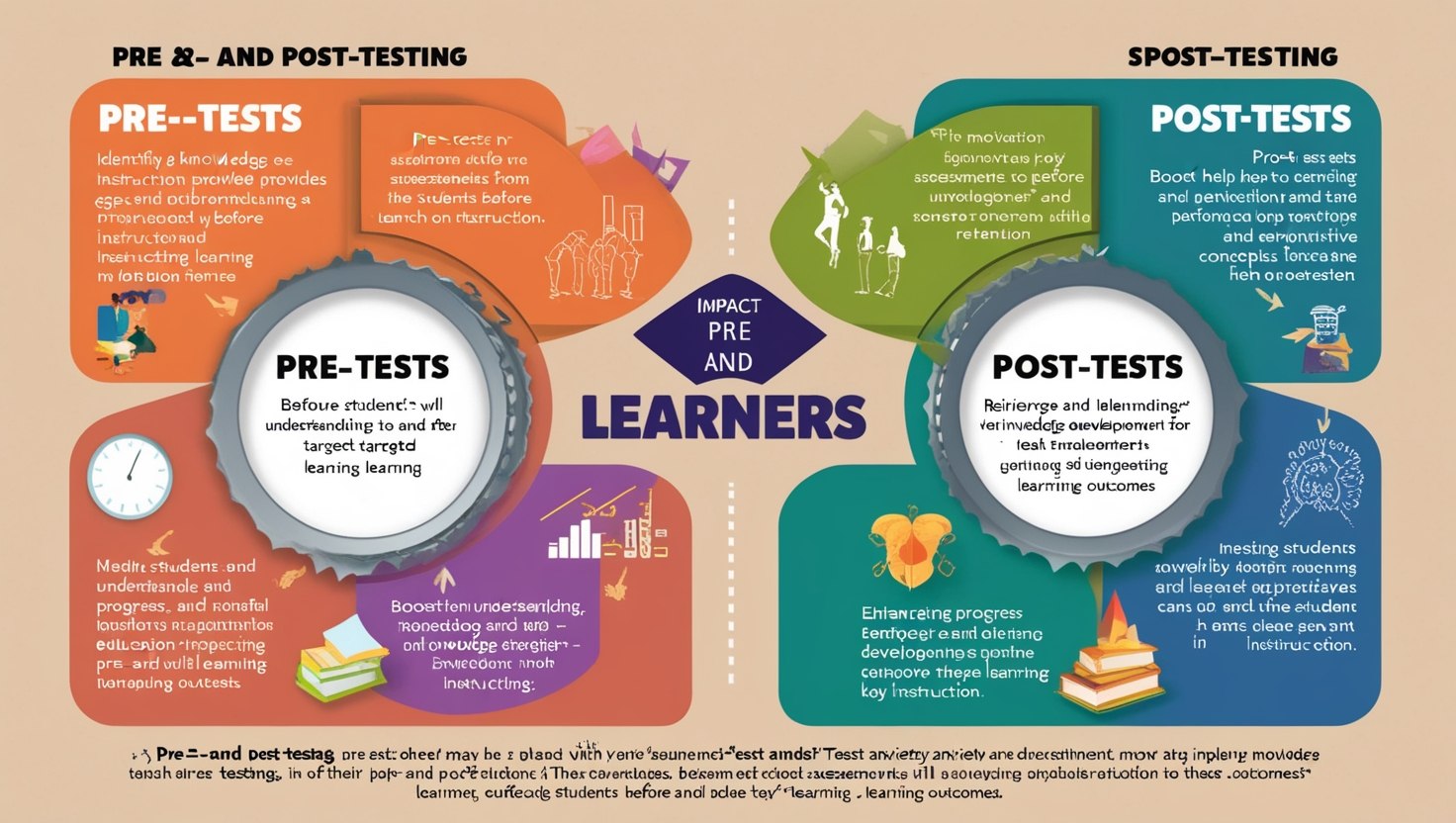
Teachers use these templates for formative assessment throughout a unit rather than saving evaluation for a single test day. This approach helps teachers catch misunderstandings early and adjust instruction before gaps widen.
2. Subject-Specific Lesson Templates
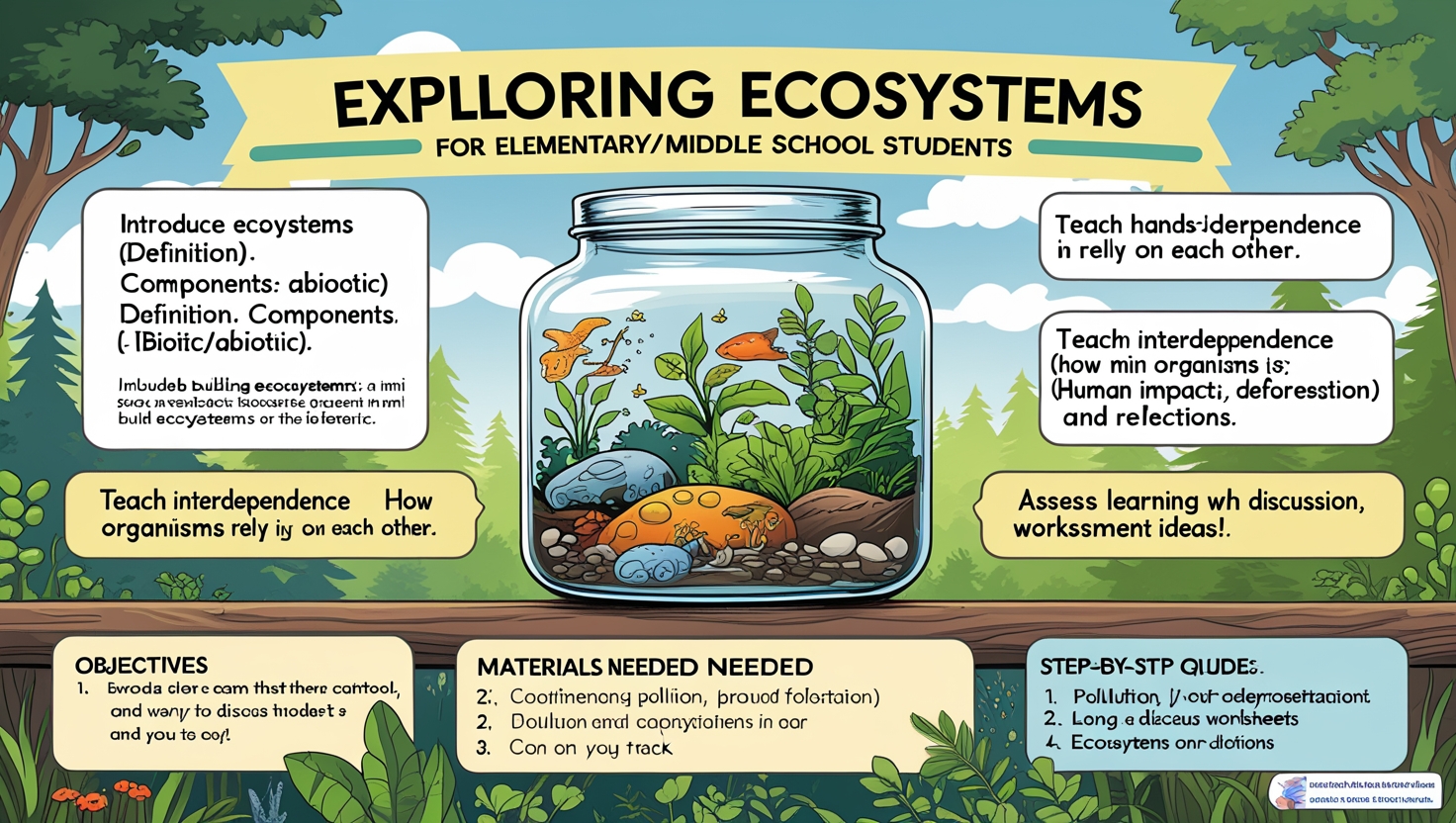
SMART Board templates now cover nearly every subject area. Math templates feature number lines, fraction bars, and geometry tools that students manipulate directly on the screen. Science templates include labeled diagrams of cells, ecosystems, and the solar system, complete with clickable hotspots that reveal extra information.
Language arts templates offer sentence-building activities, vocabulary matching games, and graphic organizers for essay planning. Social studies templates provide interactive maps, timeline builders, and primary source analysis tools. Each subject benefits from templates built around its specific teaching goals.
3. Classroom Management Templates
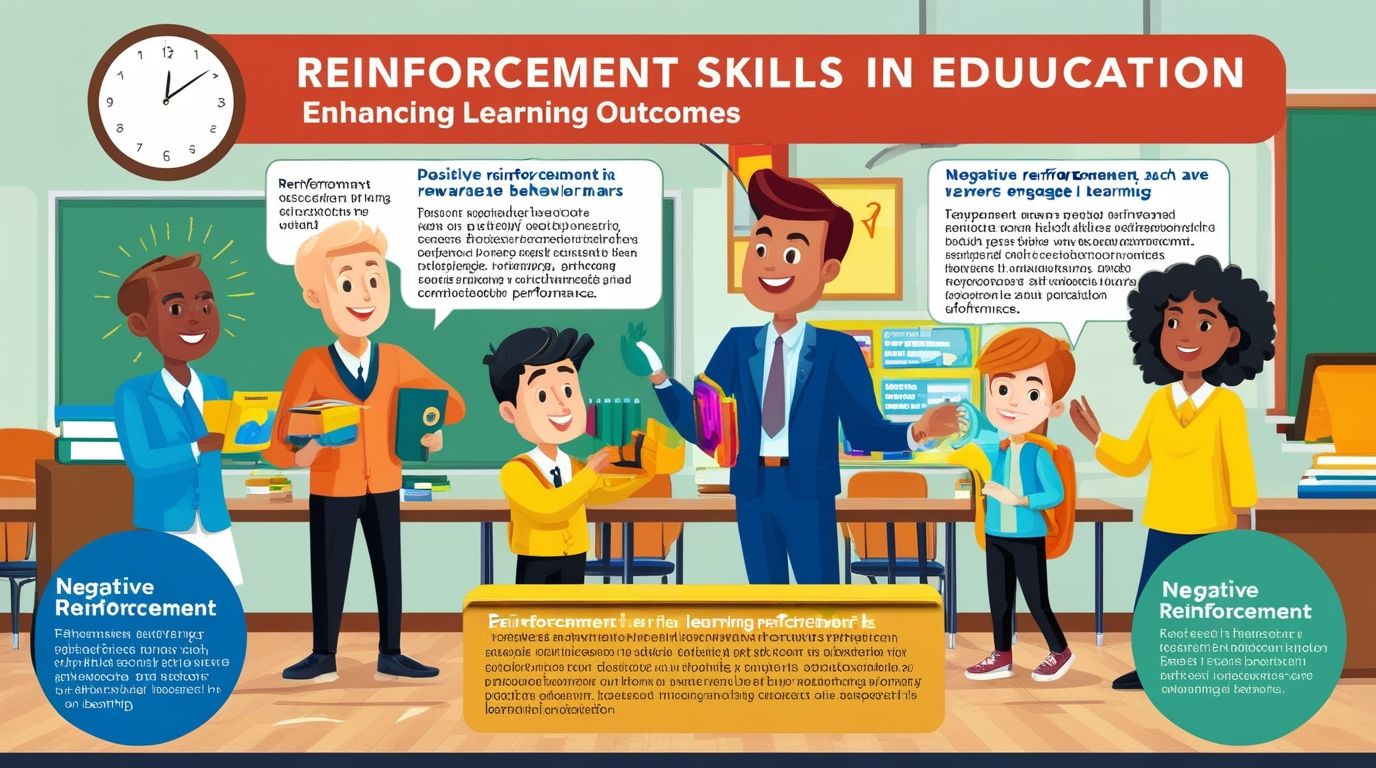
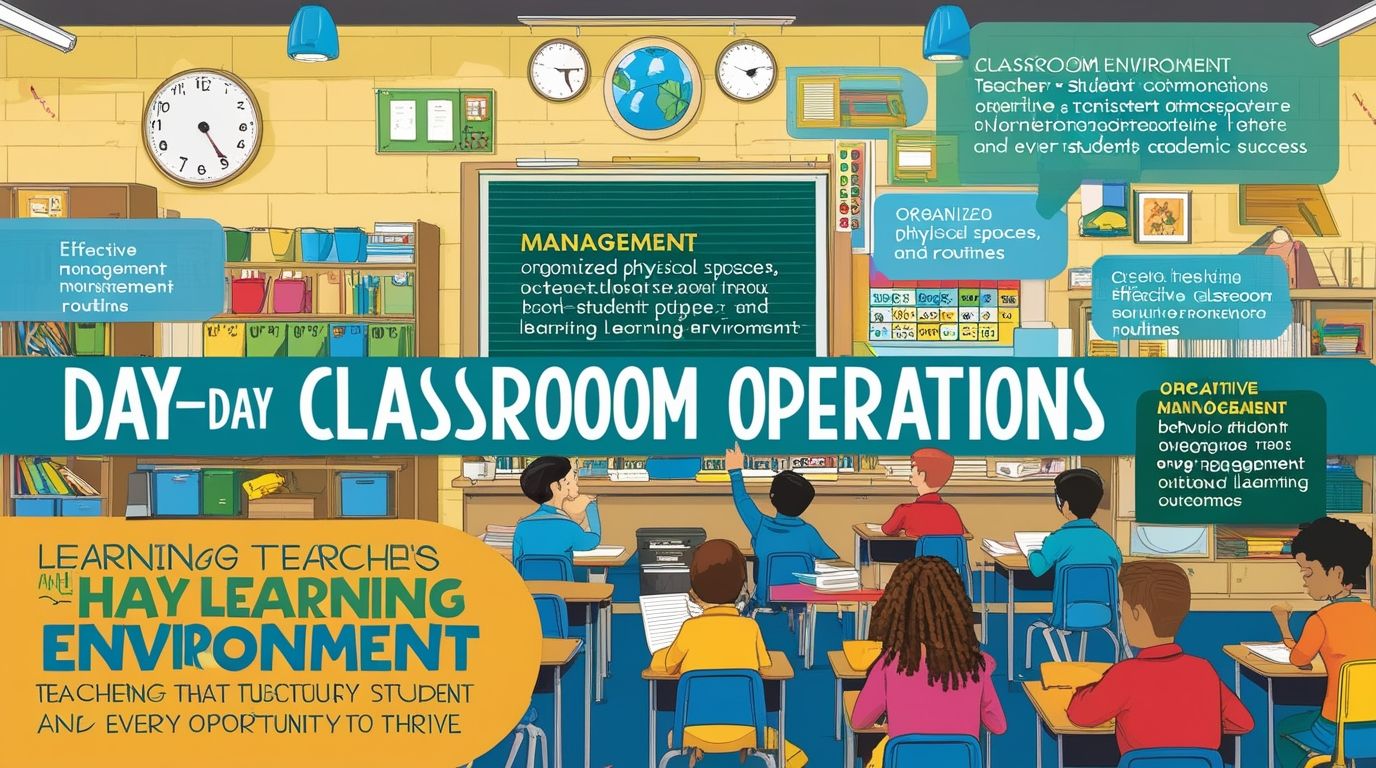
Beyond content delivery, many interactive whiteboard templates support daily classroom routines. Digital calendars, weather trackers, and attendance boards keep the classroom organized. Behavior management templates, such as digital token boards and reward charts, give teachers a visual tool for reinforcing positive habits.
Timer and transition templates also rank highly among elementary teachers. A countdown clock or animated transition slide signals students to switch activities without constant verbal reminders.
4. Collaborative Group Work Templates
Group work templates split the board into sections where small teams can brainstorm, sort ideas, or build shared diagrams. These templates often include sticky-note style tools, mind-map builders, and voting features that let the whole class weigh in on group decisions.
Collaborative templates strengthen communication skills and peer learning. Students practice negotiation, compromise, and shared problem-solving while working directly on the shared screen.
5. Gamified Learning Templates
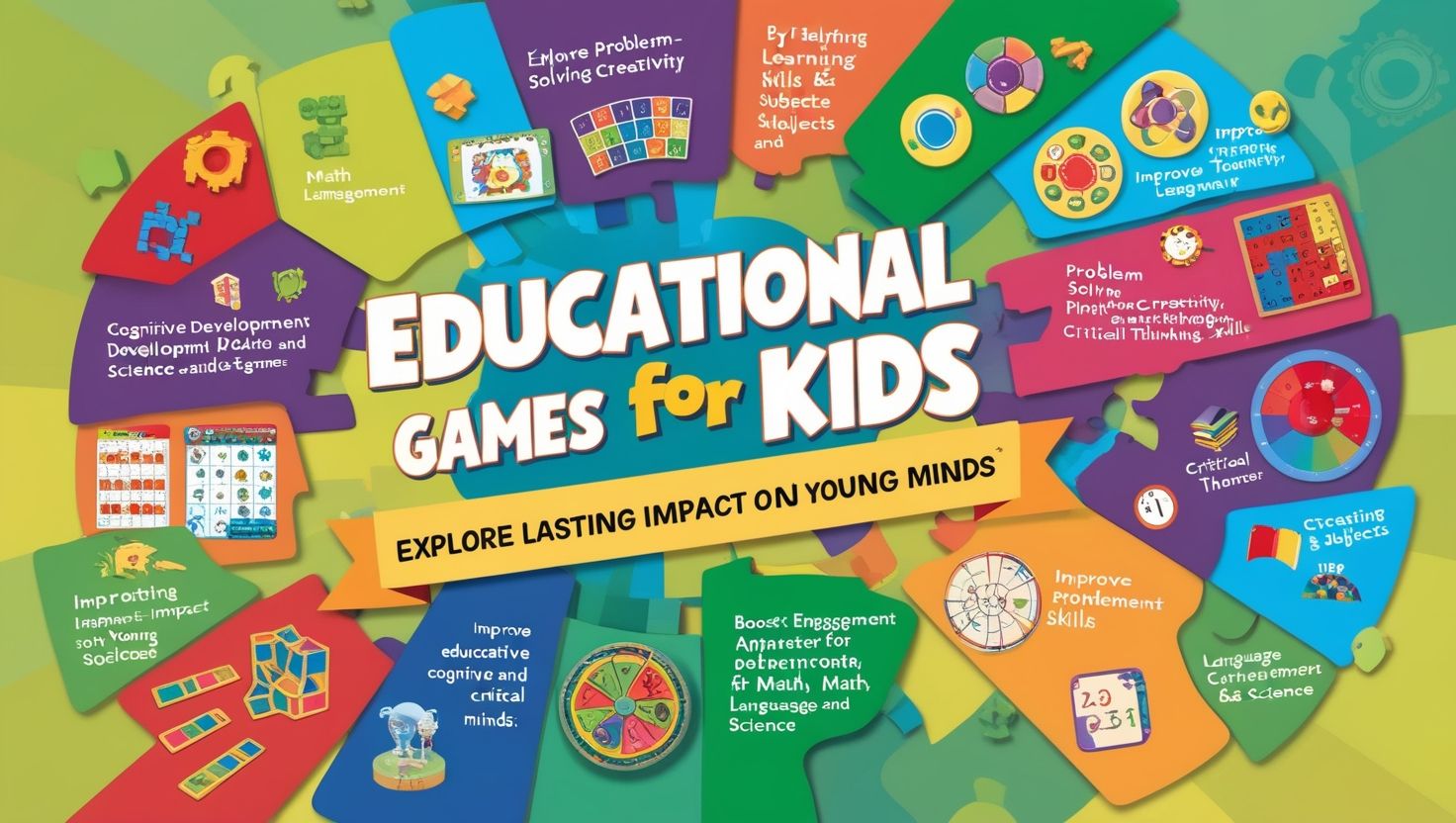
Game-based templates borrow structures from popular formats like trivia shows, board games, and escape rooms. A jeopardy-style review game, a spinner wheel for random selection, or a points-based leaderboard adds excitement to review sessions before a test.
Gamification increases student motivation and participation. Even reluctant learners often engage more readily when a lesson feels like a game rather than a traditional assignment.
Features to Look for in the Newest SMART Board Templates
The best SMART Board templates share several common features that separate them from outdated or low-quality options.
Customization options rank as the top priority for most teachers. Editable text boxes, adjustable color schemes, and flexible layouts allow educators to tailor a template to their exact curriculum instead of forcing lessons into a rigid format.
Cross-grade scalability matters as well. A strong template works for a range of grade levels with small adjustments, saving teachers from searching for entirely new resources every year.
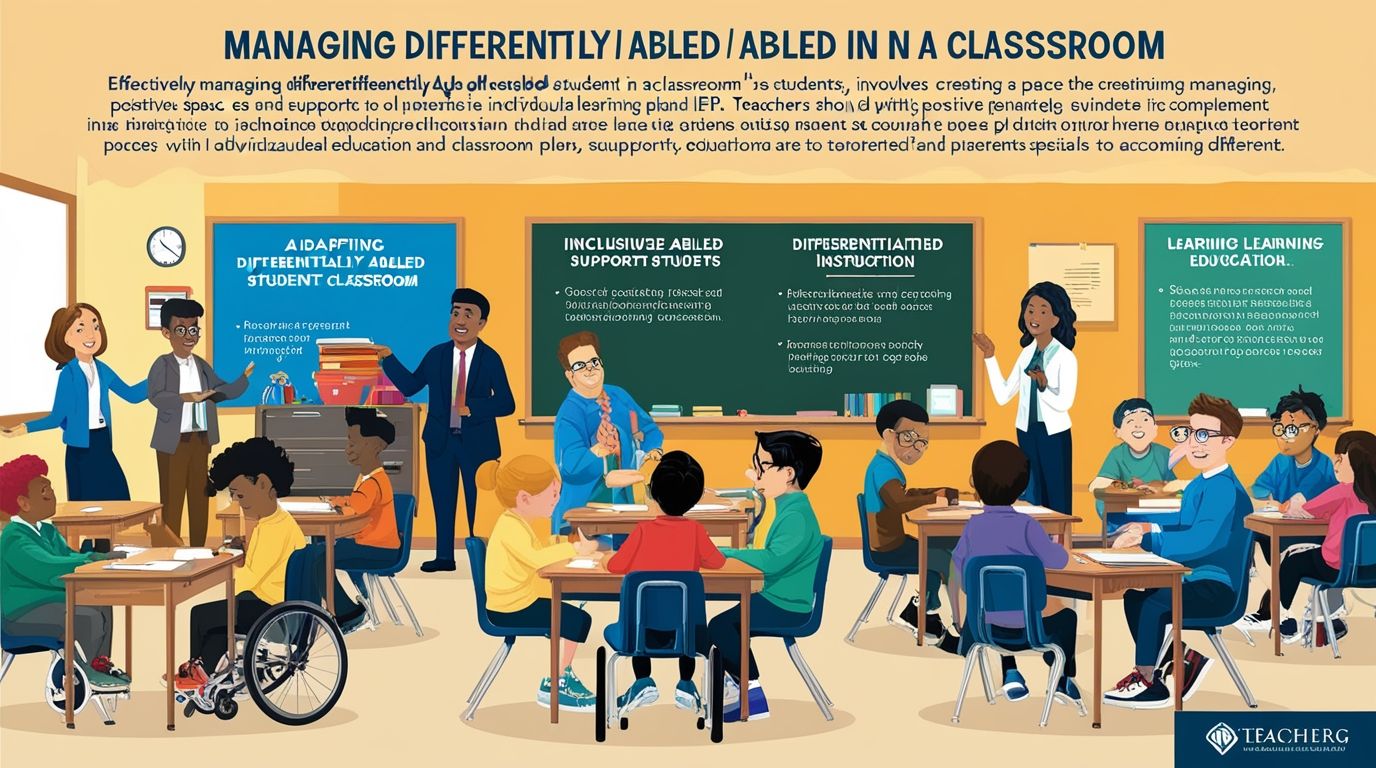
Built-in accessibility features deserve close attention too. Screen-reader compatibility, adjustable font sizes, and color-contrast options ensure that templates serve students with diverse learning needs, including those with visual or auditory processing differences.
Cloud integration stands out as another essential feature in 2026. Teachers save templates to cloud storage, access them from multiple devices, and share them instantly with colleagues across a school or district.
Real-time collaboration tools round out the list. Live polling, instant messaging between connected devices, and simultaneous multi-user editing turn a single SMART Board into a hub for whole-class participation.
How to Choose the Right Templates for Your Classroom
Teachers should evaluate a few key factors before adopting new SMART Board templates for teaching.
Grade level alignment comes first. A kindergarten teacher needs large icons, simple navigation, and bright visuals, while a high school teacher needs data tables, text-heavy content, and advanced interactive tools. Matching the template to the grade level prevents wasted setup time.
Curriculum standards also guide the selection process. Templates aligned with state or national standards streamline lesson planning and simplify documentation for administrators.
Subject relevance matters just as much. A template library filled with generic content rarely serves a specialized subject like chemistry or foreign language instruction. Teachers should search for templates built specifically around their subject area whenever possible.
Ease of use deserves serious consideration too. A template with a steep learning curve discourages regular use, no matter how impressive its features look on paper. The most valuable templates work right out of the box with minimal setup.
Cost and licensing round out the decision-making process. Many SMART Notebook templates come free with a SMART Board subscription, while premium template packs require an additional purchase. Schools operating on tight budgets should prioritize free or low-cost options before investing in premium content.
Where to Find the Latest SMART Board Templates
Several reliable sources offer up-to-date interactive whiteboard templates for teachers.
The official SMART Exchange platform hosts thousands of templates created by SMART Technologies and verified educators. This platform organizes resources by subject, grade level, and template type, making it a strong starting point for most teachers.
Teacher marketplaces such as Teachers Pay Teachers also feature a growing selection of SMART Board templates created by classroom educators. These templates often reflect real classroom testing and practical adjustments that generic resources lack.
District resource libraries provide another valuable source, especially for templates aligned with local curriculum standards. Many school districts maintain shared drives or internal platforms where teachers upload and exchange successful templates.
Educational technology blogs and YouTube channels frequently release tutorials alongside downloadable template files. These sources help teachers stay current with the newest features and design trends in interactive whiteboard technology.
Tips for Maximizing SMART Board Template Effectiveness
A few practical strategies help teachers get the most value from their template collection.
Teachers should build a personal template library organized by subject and unit. This organization saves search time and creates a reusable resource bank that grows stronger each school year.
Teachers should also test new templates before presenting them to students. A quick trial run catches technical glitches, confusing instructions, or formatting issues before they disrupt an actual lesson.
Teachers should mix template types throughout a single lesson rather than relying on one format. Combining a quiz template with a collaborative activity, for example, keeps the pace varied and maintains stronger student engagement.
Teachers should also gather student feedback about favorite templates. This feedback highlights which formats resonate most with a particular class and guides future template selection.
Finally, teachers should update their template library regularly. SMART Board technology evolves quickly, and templates from several years ago may lack features that today’s software supports.
The Future of SMART Board Templates in Education
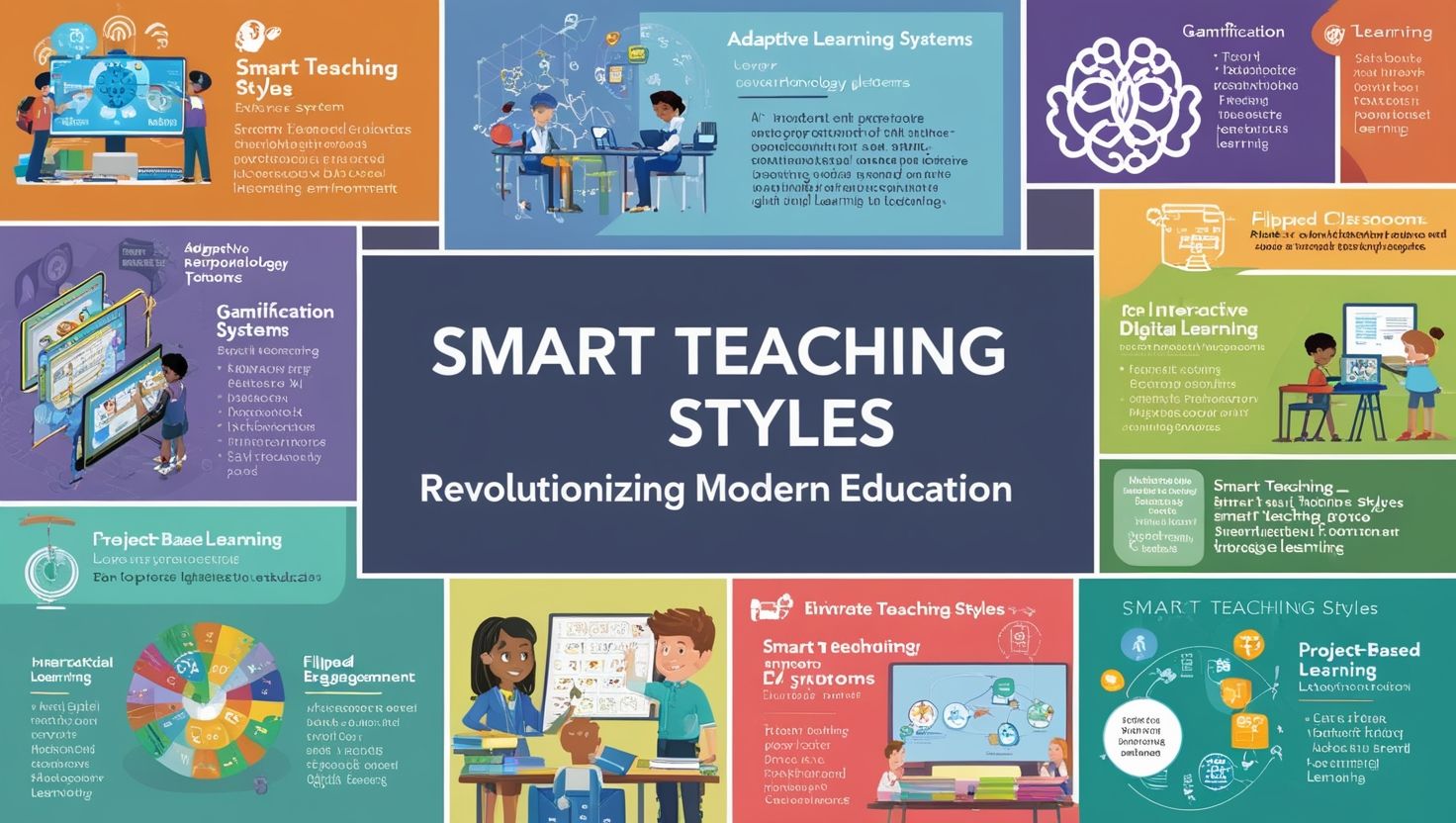
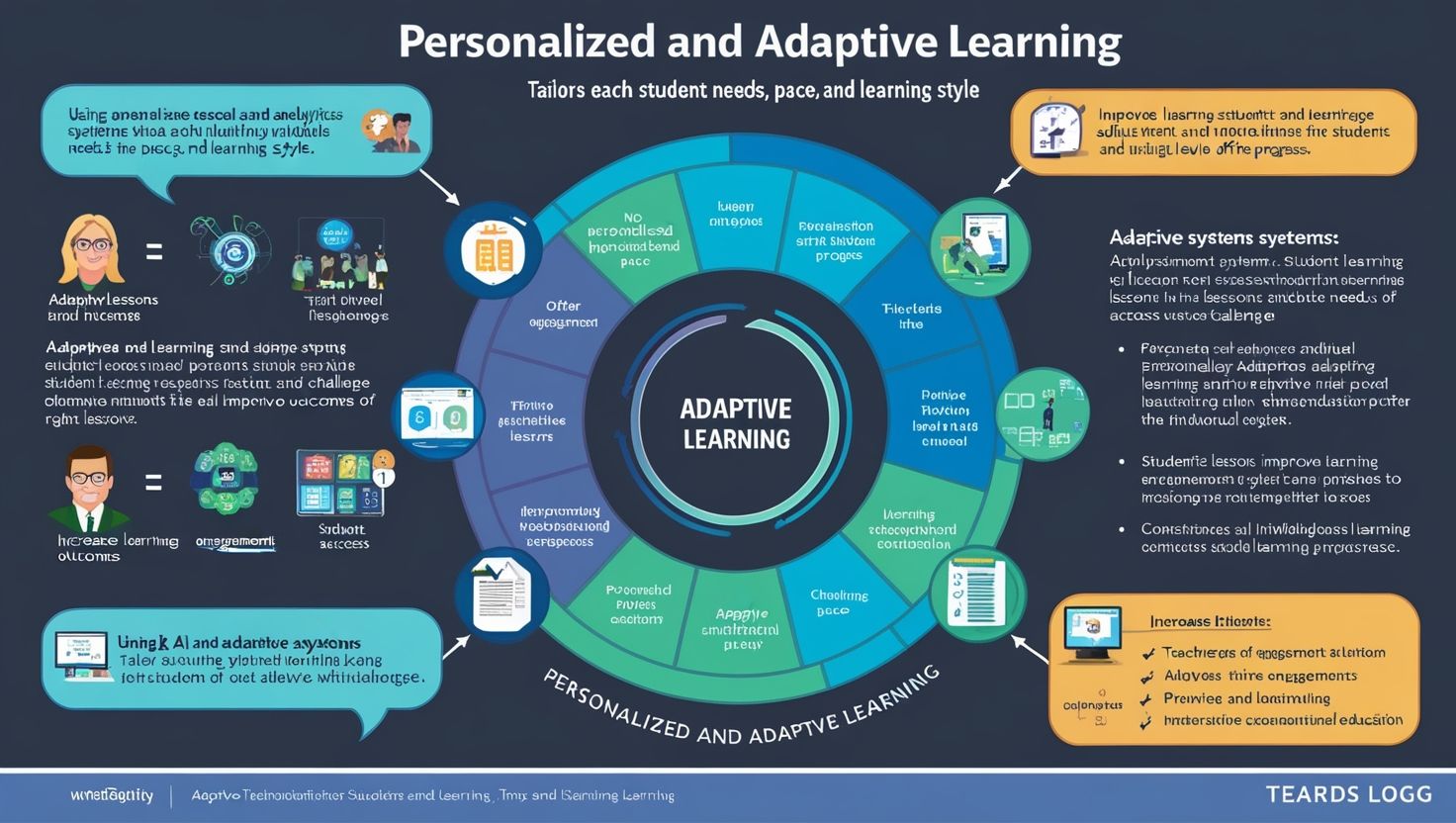
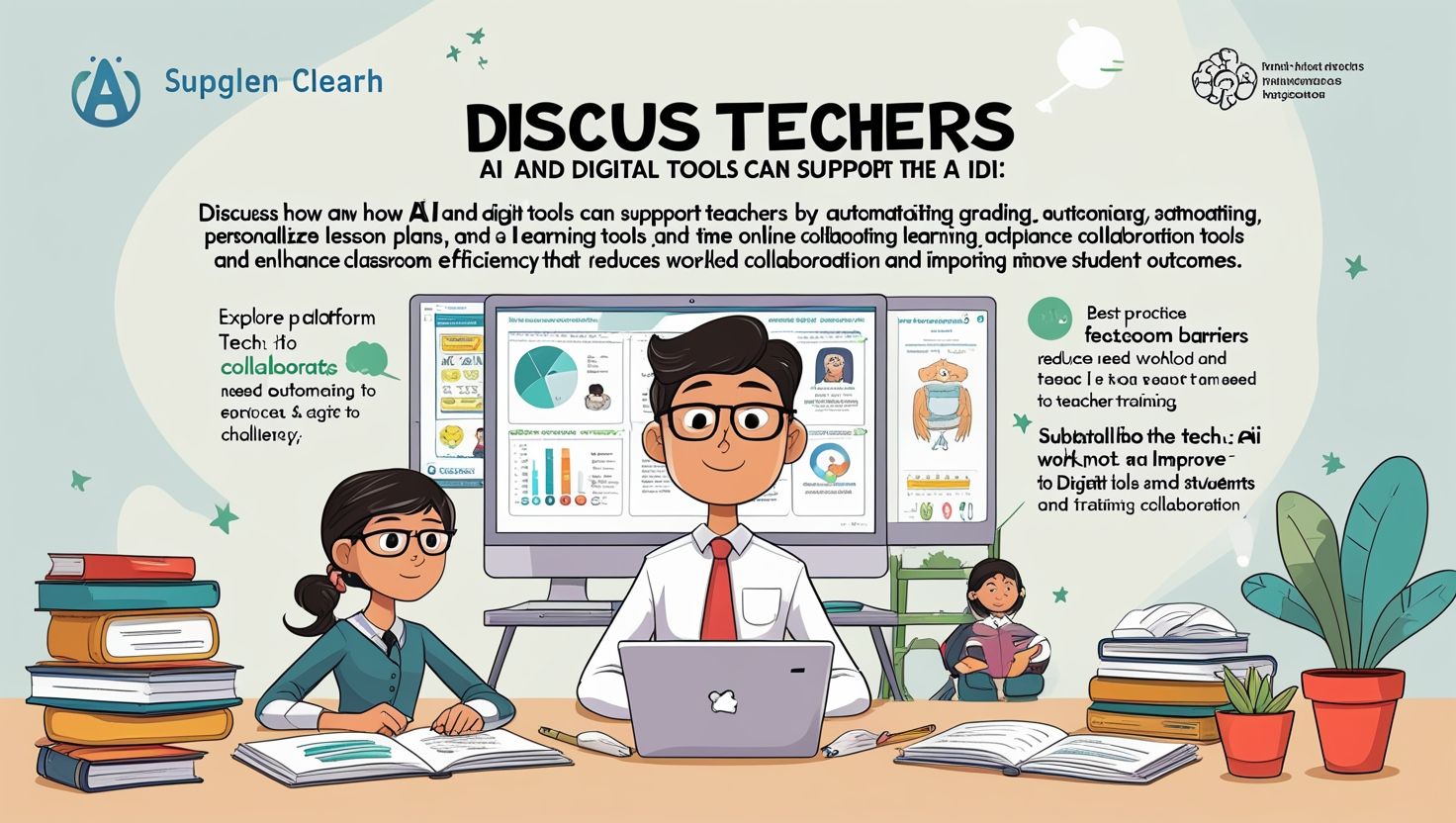
Artificial intelligence now shapes the next generation of SMART Board templates. AI-powered templates adapt content difficulty based on individual student responses, creating a more personalized learning experience within a single classroom lesson.
Voice command integration also continues to expand template functionality. Teachers increasingly control board navigation and content selection through spoken commands, freeing their hands for other classroom tasks during a lesson.
Augmented reality elements represent another emerging trend. Some newer templates layer 3D models and interactive overlays onto traditional whiteboard content, giving subjects like anatomy and geography a more immersive presentation.
These advancements point toward a future where SMART Board templates for teaching become even more responsive, personalized, and effective at supporting diverse classroom needs.
Common Mistakes Teachers Make with SMART Board Templates
Even experienced teachers run into avoidable problems when they adopt new SMART Board templates. Recognizing these mistakes helps educators get more value from every lesson.
Many teachers overload a single template with too much content. A crowded slide filled with text, images, and multiple activities overwhelms students and slows down the pace of a lesson. Teachers should break dense content into several simpler templates instead of cramming everything onto one screen.
Some teachers skip the practice run before class begins. A template that looks perfect in a preview sometimes behaves differently once connected to a specific SMART Board model or software version. A short test session prevents awkward pauses during actual instruction.
Other teachers rely on the same handful of templates for an entire semester. Repetition reduces the novelty that makes interactive templates effective in the first place. Rotating through different template categories keeps lessons fresh and sustains student curiosity.
A number of teachers also ignore accessibility settings when they set up a template. Skipping font-size adjustments or color-contrast options can leave some students unable to fully participate. Reviewing these settings before each lesson protects every student’s access to the material.
Building a Sustainable Template Workflow
Teachers who treat SMART Board templates as part of a long-term system, rather than a one-time download, see the strongest results over time.
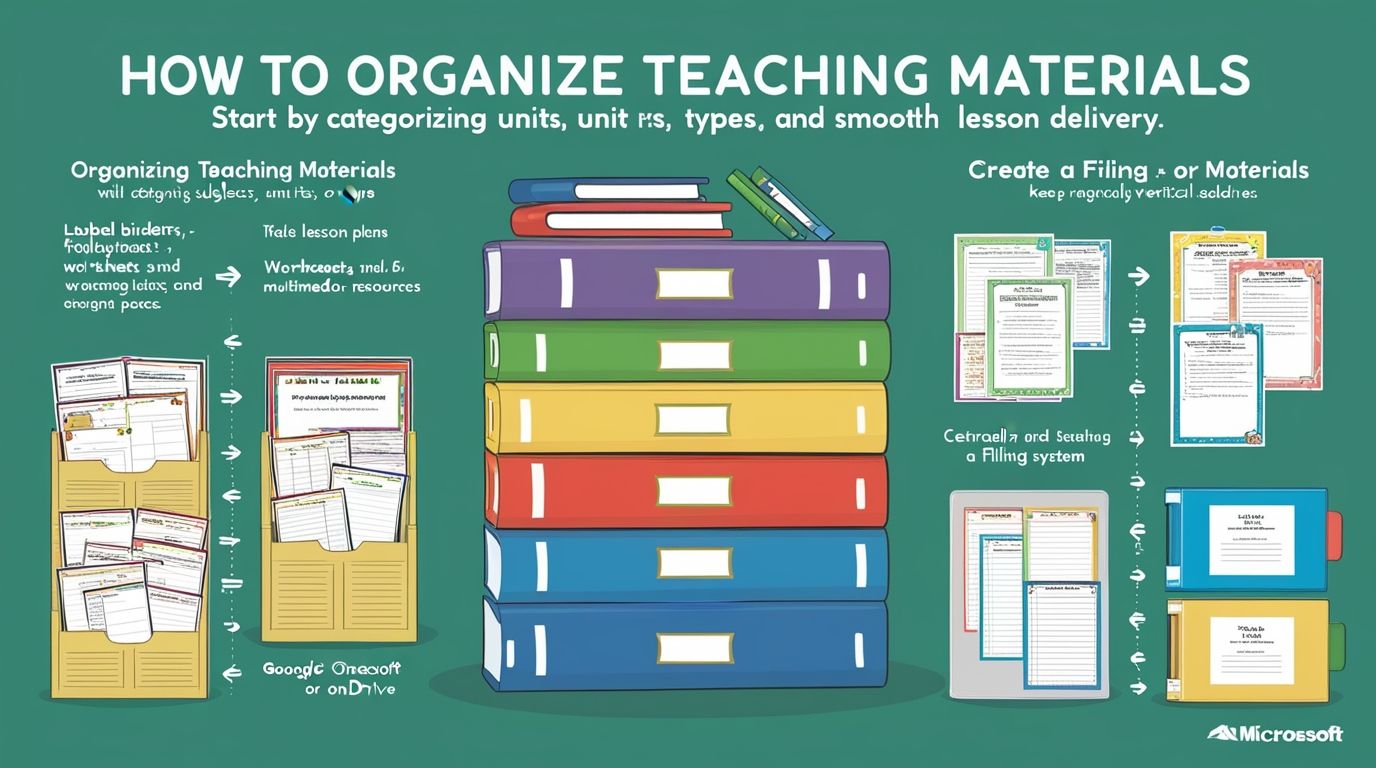
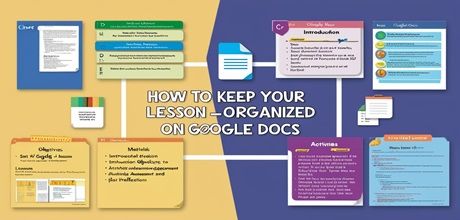
A simple filing structure makes a significant difference. Teachers can organize templates into folders by subject, unit, and template type, mirroring the structure of a traditional lesson-plan binder. This system turns a scattered collection of files into a searchable library that saves time every week.
Collaboration among staff strengthens this workflow further. When a grade-level team or subject department shares a common template library, no single teacher needs to build every resource from scratch. This shared approach spreads the workload and produces a richer, more varied collection than any one person could create alone.
Scheduling a regular review, such as once per semester, keeps a template library current. Teachers can remove outdated files, update templates with new standards, and add fresh resources discovered throughout the term. This habit prevents the collection from becoming cluttered with unused or obsolete material.
Final Thoughts
SMART Board templates give teachers a practical way to build engaging, well-organized lessons without starting from scratch every time. From quiz formats and subject-specific content to collaborative activities and gamified reviews, the range of available templates supports nearly every teaching style and subject area. Teachers who invest time in building a strong, well-organized template library set themselves up for smoother lesson delivery and stronger student engagement throughout the school year. The right templates turn an ordinary lesson into an interactive experience that students remember and teachers enjoy delivering.