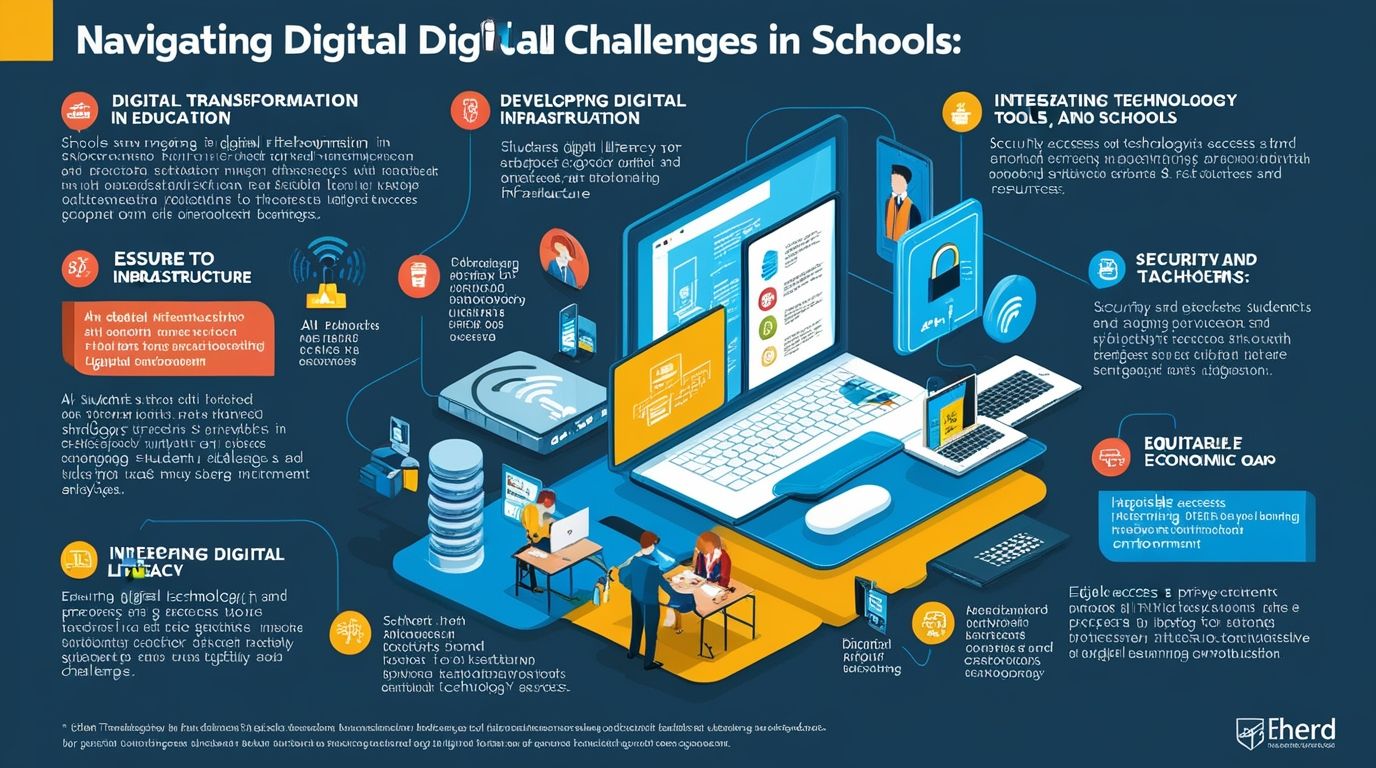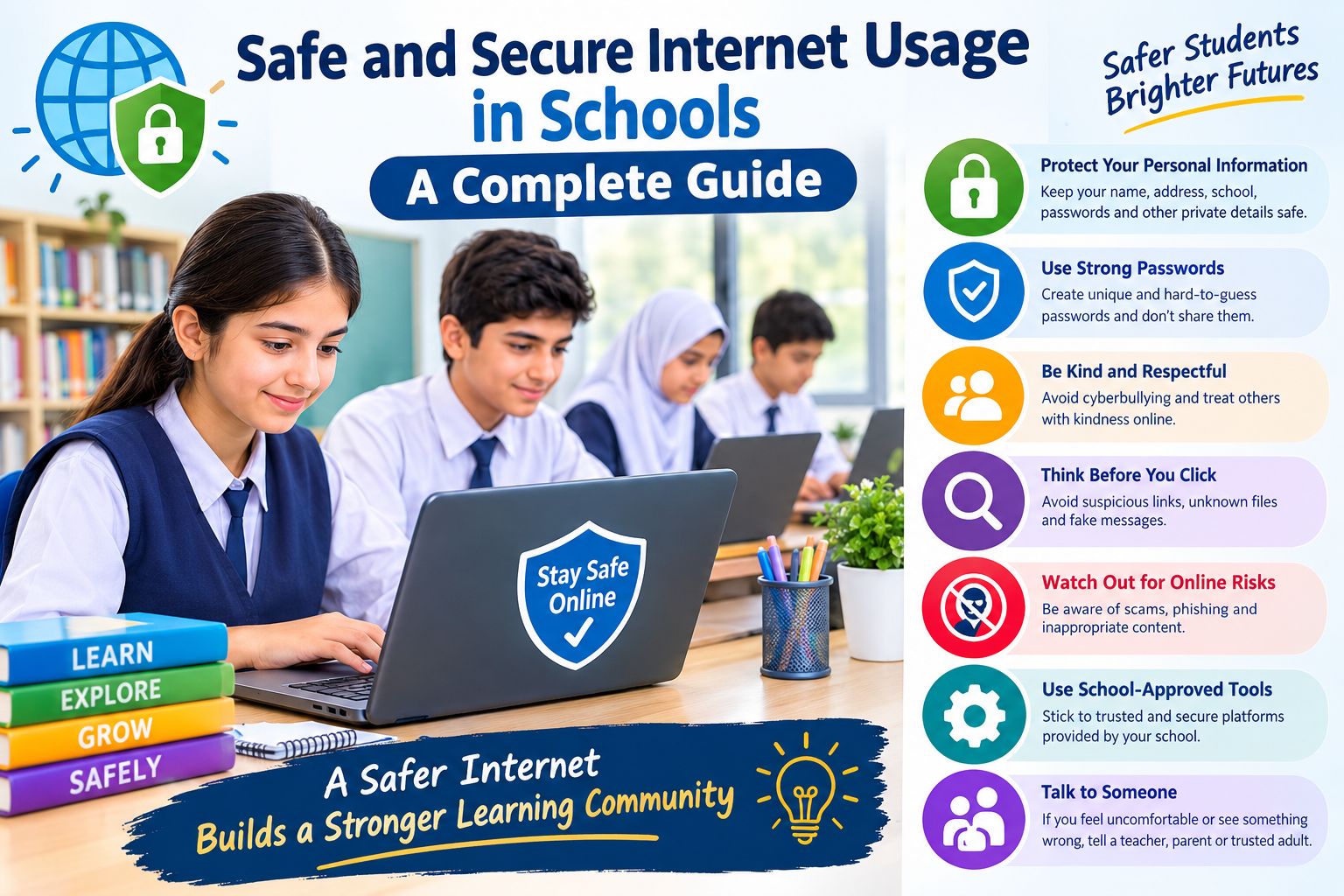
Safe and Secure Internet Usage in Schools a Complete Guide, The internet shapes almost every part of modern education. Students research assignments online, teachers share resources through digital platforms, and entire classrooms now run on cloud-based tools. This shift brings incredible opportunities, but it also opens the door to serious risks. Internet safety in schools has become one of the most urgent priorities for administrators, IT teams, and parents alike.
This guide explores practical strategies for building a secure school network, protecting student data, and teaching young people to navigate the digital world responsibly. Whether you manage a school’s IT infrastructure or simply want to understand how your child’s school protects them online, this article covers everything you need to know.
Why Internet Safety Matters in Schools Today
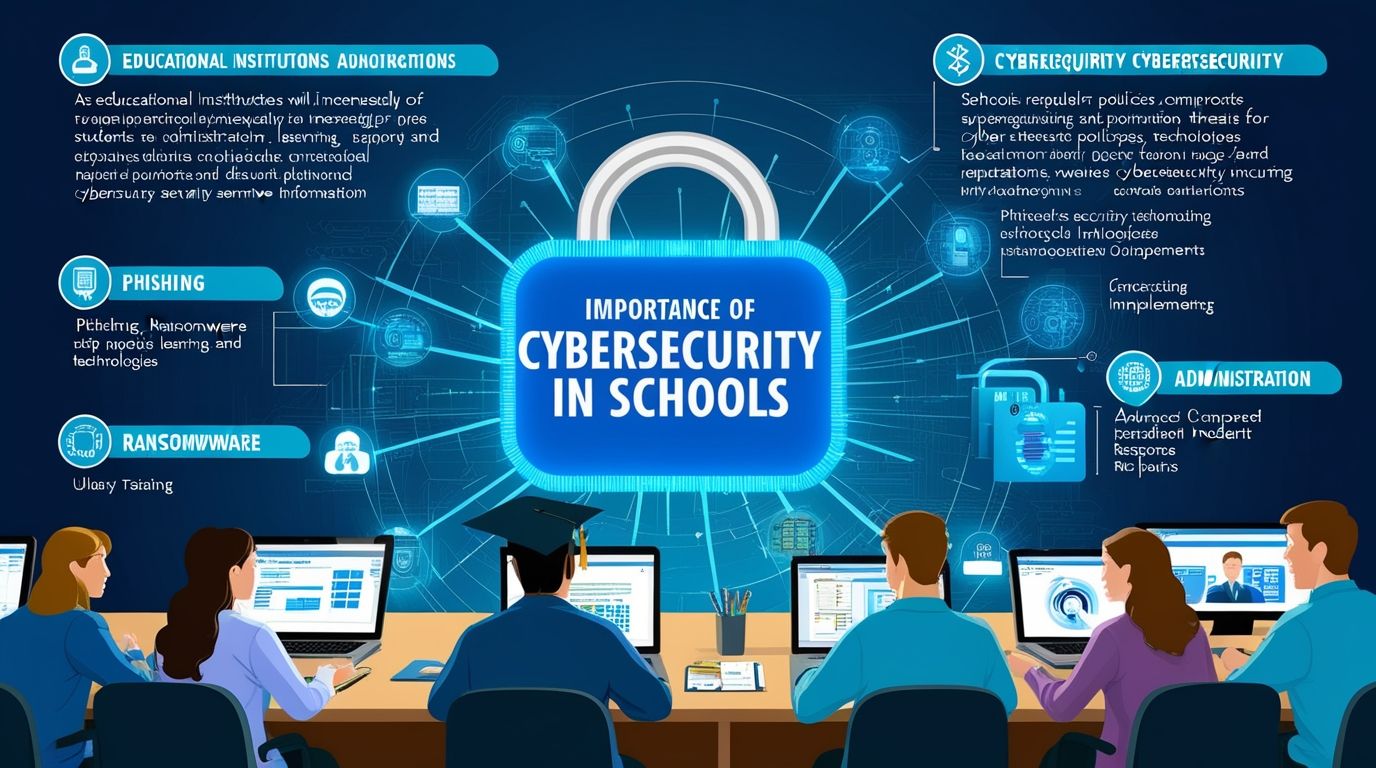
Schools now store vast amounts of sensitive information: student records, health data, grades, and even biometric details in some cases. A single security breach can expose thousands of students to identity theft, harassment, or worse. Beyond data protection, students face daily risks like cyberbullying, exposure to inappropriate content, online predators, and phishing scams disguised as school communications.
Cybersecurity in education isn’t just an IT problem anymore — it’s a fundamental part of student welfare. Schools that fail to prioritize safe internet usage put their students, staff, and reputation at risk. Insurance costs rise, parents lose trust, and in severe cases, schools face legal consequences for failing to protect minors under data privacy laws.
Recent years have seen a sharp rise in ransomware attacks targeting educational institutions. Attackers view schools as easy targets because many operate with limited IT budgets, outdated software, and minimal staff training. This makes network security in schools a pressing concern that administrators can no longer ignore.
Core Elements of a Secure School Network
Building a genuinely secure school network requires layers of protection working together. No single tool or policy solves the problem alone; instead, schools need a comprehensive approach that covers technology, policy, and people.
1. Robust Firewalls and Content Filtering
A strong firewall forms the first line of defense against external threats. Schools should pair firewalls with content filtering software that blocks access to harmful or age-inappropriate websites. Most countries legally require schools to filter content under laws like the Children’s Internet Protection Act (CIPA) in the United States. Filtering also helps reduce distractions, keeping students focused on educational content rather than social media or gaming sites during class hours.
2. Network Segmentation
Separating student devices, staff devices, and administrative systems onto different network segments limits the damage a single breach can cause. If a student’s laptop becomes infected with malware, segmentation prevents that infection from spreading to servers holding sensitive records. Many IT teams now treat network segmentation as a non-negotiable standard for school cybersecurity.
3. Multi-Factor Authentication (MFA)
Passwords alone rarely provide enough protection. Multi-factor authentication adds an extra verification step, making it significantly harder for attackers to access accounts even if they steal a password. Schools should require MFA for all staff accounts and, where possible, extend it to student accounts handling sensitive information.
4. Regular Software Updates and Patch Management
Outdated software remains one of the most common entry points for hackers. Schools must maintain a strict schedule for updating operating systems, applications, and security tools. Delayed patching leaves known vulnerabilities open for exploitation, so automating updates wherever feasible reduces human error and oversight.
5. Data Encryption
Encrypting data, both in transit and at rest, protects student and staff information even if a device gets lost or stolen. Schools handling health records, financial aid information, or disciplinary files should treat data encryption as a baseline requirement rather than an optional upgrade.
Building a Digital Citizenship Curriculum
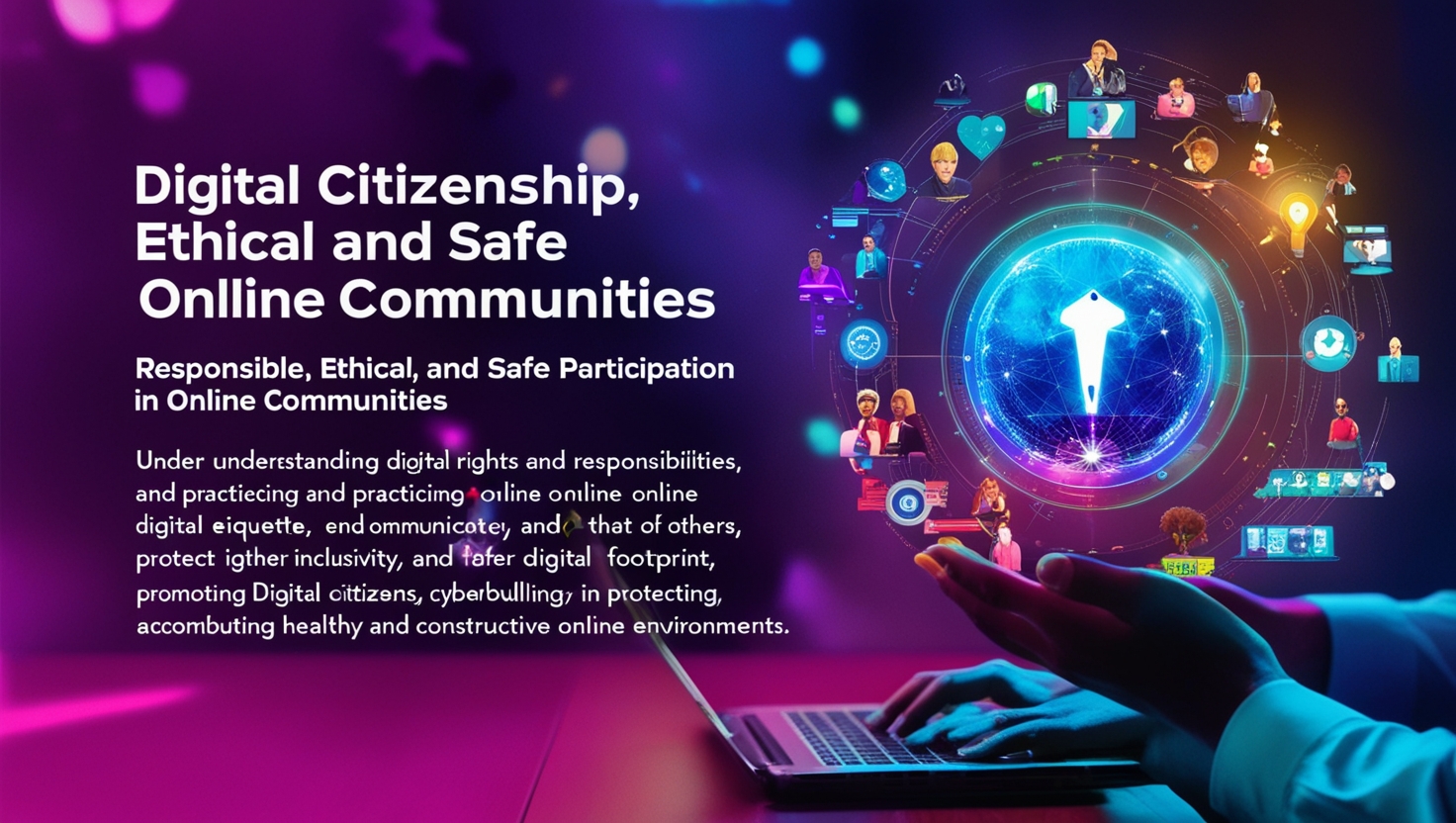
Technology alone cannot solve the problem. Students need to understand how to protect themselves online, recognize threats, and behave responsibly in digital spaces. This is where digital citizenship education becomes essential.
Teaching Students to Recognize Threats
Age-appropriate lessons should teach students to identify phishing emails, suspicious links, and fake websites. Younger students benefit from simple, memorable rules (“never click a link from someone you don’t know”), while older students can explore more nuanced topics like social engineering and identity theft.
Encouraging Responsible Social Media Use
Many students join social media platforms years before they fully understand the consequences of oversharing. Schools can incorporate lessons on privacy settings, digital footprints, and the long-term impact of online behavior on college admissions and future employment.
Addressing Cyberbullying Directly
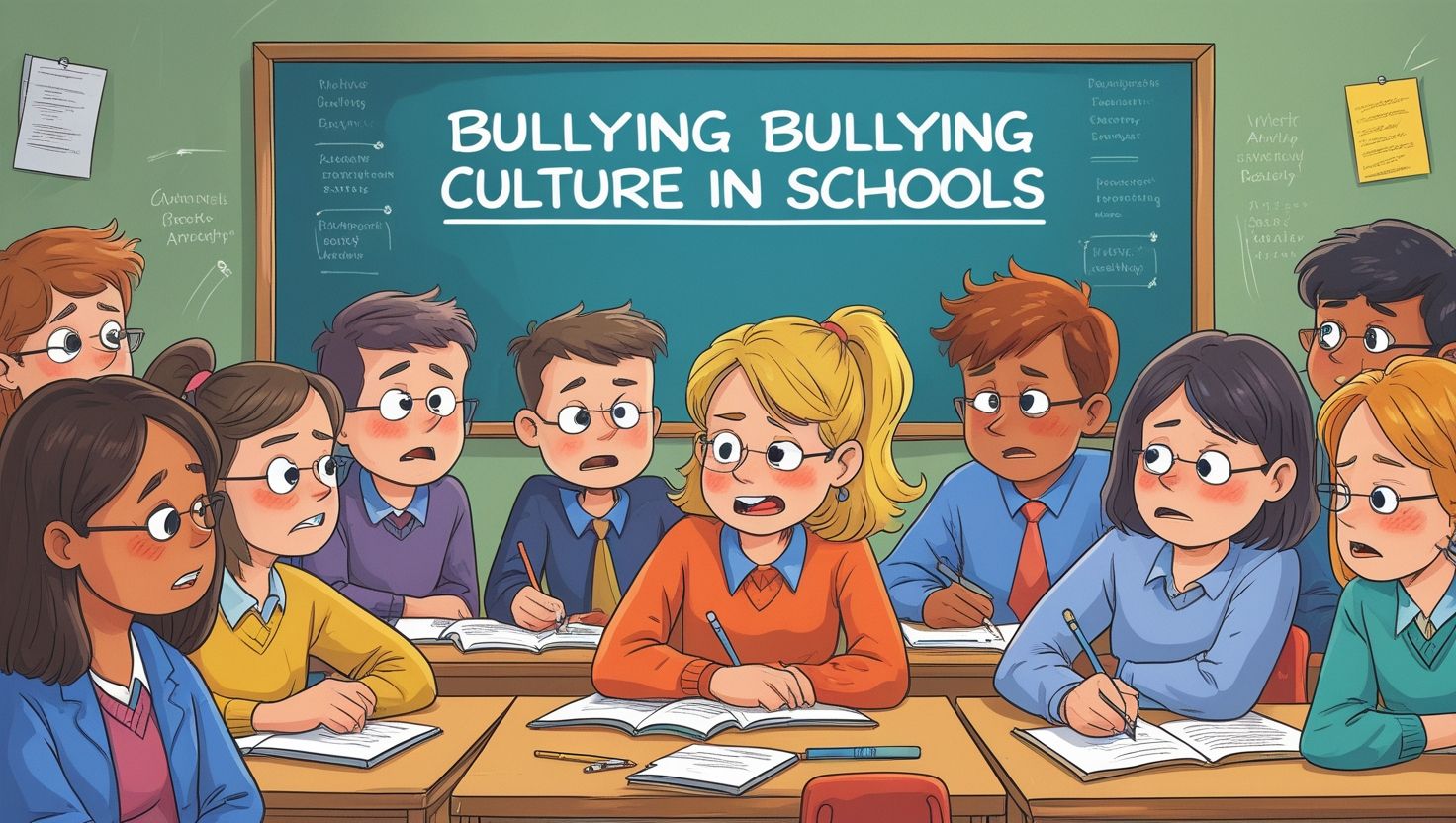
Cyberbullying prevention deserves dedicated attention within any digital citizenship program. Students should learn how to report bullying, support peers who experience it, and understand the emotional impact of online harassment. Schools that pair clear reporting mechanisms with genuine follow-through see far better outcomes than those relying on policy documents alone.
Password Hygiene and Account Security
Simple habits make a significant difference. Teaching students to create strong, unique passwords and avoid sharing login credentials with friends reduces the likelihood of account compromise. Schools can reinforce these habits through practical exercises rather than lectures alone.
Policies That Support Safe Internet Usage
Technology and education work best when supported by clear, enforceable policies. Every school needs a well-documented acceptable use policy (AUP) that outlines expectations for students, staff, and visitors using the school network.
Acceptable Use Policies
An effective AUP defines what devices and activities are permitted on school networks, consequences for violations, and procedures for reporting concerns. Schools should review and update this document annually to keep pace with evolving technology and threats.
Bring Your Own Device (BYOD) Guidelines
Many schools now allow students to bring personal devices for classroom use. While convenient, this practice introduces additional security challenges since personal devices often lack the protections found on school-issued equipment. Clear BYOD policies should specify which apps students can install, require antivirus software, and mandate connection through a secured guest network rather than the main administrative network.
Parental Consent and Communication
Parents deserve transparency about how schools monitor and protect their children online. Regular communication — through newsletters, parent portals, or dedicated meetings — helps build trust and ensures families understand their role in reinforcing safe habits at home.
The Role of Teachers and Staff Training
Teachers interact with technology daily, yet many receive minimal training on cybersecurity best practices. This gap creates vulnerabilities that attackers frequently exploit through targeted phishing campaigns aimed at school staff.
Ongoing Professional Development
Schools should schedule regular training sessions covering topics like recognizing phishing attempts, securing personal devices, and following data privacy protocols. One-time training during onboarding is not enough; threats evolve constantly, and staff knowledge needs to keep pace.
Establishing Clear Reporting Channels
Staff members need a simple, non-punitive way to report suspicious emails, potential breaches, or technical concerns. Fear of blame often discourages staff from reporting incidents promptly, which allows small problems to escalate into major breaches. A culture that rewards quick reporting, rather than punishing it, strengthens overall security.
Limiting Access Based on Role
Not every staff member needs access to every system. Applying the principle of least privilege — granting access only to the systems and data required for a specific role — significantly reduces the risk of accidental or malicious data exposure.
Monitoring and Responding to Threats
Even with strong preventive measures, schools must prepare for the possibility of an incident. Threat monitoring and incident response planning separate schools that recover quickly from those that suffer prolonged disruption.
Continuous Network Monitoring
Automated monitoring tools can flag unusual activity, such as large data transfers or repeated failed login attempts, before they escalate into full breaches. Investing in monitoring software pays for itself by catching problems early.
Incident Response Plans
A written incident response plan outlines exactly who does what during a breach: who leads the response, how to notify affected families, and how to restore systems safely. Schools that rehearse these plans through simulated drills respond far more effectively than those creating a plan only after an incident occurs.
Backup and Recovery Systems
Regular, tested backups ensure that a ransomware attack or system failure doesn’t result in permanent data loss. Backups should be stored separately from the main network, ideally in an encrypted, offsite location, so attackers cannot compromise both the live system and its backup simultaneously.
Balancing Access with Protection
Schools face a genuine tension between giving students meaningful access to digital tools and protecting them from harm. Overly restrictive filtering can block legitimate educational resources, frustrating teachers and students alike. On the other hand, insufficient filtering exposes students to real danger.
The most effective approach involves layered protection: strong technical safeguards combined with education that empowers students to make good choices independently. Filtering software catches obvious threats, while digital citizenship lessons prepare students for situations technology alone cannot anticipate. Neither element replaces the other; both are necessary for a genuinely safe learning environment.
The Future of School Cybersecurity
As artificial intelligence tools become more common in classrooms, new challenges emerge around data privacy, algorithmic bias, and the security of AI-powered platforms. Schools adopting these tools should vet vendors carefully, asking direct questions about data storage, encryption standards, and compliance with student privacy laws like FERPA and COPPA.
Cloud-based learning platforms, while convenient, also require careful vendor assessment. Before adopting any new educational technology, IT teams should verify that the provider follows industry-standard security practices and offers clear data deletion policies once a student graduates or transfers.
Investment in school cybersecurity will only grow in importance as classrooms become more connected. Districts that treat security as a foundational priority, rather than an afterthought, position themselves to adapt confidently as new technologies and threats emerge.
Conclusion
Creating a safe and secure internet environment in schools requires far more than installing a firewall or blocking a few websites. It demands a coordinated effort across technology, policy, and education — one that involves administrators, teachers, parents, and students working together toward a shared goal.
Schools that invest in strong technical infrastructure, clear policies, and genuine digital citizenship education give their students the tools to thrive both academically and personally in an increasingly connected world. The effort required is significant, but the payoff — safer students, protected data, and a stronger foundation of trust — makes it one of the most valuable investments a school can make.
Frequently Asked Questions
1. What is the most important step a school can take to improve internet safety? No single step solves the problem completely, but combining strong content filtering with regular staff and student training on cybersecurity awareness delivers the biggest impact for most schools. Technology blocks known threats, while education helps everyone recognize new ones.
2. How often should schools update their acceptable use policy? Schools should review their acceptable use policy at least once a year, and update it immediately whenever new technology, platforms, or significant incidents require a policy change. Technology evolves quickly, so an outdated policy leaves gaps that attackers or careless users can exploit.
3. Are personal devices (BYOD) safe to use on school networks? Personal devices can be safe when schools enforce clear BYOD guidelines, including antivirus requirements, restricted app permissions, and connection through a separate guest network. Without these safeguards, personal devices introduce significant risk to the broader school network.
4. How can parents support internet safety efforts at home? Parents can reinforce lessons taught at school by discussing online safety regularly, monitoring young children’s screen time, and encouraging open conversations about any uncomfortable online experiences. Consistent messaging between home and school strengthens a child’s overall understanding of safe internet usage.