

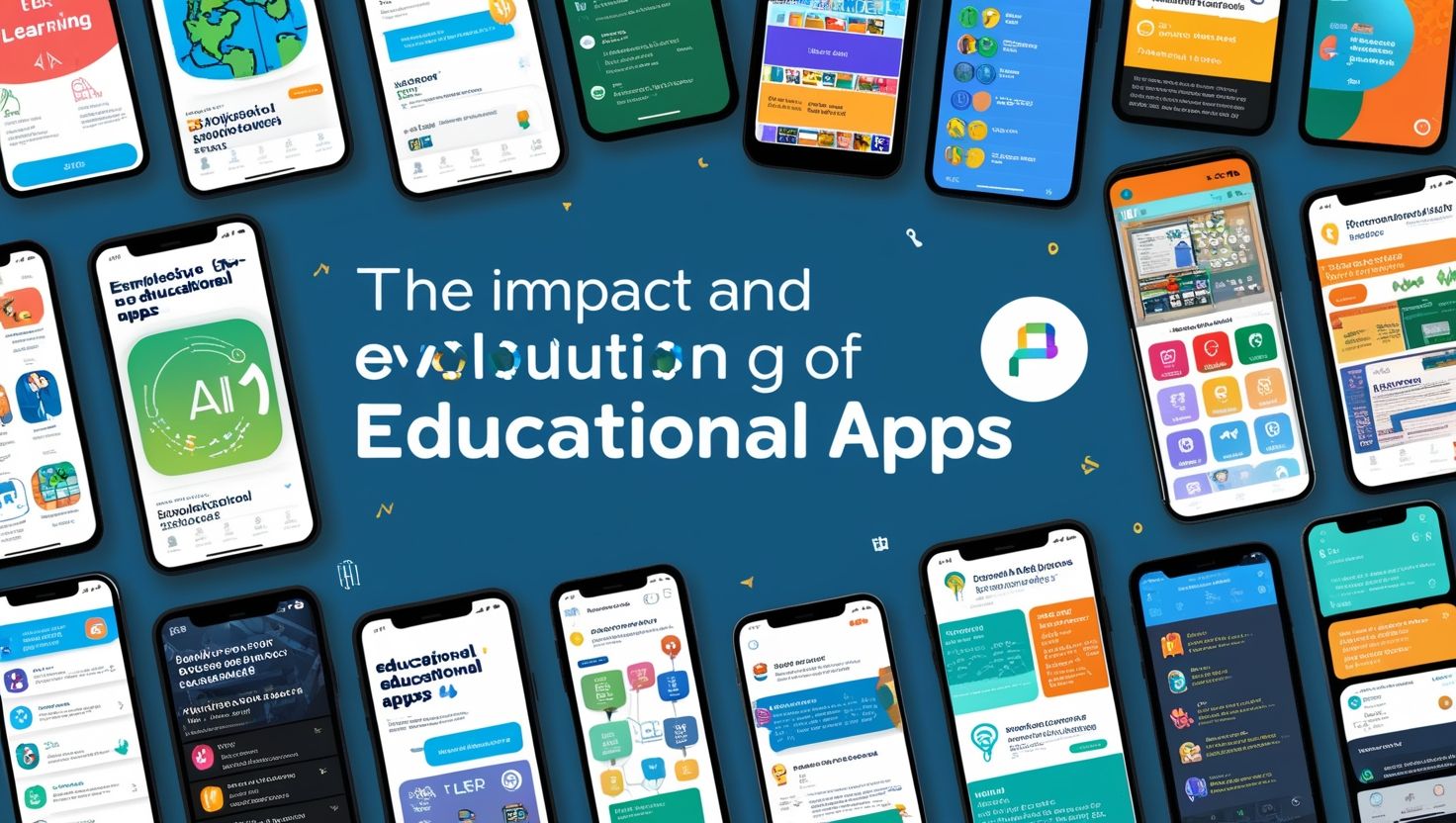
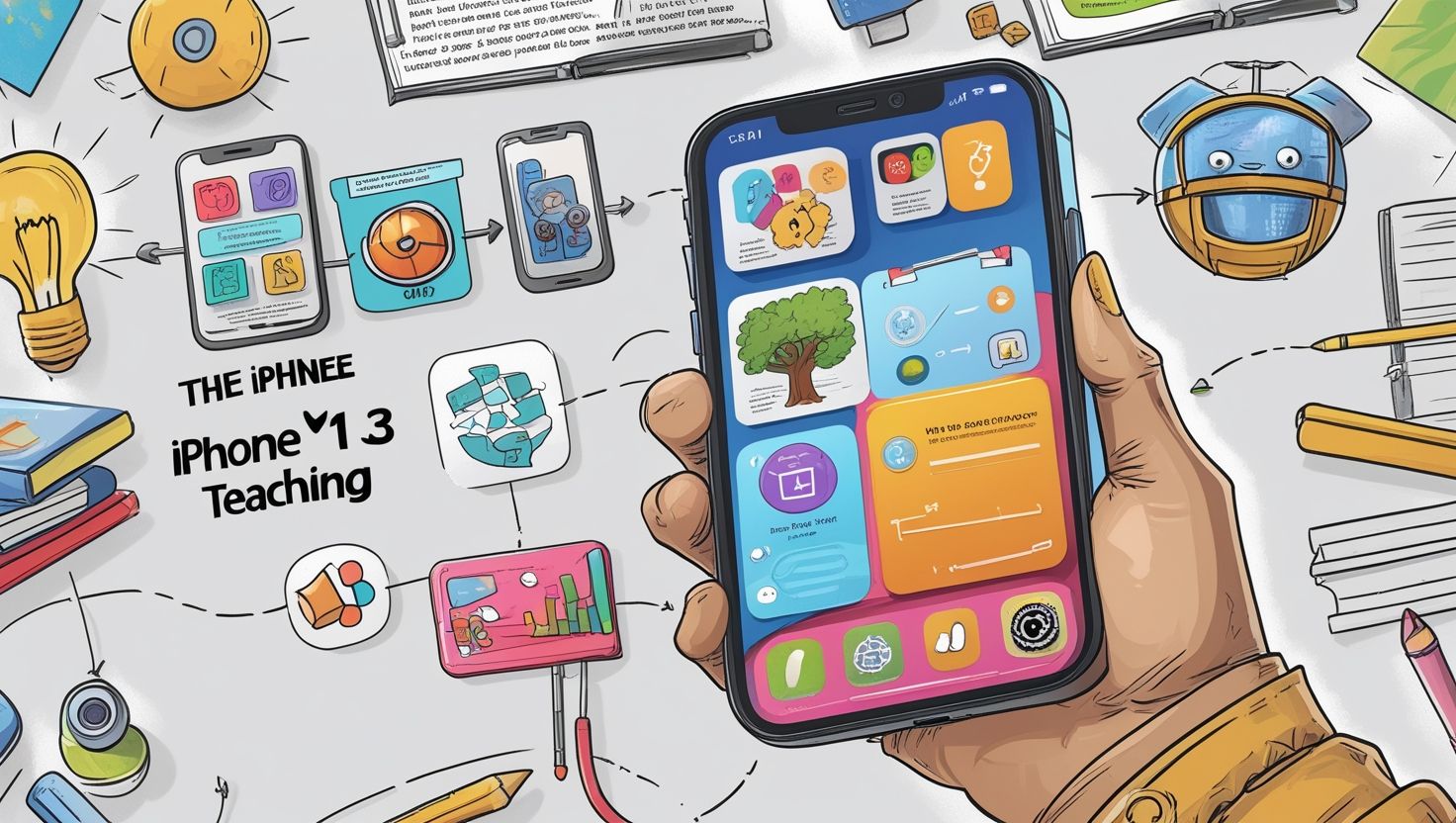
Best Free Apps for Teaching and Learning in 2026, Technology shapes classrooms today more than ever before. Teachers search for reliable free apps for teaching and learning because budgets shrink while student needs grow. This guide covers the most useful educational apps, explains how each tool supports different subjects, and helps you pick the right mix for your classroom or home-school setup.
Whether you teach kindergarten or run a college seminar, the right learning apps save you hours of prep time and boost student engagement. We break down apps by category — classroom management, language learning, quizzes, creativity, and communication — so you can find exactly what fits your teaching style.
Why Free Apps Matter for Modern Classrooms
Schools face tight budgets every year. Many districts cannot afford premium software licenses for every teacher and student. Free educational apps close this gap. They give teachers professional-grade tools without extra cost, and they let students practice skills outside school hours on devices they already own.
Free apps also level the playing field for students from different economic backgrounds. A student without access to expensive tutoring can still practice math on Khan Academy or build vocabulary through Duolingo. This accessibility matters because it supports equity in education, not just convenience for teachers.
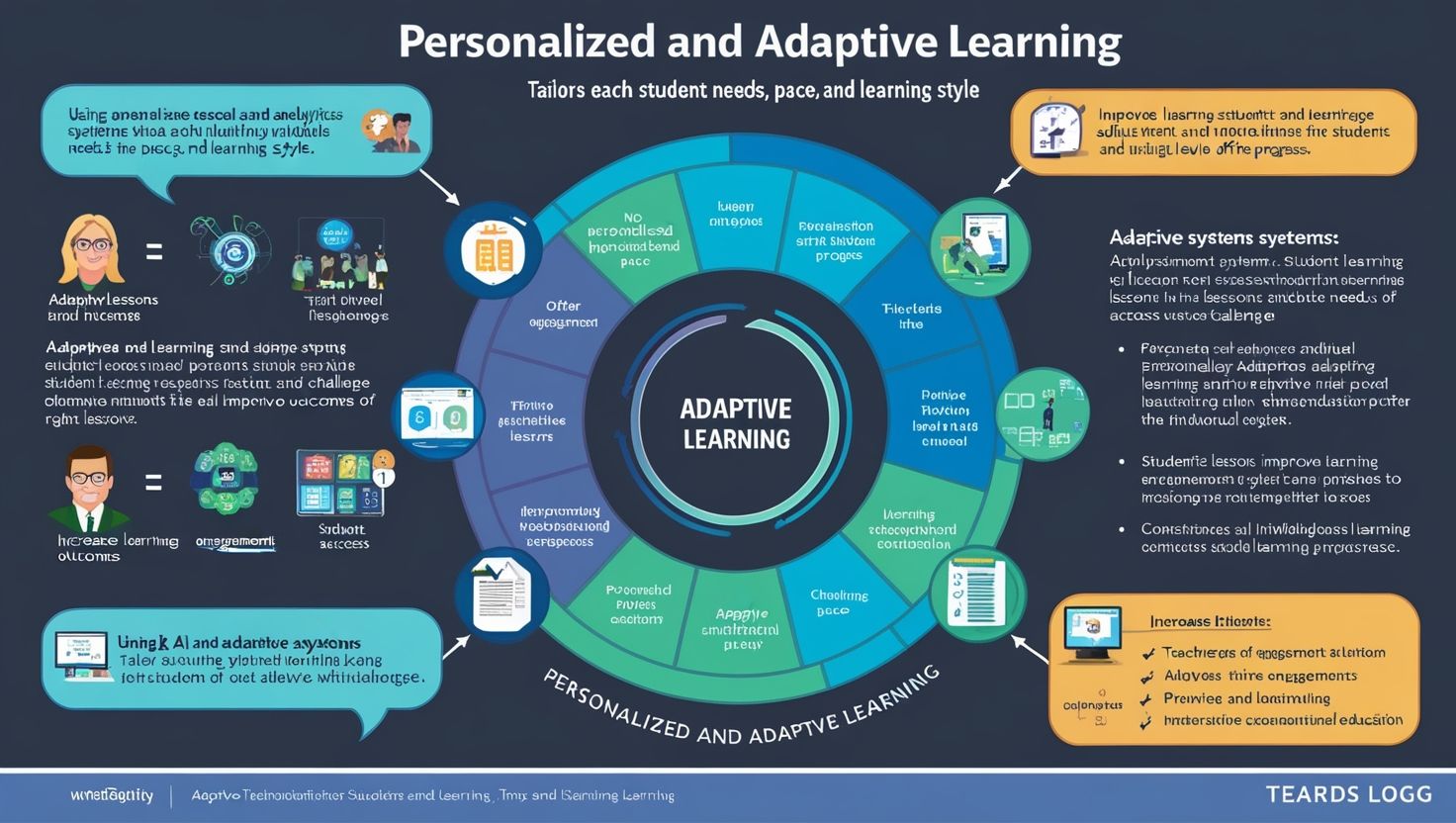
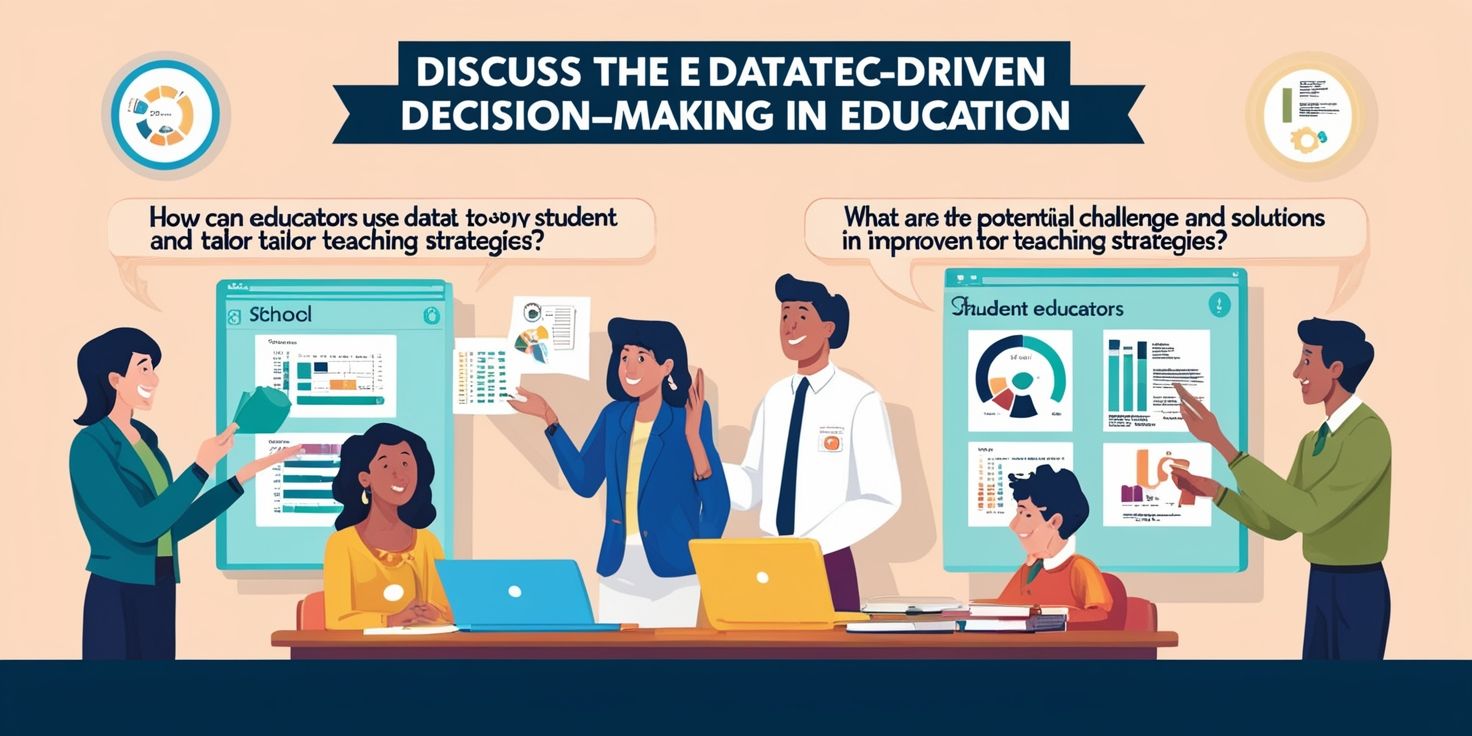
Beyond cost savings, these apps often include built-in analytics. Teachers track student progress in real time, spot gaps early, and adjust lesson plans accordingly. This data-driven approach improves outcomes without requiring teachers to build tracking systems from scratch.
Top Classroom Management Apps
Classroom management apps organize assignments, grades, and communication in one place. These tools reduce paperwork and streamline daily operations.
Google Classroom
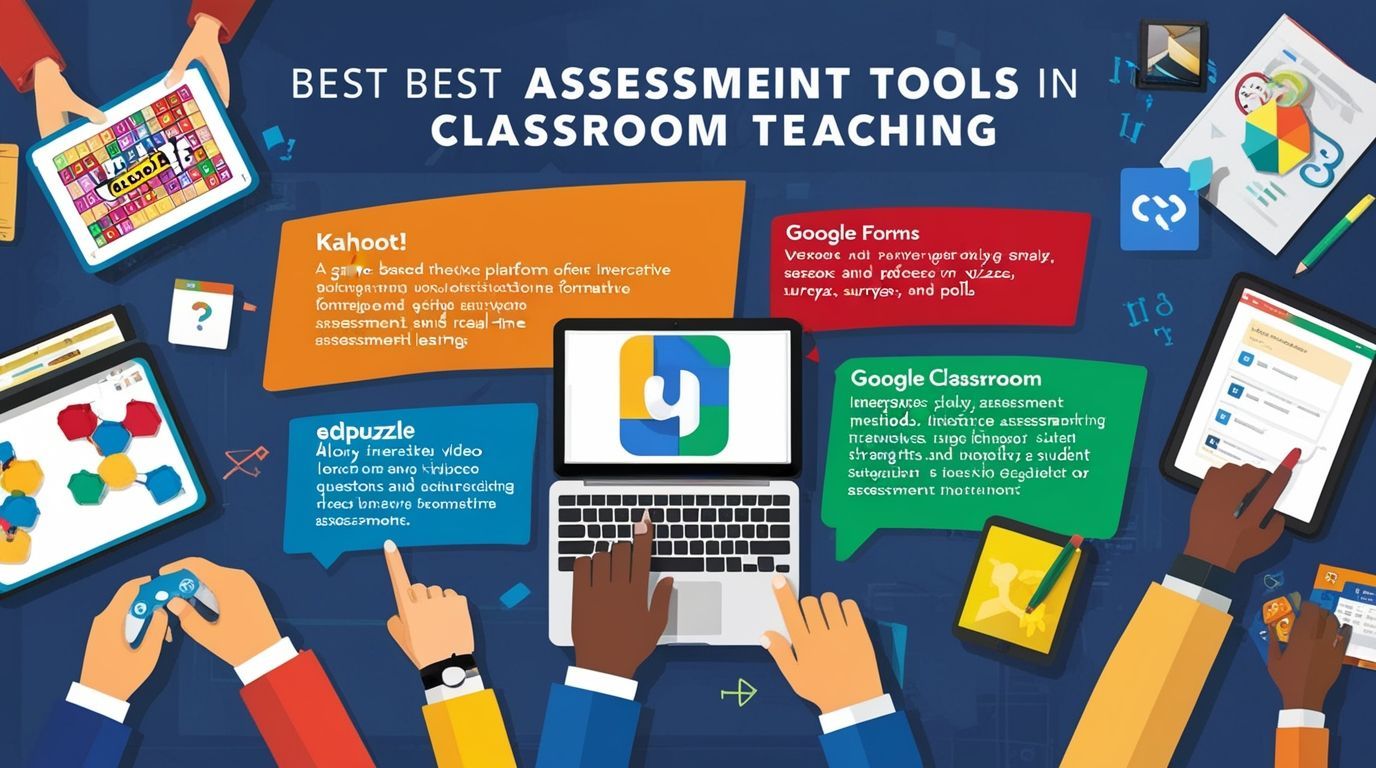
Google Classroom remains one of the most popular free teaching apps worldwide. Teachers create assignments, share resources, and grade student work directly within the platform. Students submit homework digitally, which eliminates lost papers and late submissions caused by forgotten assignments.
The app integrates smoothly with Google Docs, Google Sheets, and Google Drive. Teachers build entire lesson libraries and share them instantly with an entire class or a single student. Parents also receive summary emails, which keeps them informed about deadlines and grades.
Seesaw
Seesaw works especially well for elementary classrooms. Students document their learning through photos, videos, drawings, and voice recordings. Parents view this portfolio anytime, which strengthens the connection between home and school.
Teachers post activities, and students respond directly within the app. This format suits younger learners who struggle with typing long responses. Seesaw turns daily classwork into a visual journal that students and parents can revisit throughout the year.
Edmodo
Edmodo functions like a social network built specifically for education. Teachers post assignments, quizzes, and polls, while students interact in a safe, moderated space. The platform supports file sharing, grade tracking, and parent communication, making it a solid all-around choice for middle and high school teachers.
Best Free Apps for Interactive Learning
Interactive apps turn passive lessons into engaging activities. Students learn faster when they participate actively rather than just listen.
Kahoot!
Kahoot! transforms review sessions into game-show-style competitions. Teachers create quizzes on any topic, and students answer questions on their own devices while watching results appear on a shared screen. The competitive element motivates students to pay close attention and study material more thoroughly.
Teachers use Kahoot for formative assessment, icebreakers, and even end-of-unit reviews. The free version offers enough features for most classroom needs, including image-based questions and true/false formats.
Quizlet
Quizlet helps students memorize facts, vocabulary, and formulas through flashcards and practice tests. The app generates multiple study modes automatically, including matching games and spaced-repetition quizzes. Students build their own flashcard sets or search millions of sets created by other users worldwide.
Teachers assign Quizlet sets as homework, and the app tracks each student’s mastery level. This feature helps identify which concepts need additional review before a test.
Blooket
Blooket combines trivia questions with game mechanics similar to popular video games. Students answer content questions correctly to earn in-game rewards, which keeps engagement high even during repetitive review sessions. Teachers appreciate the variety of game modes, since switching formats prevents students from getting bored with the same routine.
Language and Literacy Apps
Reading and language skills form the foundation for every other subject. These apps target literacy development directly.
Duolingo
Duolingo teaches over 40 languages through short, gamified lessons. The app adapts difficulty based on user performance, and daily streaks encourage consistent practice. Many world language teachers assign Duolingo lessons as supplemental homework, since the app reinforces vocabulary and grammar outside class time.
Epic!
Epic! offers thousands of digital books, audiobooks, and educational videos for children up to age 12. Teachers create custom reading lists based on grade level or topic, and the app tracks reading minutes automatically. This tracking feature simplifies reading log requirements that many elementary teachers assign.
Grammarly
Grammarly checks grammar, spelling, and clarity in student writing. Older students benefit from real-time feedback as they draft essays, which builds stronger writing habits over time. Teachers recommend Grammarly for revision stages, though students should still develop independent editing skills rather than relying on the tool entirely.
Creative and STEM Learning Apps
Creativity and STEM apps let students build, design, and experiment. These tools develop problem-solving skills that traditional worksheets rarely capture.
Canva for Education
Canva for Education gives students free access to design tools for posters, presentations, and infographics. Students create visual projects that demonstrate understanding in ways a written report cannot always achieve. Teachers use Canva templates to build engaging slideshows, worksheets, and classroom signage quickly.
Scratch
Scratch, developed by MIT, introduces coding concepts through a drag-and-drop interface. Students build animations, games, and interactive stories while learning programming logic. This app suits computer science classes and STEM clubs, and it works well for students with no prior coding experience.
PhET Interactive Simulations
PhET provides free science and math simulations covering physics, chemistry, biology, and math. Students manipulate variables and observe results instantly, which builds intuition for abstract concepts like electric circuits or chemical reactions. Teachers use these simulations for labs when physical equipment is unavailable or unsafe.
Communication and Collaboration Apps
Strong communication between teachers, students, and parents supports better learning outcomes. These apps facilitate that connection.

Remind
Remind sends text-style messages to students and parents without exposing personal phone numbers. Teachers post reminders about homework, tests, and events, and families reply directly through the app. This simple communication tool reduces missed deadlines significantly.
Zoom
Zoom supports live video instruction for remote or hybrid classrooms. Breakout rooms allow small-group discussions, and screen sharing lets teachers demonstrate concepts visually. Many schools rely on Zoom for tutoring sessions, parent conferences, and guest speaker visits.
Padlet
Padlet creates a shared digital bulletin board where students post text, images, links, and videos. Teachers use Padlet for brainstorming sessions, exit tickets, and collaborative projects. The visual layout helps students see classmates’ contributions instantly, which sparks discussion and peer learning.
How to Choose the Right App for Your Classroom
Selecting the best app depends on several factors. Consider your subject area first, since a math teacher needs different tools than an art teacher. Age group matters too — younger students need simpler interfaces with large buttons and minimal text, while older students can handle more complex platforms.
Check the privacy policy before adopting any app, especially one involving personal student data. Reputable educational technology companies follow strict data protection standards, but policies vary widely between developers. School administrators often maintain an approved list of tools that meet district privacy requirements.
Test each app yourself before introducing it to students. Spend fifteen minutes exploring the interface, creating a sample assignment, and checking how grading works. This preparation prevents technical confusion during actual class time and builds your confidence with the tool.
Finally, gather feedback from students after using a new app for a few weeks. Their experience reveals whether the tool genuinely improves learning or simply adds extra steps to existing routines. Adjust your app selection based on this feedback each semester.
Final Thoughts
Free apps offer teachers powerful ways to enhance instruction without straining school budgets. From Google Classroom for organization to Kahoot! for engagement, each tool serves a specific purpose within a broader teaching strategy. Start with one or two apps that address your biggest classroom challenge, master those tools, and expand your toolkit gradually.
The best teaching and learning apps work quietly in the background, supporting instruction rather than distracting from it. Choose tools that match your teaching goals, respect student privacy, and genuinely improve outcomes for the students you serve.
Frequently Asked Questions
1. Are free educational apps as effective as paid versions?
Free versions cover most classroom needs, including quizzes, flashcards, and basic classroom management. Paid tiers usually add extra storage, advanced analytics, or ad-free experiences, but the core learning features remain strong in free plans.
2. Which free app works best for elementary students?
Seesaw and Epic! suit elementary classrooms particularly well. Both apps use simple, visual interfaces that young students navigate independently, and both connect parents to daily classroom activities.
3. Can these apps replace a teacher’s instruction?
No app replaces direct instruction from a teacher. These tools support and reinforce lessons, provide practice opportunities, and simplify administrative tasks, but human guidance remains essential for deep understanding and social-emotional growth.
4. Do free apps collect student data?
Most apps collect some data to function, such as usage statistics and login information. Check each app’s privacy policy carefully, and confirm the tool complies with regulations like FERPA or COPPA before using it with students under 13.































































































































































Might have a story for you! Would love to be featured in your writing.
My name is Bryce Casper and I co-founded HiiPointe Games LLC in Kansas City. We have built a free math app game for both students and teachers and would love to have our free game featured on your website! We believe that we have created a version of the “Wordle of math”. And it’s fun to play lol. It’s live on both app stores as “37 – The Math Puzzle” and I’ve included details about the game below. Please let me know if you have any interest.
The game: 7 dice are randomly rolled, use all dice, each dice once, to build an equation to 37 using addition, subtraction, multiplication, division, exponents and parentheses. Learn order of operations with the in-game tutorials and utilize the in-depth Stats page to track your mental math speed progress! Group learning is prompted throughout the game – Daily leaderboards and the Blitz Colosseum allow players to compete to see who can solve math equations the fastest and learn from each other’s broken down equations. Designed with children in mind, the game complies with the Children’s Online Privacy Protection Act (COPPA) and doesn’t include any in-game messaging features. Roll the dice today and see how “37 – The Math Puzzle” can make math fun!
Any interest? Any questions?
Thanks,
-Bryce Casper