
Introduction
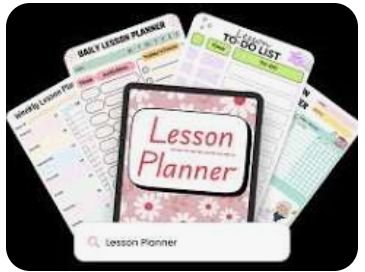
Best Lesson Plan Apps for Teaching, Teachers juggle dozens of tasks every day, and planning lessons often eats up hours that could go toward grading, mentoring, or simply resting. Lesson plan apps solve this problem by giving educators a structured, digital way to organize curriculum content, track standards, and share materials with colleagues. This guide explores the best lesson planning software available today, the features that matter most, and practical tips for choosing a tool that fits your classroom.
Why Teachers Need Lesson Plan Apps
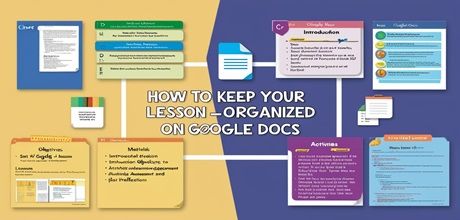
Traditional paper planners and scattered spreadsheets slow teachers down. A lesson plan app centralizes everything in one place: objectives, materials, assessments, and timelines. Teachers save time, reduce stress, and gain a clear picture of their curriculum pacing across the semester.
Schools also benefit when staff use the same teaching apps. Administrators can review plans quickly, substitute teachers can step in without confusion, and departments can align their content with state or national standards. Many districts now require digital lesson documentation, so adopting the right tool early gives teachers a head start.
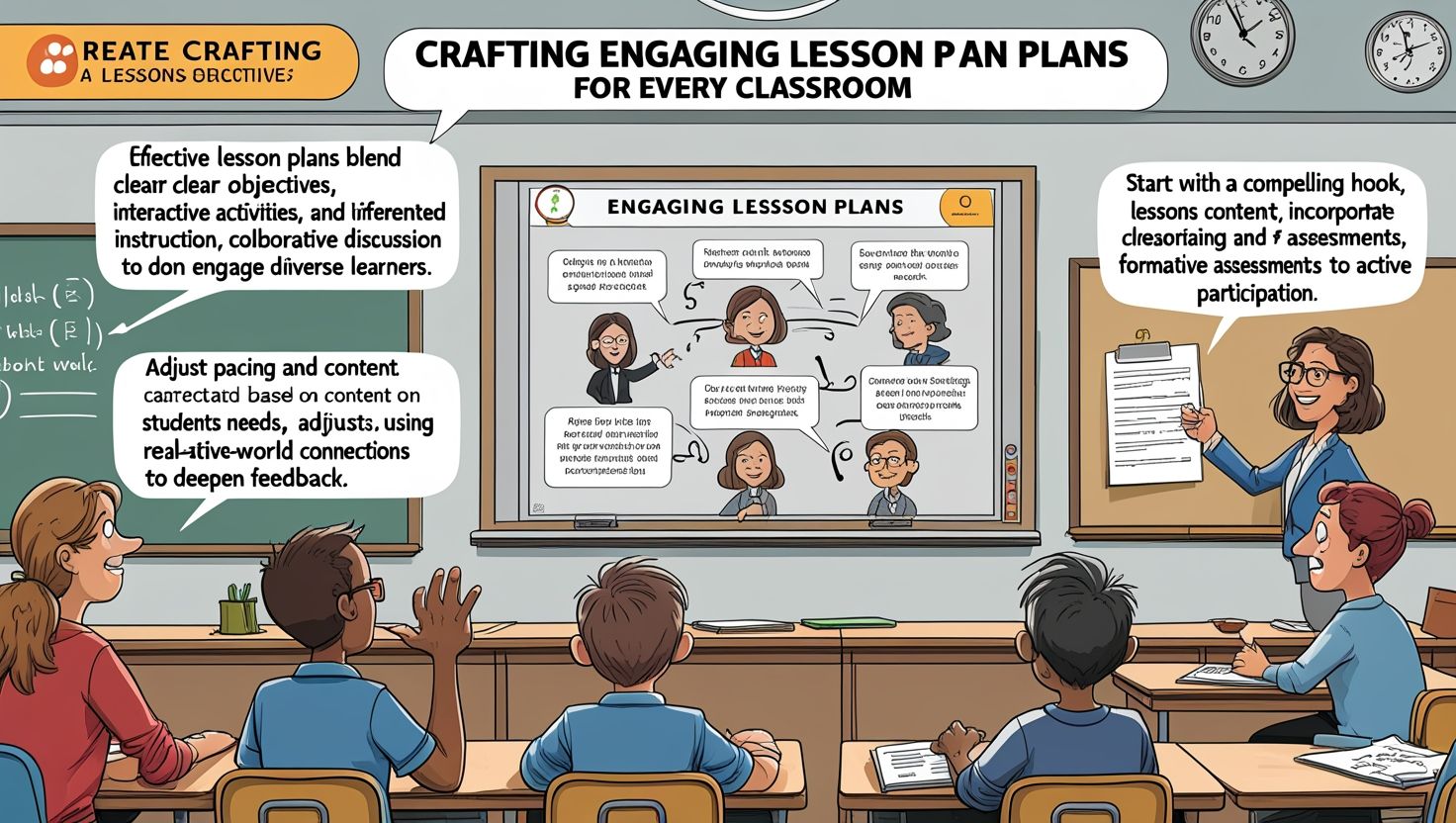
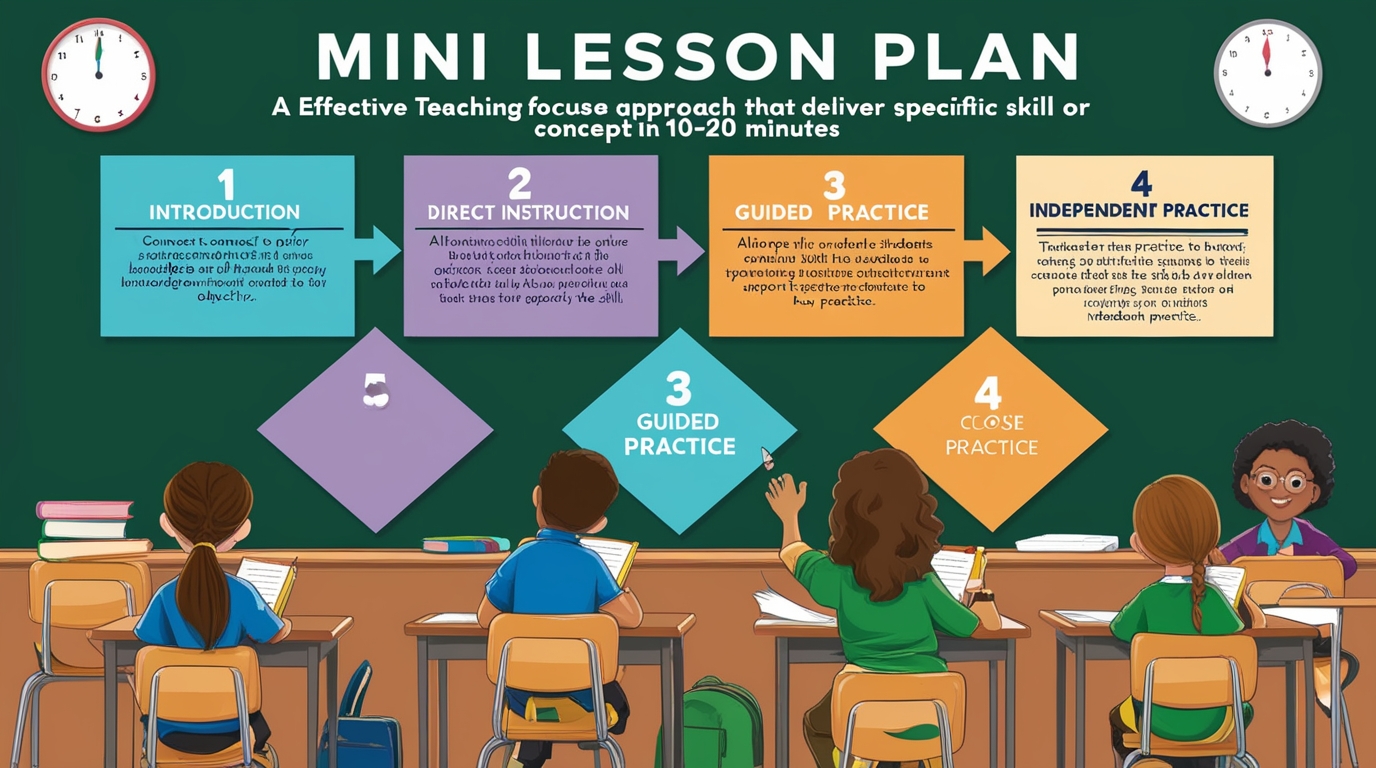
Beyond convenience, these apps support better teaching outcomes. Built-in templates encourage teachers to include clear learning goals, differentiated instruction strategies, and formative assessment checkpoints. Some platforms even suggest activities based on grade level and subject, which sparks new ideas for lessons that might otherwise feel repetitive.
Key Features to Look For in a Lesson Planning App
Not every app suits every classroom. Before choosing one, consider these core features.
1. Standards Alignment
A strong digital lesson plan tool links directly to Common Core, state standards, or international curricula. Teachers tag each lesson with the relevant standard, which makes reporting and accreditation reviews far easier.
2. Collaboration Tools
Modern classrooms rarely operate in isolation. Grade-level teams and departments plan together, so the app should allow shared folders, comments, and real-time editing. Collaboration features cut down on duplicate work and keep everyone on the same page.
3. Template Libraries
Ready-made templates speed up the planning process significantly. Teachers pick a format, fill in the specifics, and adjust as needed instead of starting from a blank page each week.
4. Integration With Learning Management Systems
Apps that connect with Google Classroom, Canvas, or Seesaw let teachers push assignments and materials directly to students. This integration removes the extra step of copying content between platforms.
5. Offline Access
Not every school has reliable Wi-Fi. Teachers benefit from apps that store plans locally and sync automatically once a connection returns.
6. Customizable Calendars
A visual calendar view helps teachers map out units, holidays, and testing windows at a glance. Drag-and-drop scheduling makes it simple to shift lessons when the pace changes.
Top Lesson Plan Apps for Teaching in 2026
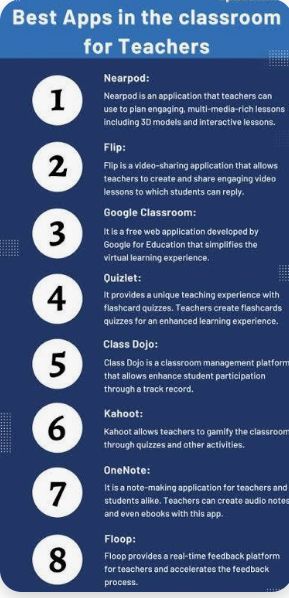
Here’s a closer look at some of the most popular classroom planning tools teachers currently rely on.
Planbook
Planbook remains a favorite among K-12 educators. It offers a clean weekly calendar, standards tagging, and file attachments. Teachers can share plans with administrators or substitutes in a few clicks, and the app supports multiple class schedules for teachers who move between grade levels.
Common Curriculum
Common Curriculum focuses heavily on collaboration. Departments build shared unit plans, and the platform automatically syncs standards across every lesson. The interface feels intuitive, so new teachers pick it up quickly.
OneNote Class Notebook
Microsoft’s OneNote Class Notebook works well for schools already using Microsoft 365. Teachers organize lesson content, handouts, and student notebooks in one workspace, and the note-taking format suits visual planners who like sketching out ideas.
Google Classroom (with Planning Extensions)
Google Classroom isn’t a dedicated lesson planner, but paired with add-ons like Chatterpix or Planbook’s Google integration, it becomes a powerful hub for both planning and delivery. Many teachers appreciate keeping everything inside the Google ecosystem they already use daily.
Additio
Additio combines lesson planning with gradebook management. Teachers track attendance, behavior notes, and academic progress alongside their daily plans, which reduces the need to switch between separate tools.
Chalk
Chalk targets larger school districts that need centralized curriculum management. Administrators gain visibility into every teacher’s plans, and the platform generates reports for accreditation and compliance purposes.
Planboard
Planboard offers a straightforward, no-frills approach to weekly and monthly planning. Its clean design appeals to teachers who want simplicity over a long list of advanced features.
How to Choose the Right App for Your Classroom
Selecting the best lesson plan app depends on a few personal and institutional factors.
Consider your subject and grade level. Elementary teachers often value visual calendars and simple templates, while high school teachers managing multiple preps may need robust standards tagging and cross-class organization.
Check your school’s existing tech stack. An app that integrates smoothly with your district’s learning management system saves setup time and prevents duplicate data entry.
Think about collaboration needs. Teachers working in professional learning communities should prioritize apps with shared workspaces and commenting features.
Test the free trial. Most lesson planning software providers offer a free version or trial period. Spend a week building actual lessons before committing to a paid plan.
Review pricing carefully. Some apps charge per teacher, others per school or district. Budget-conscious educators should compare annual costs against the time saved each week.
Benefits of Using Lesson Plan Apps
Switching from paper to digital planning brings measurable advantages.
- Time savings: Templates and reusable content cut planning time by hours each week.
- Better organization: Teachers store years of lessons in searchable archives instead of paper binders.
- Easier substitute coverage: Substitute teachers access clear instructions without hunting through folders.
- Improved accountability: Administrators review plans remotely and provide feedback faster.
- Data-driven adjustments: Teachers spot pacing issues early and adjust units before falling behind.
- Environmental impact: Digital plans reduce paper waste across an entire school year.
Common Challenges When Adopting a Lesson Plan App
Every new tool comes with a learning curve. Teachers sometimes resist switching from familiar paper methods, especially mid-year. Schools can ease this transition by offering short training sessions and pairing new users with experienced mentors on the platform.
Data migration also causes friction. Moving years of lesson content from binders or spreadsheets takes time, so many teachers start fresh with the new tool for the current term and gradually digitize older material.
Cost presents another hurdle for smaller schools or individual teachers paying out of pocket. Comparing free versions against premium tiers helps identify which features actually matter before spending money on extras that go unused.
Tips for Getting the Most Out of Your Lesson Plan App
- Start small. Build one week of lessons before mapping out an entire semester.
- Use templates consistently. Consistency makes it easier for colleagues and substitutes to follow your plans.
- Tag every standard. This habit saves significant time during evaluations and accreditation reviews.
- Back up your work. Even cloud-based apps benefit from periodic exports, just in case.
- Review and revise. Set aside ten minutes each Friday to reflect on what worked and update upcoming lessons accordingly.
Final Thoughts
Choosing the right lesson plan app transforms how teachers prepare, organize, and deliver instruction. The best tool fits naturally into a teacher’s existing workflow, supports collaboration, and keeps standards front and center. Whether you teach kindergarten or AP Calculus, a well-chosen teaching app frees up hours for the parts of the job that matter most — connecting with students and refining instruction based on real classroom needs.
Educators who invest time in finding the right platform early in the school year set themselves up for a smoother, more organized, and less stressful year ahead.
Frequently Asked Questions
1. What is the best free lesson plan app for teachers? Google Classroom paired with free planning add-ons works well for teachers on a tight budget. Planbook and Planboard also offer limited free versions that cover basic weekly planning needs.
2. Can lesson plan apps align with state or national standards? Yes. Most modern lesson planning software, including Common Curriculum and Chalk, includes built-in standards libraries. Teachers tag lessons directly, which simplifies reporting during evaluations.
3. Are lesson plan apps suitable for substitute teachers? Absolutely. Apps like Planbook let teachers share specific lessons or entire units with substitutes, giving them clear instructions, attached files, and timing details without extra explanation.
4. Do lesson plan apps work offline? Some do. Apps such as OneNote Class Notebook save content locally and sync once an internet connection returns, which helps teachers in schools with unreliable Wi-Fi.


































































































































































































































































































































Thực sự mình đã chinh chiến qua không ít nhà cái nhưng nhà cái KP88 vẫn là nơi làm mình yên tâm nhất về khoản sòng phẳng và uy tín trong năm 2026 này. Hệ thống nạp rút tự động ở đây xử lý cực nhanh, lúa về ví ngân hàng chỉ sau đúng 3 phút mà không cần chờ đợi xét duyệt rườm rà hay gặp bất kỳ khó khăn nào. Anh em nào còn đang lăn tăn tìm sân chơi xanh chín để đầu tư lâu dài thì cứ mạnh dạn gia nhập cộng đồng KP88.COM, đảm bảo trải nghiệm giao dịch tại đây sẽ không làm bạn thất vọng đâu.